No products in the cart.

Most SEO software today runs in the browser. Platforms like Semrush, Ahrefs, and Moz Pro work perfectly on a Mac, but they aren’t native desktop applications.
Desktop SEO software isn’t the center of most SEO workflows anymore, but it’s still extremely useful for technical audits, site migrations, troubleshooting, and website analysis.
For most SEO work, using a Mac versus Windows doesn’t make much difference. The main distinction is that there are relatively few native desktop SEO applications available for macOS, which makes the ones that do exist worth highlighting.
If you’re specifically looking for SEO software you can download and run locally on macOS, the list becomes much shorter. Fortunately, a few excellent options still exist.
Best Mac SEO Software
These are the desktop SEO tools for Mac that I think are actually worth keeping in your toolkit:
- Screaming Frog: The industry standard desktop SEO crawler. Best for technical audits, site migrations, internal linking analysis, and troubleshooting website issues.
- Sitebulb: A more visual and approachable desktop SEO crawler with excellent reporting features. Particularly useful for consultants and agencies creating client-facing audits.
- SEO PowerSuite: An all-in-one desktop SEO suite that combines rank tracking, website auditing, backlink analysis, and other SEO tools in a single application.
Why Use Desktop SEO Software on a Mac?
It’s worth noting that desktop SEO software occupies a much smaller role in modern SEO than it did ten years ago.
For most businesses and SEO professionals, the foundation of an SEO toolkit today consists of cloud-based platforms and Google’s free tools. Platforms like Semrush, Ahrefs, and Moz are designed for ongoing campaign management, keyword research, backlink analysis, competitive research, and performance tracking. Google Search Console and Google Analytics remain essential for understanding how websites actually perform in search.
Tools like Screaming Frog, Sitebulb, and SEO PowerSuite are particularly useful when you need to perform technical audits, analyze website structure, troubleshoot problems, or prepare for major website changes such as migrations and redesigns.
For many SEO professionals, the ideal setup combines a cloud platform, Google’s free tools, and one or two desktop applications.
Screaming Frog SEO Spider
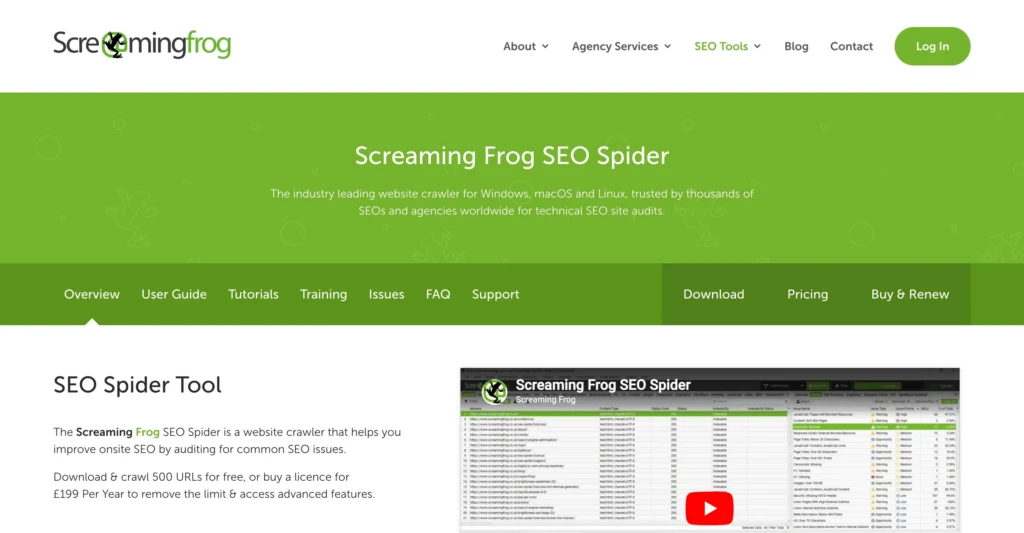
If you spend enough time working in SEO, you’ll probably end up using Screaming Frog.
I’ve used it for everything from technical audits to site migrations, internal linking analysis, redirect mapping, and troubleshooting indexing problems. It remains one of the few tools that can quickly answer the question, “What is actually happening on this website?”
The interface is not particularly friendly. It looks and feels like software built by engineers for engineers. But once you become comfortable with it, it’s hard to replace.
Some of the tasks I use Screaming Frog for most often include:
- Finding broken pages and redirects
- Auditing title tags and meta descriptions
- Discovering duplicate content
- Reviewing internal linking structures
- Checking canonical tags
- Extracting structured data
- Preparing website migrations
The free version supports up to 500 URLs, which is enough for many small sites. The paid version removes crawl limits and unlocks many advanced features.
The biggest downside is the learning curve. It’s incredibly powerful, but it can also feel overwhelming the first time you open it.
However, one of Screaming Frog’s biggest strengths is that it scales with your experience level. You can start by using it to find broken links and missing title tags, then gradually move into more advanced features such as:
- JavaScript rendering
- Custom extraction
- Log file analysis
- Crawl comparisons
- API integrations
- Automated reporting
One reason Screaming Frog remains so popular is that it integrates well with the rest of a modern SEO workflow, including Google Search Console, Google Analytics, PageSpeed Insights, and various third-party APIs.
I still discover new ways to use Screaming Frog years after first installing it, which is part of why it remains an industry standard.
Sitebulb
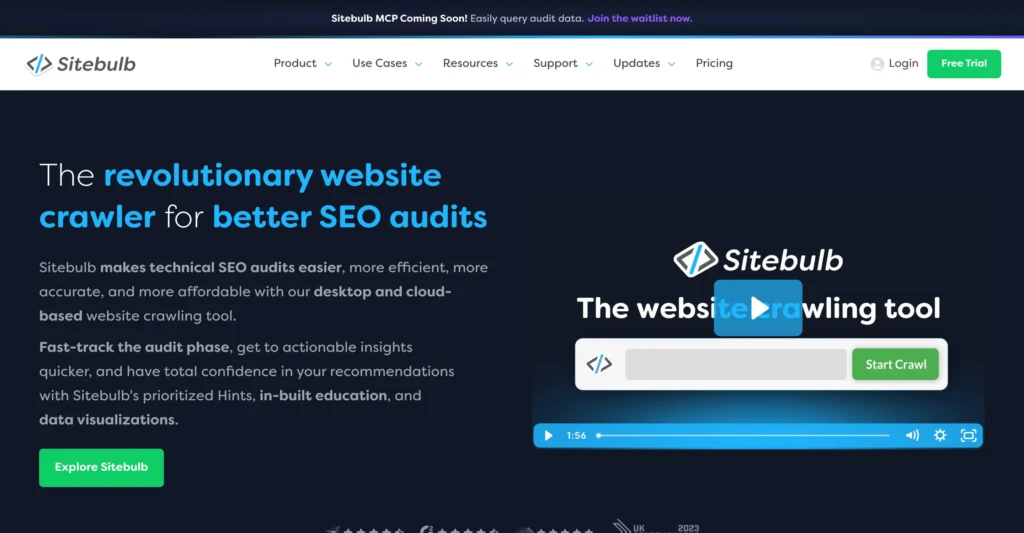
Sitebulb solves one of Screaming Frog’s biggest weaknesses: explaining what all the data actually means.
Instead of presenting thousands of rows in spreadsheets and tabs, Sitebulb focuses heavily on visualizations, explanations, and prioritization. This makes it especially useful for consultants, agencies, and anyone who regularly needs to communicate technical SEO findings to clients or stakeholders.
Where Sitebulb really shines is in presentation. If you’ve ever tried to explain a technical SEO issue to a client using a screenshot of Screaming Frog, you probably understand the appeal immediately. Sitebulb’s reports and visualizations make technical findings much easier to understand and discuss.
In many ways, Sitebulb feels like the more approachable, modern version of a desktop SEO crawler. It still offers advanced crawling capabilities, but it presents the information in a way that feels less intimidating, especially for newer SEO professionals.
The biggest drawback is cost. It’s more expensive than Screaming Frog and doesn’t have the same level of industry adoption. However, if you’ve ever opened Screaming Frog and immediately felt overwhelmed, Sitebulb may be the better fit.
For consultants and agencies producing client-facing audits and reports, that alone can justify the additional subscription cost.
SEO PowerSuite
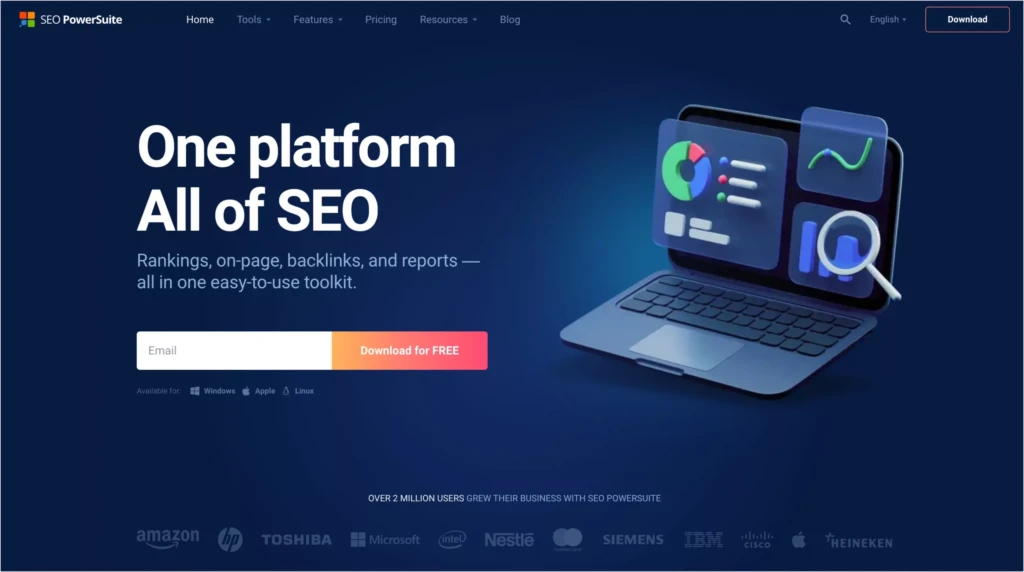
SEO PowerSuite takes a very different approach.
Rather than focusing exclusively on technical crawling, it attempts to provide an entire SEO toolkit in a desktop application. Depending on your plan, that includes:
- Rank tracking
- Website auditing
- Backlink analysis
- Competitor research
- Link management
- On-page optimization tools
In some ways, SEO PowerSuite feels like an older generation of SEO software. The interface can feel dated, and the data isn’t always as extensive as dedicated cloud platforms like Ahrefs or Semrush.
SEO PowerSuite can also appeal to users who prefer to own software rather than build a stack of monthly subscriptions. While most professional SEO teams have moved toward cloud-based platforms, there are still freelancers, consultants, and small businesses who appreciate having a desktop application that handles multiple SEO tasks.
Still, if your goal is to own a desktop SEO toolkit rather than subscribe to several different SaaS platforms, SEO PowerSuite remains one of the few serious options available.
What About Cloud-Based SEO Tools?
If you’re building an SEO toolkit from scratch, cloud platforms and Google’s free tools should usually come first.
Popular SEO platforms include:
Additionally, every SEO professional should keep Google’s free tools available:
These tools provide campaign management, reporting, analytics, keyword research, and performance data that desktop software generally doesn’t.
Personally, I wouldn’t build an SEO toolkit around desktop software alone. Instead, I think of desktop applications as specialized tools for technical analysis and troubleshooting.
Bottom Line
Desktop SEO software is no longer the center of most SEO workflows, but it still serves an important purpose.
I use cloud platforms, Google Search Console, and analytics tools every day. However, when I need to understand how a website is actually built, troubleshoot technical issues, audit a migration, or analyze internal linking, I still reach for desktop software like Screaming Frog.
If you’re building an SEO toolkit from scratch, start with Google Search Console and Google Analytics. After that, choose a cloud platform such as Semrush, Ahrefs, or Moz based on your budget and workflow.
Then, if you find yourself doing technical audits, migrations, or troubleshooting website issues, add a desktop tool. For most people, that’s going to be Screaming Frog.