No products in the cart.
Web design is more than making a website look modern. It affects how people perceive your business, how easily they can navigate your content, and whether they trust you enough to take action.
For small businesses, creators, consultants, and independent professionals, a website often functions as a digital storefront, portfolio, sales tool, and communication platform all at once. Even strong products or services can struggle if the website feels confusing, outdated, or difficult to use.
This guide breaks down what web design actually includes, why it matters for usability and SEO, and what separates effective websites from frustrating ones.
What Is Web Design?
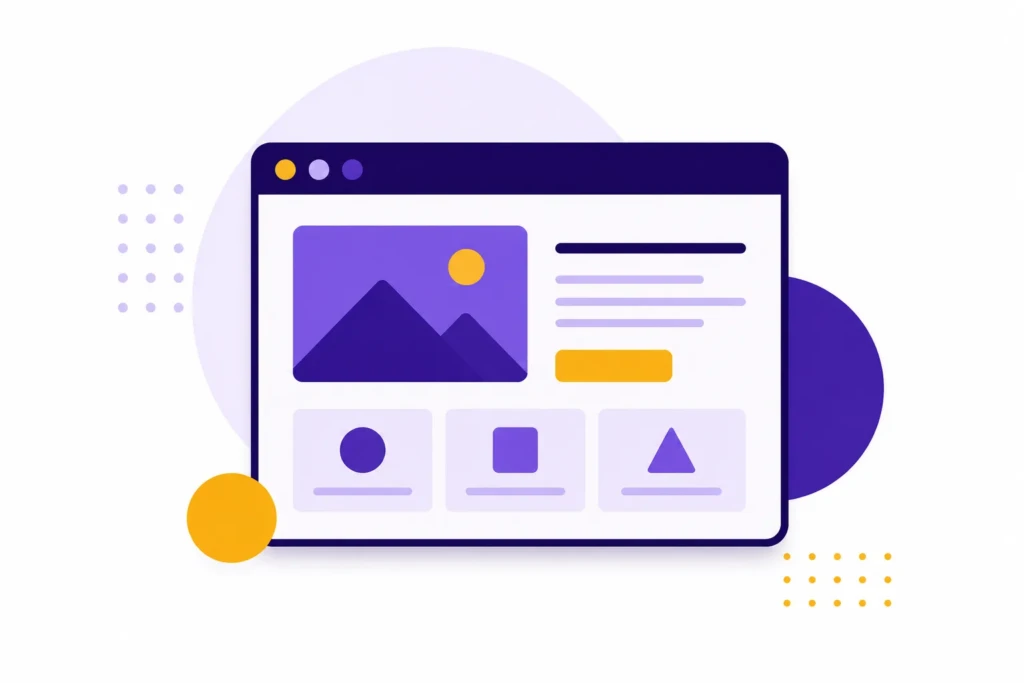
Web design is the process of planning, structuring, and presenting websites so they are visually clear, easy to use, and aligned with business goals. It includes how pages are laid out, how content is organized, how navigation works, how branding is presented, and how users interact with the site across devices.
Modern web design sits at the intersection of several disciplines:
| Area | Purpose |
|---|---|
| Visual Design | Creates a professional and recognizable appearance |
| UX Design | Improves usability and user flow |
| Content Structure | Organizes information clearly |
| Responsive Design | Ensures the site works on phones, tablets, and desktops |
| Accessibility | Makes the site usable for more people |
| Performance Optimization | Helps pages load quickly and smoothly |
Because web design overlaps with branding, content, development, and marketing, it is often misunderstood as purely visual work. In practice, effective web design focuses heavily on communication and usability.
The design should help visitors quickly understand what the business does, why it matters, and what they should do next.
A successful website balances these areas without overwhelming the user.
Why Web Design Matters
Your website is often the first interaction someone has with your business. Before a person schedules a consultation, buys a product, or sends a message, they usually evaluate the website’s quality first.
A poorly designed website creates friction immediately. Visitors may struggle to find information, navigate the site, or understand what the business actually offers.
Strong web design helps businesses:
- Build trust quickly
- Improve conversions and inquiries
- Support SEO performance
- Reduce confusion for users
- Make content easier to consume
- Create a more professional brand presence
First Impressions Happen Quickly
Most visitors form an opinion about a website within seconds. Before they read detailed copy or compare services, they subconsciously evaluate whether the business feels trustworthy and professional.
Small details influence this perception heavily, including:
- Typography choices
- Image quality
- Layout consistency
- Mobile usability
- Site speed
- Navigation clarity
This does not mean every business needs an expensive custom website. It means the website should feel intentional, maintained, and easy to use.
User-Friendly Navigation
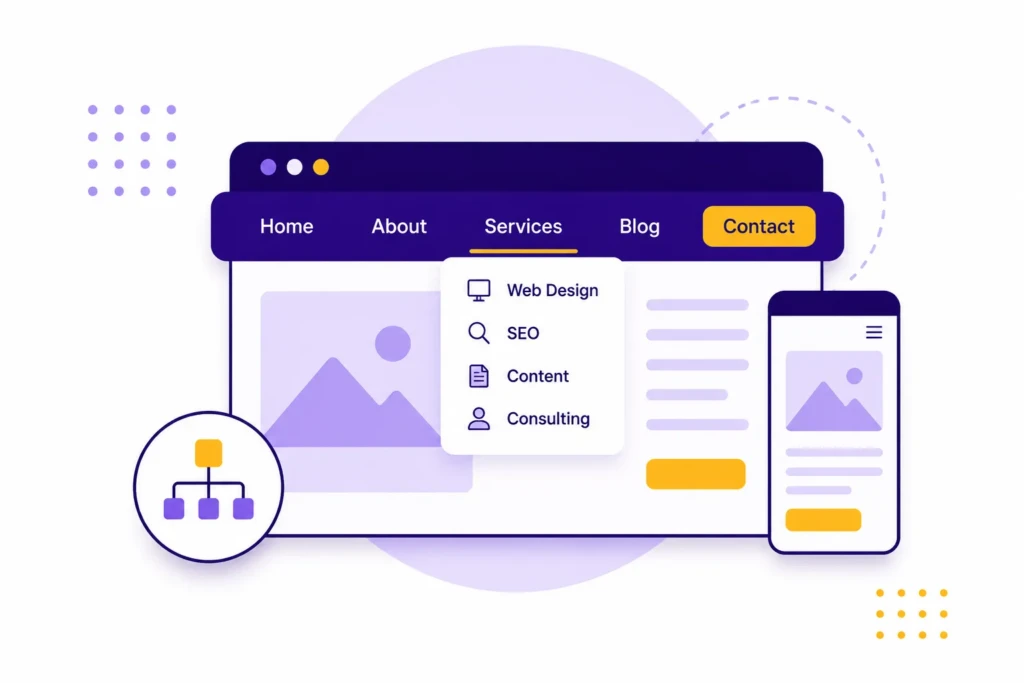
Navigation should help users move through the site naturally without having to think too hard about where to click next.
A confusing navigation system can make even good content difficult to use. Visitors should always understand:
- Where they are
- What the site offers
- How to get back
- What action to take next
Simple navigation is usually the best navigation.
Best Practices for Navigation
- Keep menus consistent across pages
- Limit top-level navigation items
- Use clear labels instead of clever wording
- Make important pages easy to reach
- Keep mobile navigation clean and usable
One common mistake small businesses make is organizing navigation around internal company terminology rather than user needs. Visitors usually want straightforward answers to practical questions.
For example, navigation labels such as “About”, “Services”, and “Contact” are often more effective than overly creative menu wording that forces users to stop and interpret what something means.
For larger websites, breadcrumb navigation can also help users understand page hierarchy and improve usability.
Responsive Design
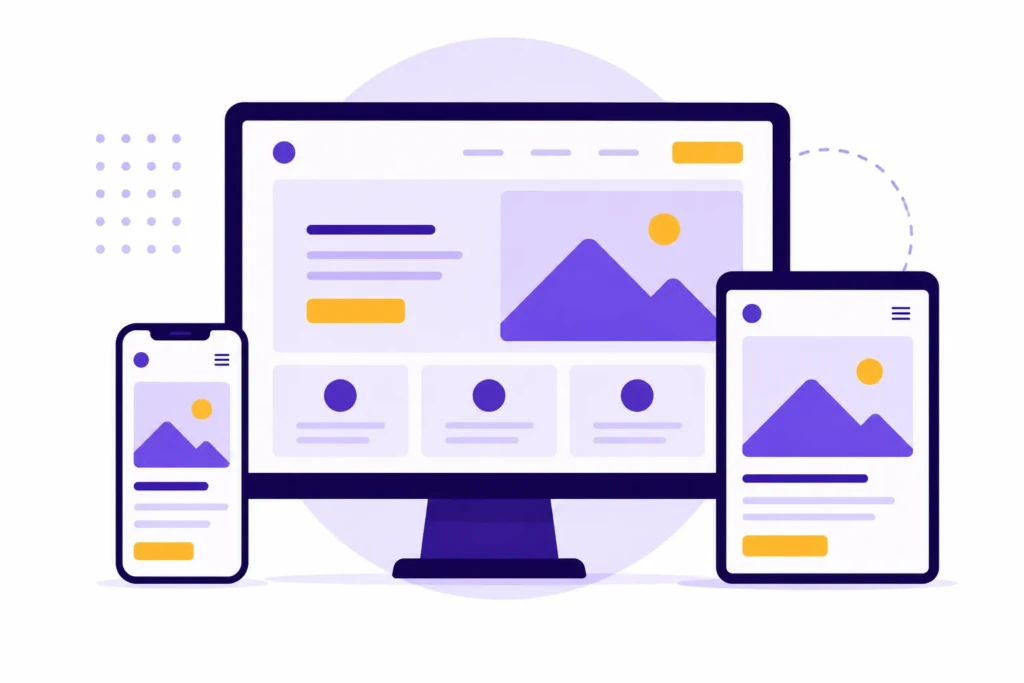
Modern websites must work across multiple screen sizes. A site that only looks good on desktop is no longer acceptable.
Responsive design ensures that layouts, images, typography, and navigation adapt properly to phones, tablets, laptops, and large displays.
This matters for both usability and SEO. Search engines prioritize mobile-friendly experiences, and most users now browse primarily on mobile devices.
Responsive Design Considerations
| Element | What to Watch For |
|---|---|
| Typography | Text should remain readable on smaller screens |
| Images | Images should resize without breaking layouts |
| Navigation | Mobile menus should remain simple |
| Buttons | Tap targets should be large enough for touchscreens |
| Spacing | Content should not feel cramped on mobile |
Responsive design is also important because users often move between devices during the customer journey. Someone may first discover a business on mobile, revisit the site later on desktop, and eventually submit a form from a tablet or laptop.
Purposeful Layouts
Every section of a website should have a clear purpose.
Cluttered layouts often come from trying to place too much information on the screen at once. Strong layouts guide the user visually and create a sense of hierarchy.
Good layouts help users quickly understand:
- What the page is about
- What matters most
- What action to take next
Whitespace is a major part of this. Giving content room to breathe improves readability and reduces visual fatigue.
Many modern websites become harder to use because every section competes equally for attention. Strong layouts help users focus on one idea at a time instead of processing everything simultaneously.
Fast Loading Speeds
Website speed directly impacts user experience and search visibility.
Users expect websites to load quickly, especially on mobile devices. Delays create friction that can reduce engagement before visitors even interact with the content. Slow websites also create frustration that damages trust in the brand.
Common Causes of Slow Websites
- Oversized images
- Too many plugins
- Heavy page builders
- Excessive animations
- Poor hosting
- Unoptimized scripts and fonts
Performance Affects More Than SEO
Website speed discussions often focus heavily on Google rankings, but usability is usually the larger issue for small businesses.
Slow websites can make users feel uncertain about professionalism and reliability. If pages hesitate to load or layouts jump around, visitors may leave before engaging with the content.
Performance improvements often create a compounding effect by improving:
- User trust
- Engagement
- Conversion rates
- Mobile usability
- Search visibility
Clear Calls to Action

Calls to action guide users toward the next step.
Without strong CTAs, visitors may consume information but never convert into customers, subscribers, or leads.
Effective CTAs are:
- Clear
- Specific
- Visually noticeable
- Contextually relevant
Examples include:
- Schedule a Consultation
- Request a Quote
- Download the Guide
- View Services
- Contact Us
Strong CTAs also depend heavily on placement and timing. Asking users to take action before they understand the value being offered often reduces conversions instead of improving them.
The goal is not aggressive marketing. The goal is to reduce uncertainty and help users move forward confidently.
Accessibility Matters
Accessibility improves a website’s usability for everyone, including users with disabilities.
Important Accessibility Practices
- Use descriptive alt text for images
- Maintain sufficient color contrast
- Use proper heading structure
- Ensure keyboard navigation works
- Avoid relying only on color for meaning
- Make text readable across devices
Accessibility improvements often overlap with good design practices generally. Cleaner layouts, readable typography, and better structure tend to improve the experience for nearly everyone, not only users relying on assistive technologies.
Accessibility should not be treated as an optional add-on. It is part of building a functional modern website.
Consistent Branding
Strong branding creates familiarity and trust.
A website should maintain consistency across:
- Typography
- Colors
- Spacing
- Imagery
- Tone of voice
- Button styles
- Layout patterns
This does not mean every page must look identical. It means the overall experience should feel cohesive.
Content Is Part of Web Design
Many people separate content and web design too aggressively, but the two work together constantly.
Even visually impressive websites can fail if the messaging is unclear or difficult to scan. Likewise, strong writing can become difficult to consume if the layout is cluttered or poorly structured.
Good web design supports content through:
- Clear typography
- Logical spacing
- Proper heading hierarchy
- Readable line lengths
- Structured layouts
- Visual hierarchy
This becomes especially important for blogs, service pages, educational content, and SEO-focused websites where readability directly affects engagement.
For content-heavy businesses, design should support comprehension rather than compete for attention.
Popular Web Design Tools
Modern web design tools make collaboration, prototyping, and implementation significantly easier than in the past.
Here are some of the most widely used tools today.
| Tool | Best For |
|---|---|
| Figma | Collaborative interface and web design |
| Adobe Photoshop | Graphic editing and visual assets |
| Adobe Illustrator | Vector graphics and branding |
| Sketch | UI and interface design |
| Webflow | Visual website building with cleaner frontend control |
| WordPress | Flexible content-driven websites |
The best tool depends heavily on the type of work being done. A freelance designer building interface mockups may rely heavily on Figma, while a small business owner may spend most of their time working directly inside WordPress or Webflow.
The important thing is not chasing the newest tool. It is building a workflow that makes websites easier to maintain, improve, and scale over time.
Learning Web Design
Learning web design can feel overwhelming because it combines creative judgment, technical structure, content strategy, and user experience. The goal is not to master every tool at once. It is to understand what makes a website clear, usable, and effective.
A good starting point is studying real websites with intention. Pay attention to spacing, navigation labels, typography, button placement, and how quickly you understand what the page is trying to communicate.
You can also learn a lot by rebuilding small sections of websites you admire, such as a hero section, pricing layout, or service page. This helps you understand how design decisions work in practice.
Real projects tend to teach the most. Building a site for your own business or portfolio forces you to organize content, prioritize information, and make practical usability decisions.
Focus first on fundamentals like:
- Clear layout structure
- Readable typography
- Strong visual hierarchy
- Simple navigation
- Responsive behavior
- Basic HTML and CSS
Design trends change quickly, but strong fundamentals in usability, layout, and communication remain valuable regardless of platform or style trends.
Further Resources
If you want to improve your web design skills, these are some of the most useful places to learn, practice, and study modern websites:
- Figma Learn: Free tutorials and walkthroughs directly from Figma covering interface design, layout systems, prototyping, and collaborative workflows.
- Frontend Mentor: Practical frontend challenges that help you practice recreating real website layouts using HTML and CSS. Especially useful for improving spacing, responsive design, and implementation skills.
- Awwwards: A large gallery of modern website designs that can help you study layout ideas, interactions, typography, and current visual trends. Best used for inspiration and design analysis rather than copying styles directly.
Common Web Design Mistakes
Many websites underperform because they prioritize visual style without enough attention to usability and clarity.
Here are some common issues that hurt performance.
| Mistake | Why It Hurts |
|---|---|
| Overcomplicated navigation | Makes content harder to find |
| Too much text on screen | Creates cognitive overload |
| Poor mobile experience | Frustrates most users |
| Weak typography | Reduces readability |
| Slow loading pages | Increases bounce rates |
| Generic stock visuals | Weakens credibility |
| Inconsistent branding | Makes businesses feel less trustworthy |
Simple and usable usually beats visually impressive but confusing.
Web Design and SEO

Web design and SEO are closely connected because both depend on how easily people and search engines can understand a website.
A well-designed website makes important pages easy to find, organizes content clearly, and helps visitors move naturally from one page to another. That structure also helps search engines understand what the site is about and how different pages relate to each other.
For small business websites, this often starts with basic site architecture. Service pages should be easy to reach. Blog categories should be logical. Internal links should guide readers toward related resources, products, or contact pages. Navigation labels should describe what users are actually looking for.
Good web design supports SEO through:
- Fast loading speeds
- Mobile-friendly layouts
- Clear heading structure
- Useful internal links
- Readable content sections
- Organized page hierarchy
- Accessible design patterns
Important content should not be buried behind confusing menus, oversized visuals, or vague page layouts. Search visibility partly depends on whether users can engage with the content once they arrive.
Strong SEO is not just about keywords. It is also about making the website useful enough that people stay, explore, and take action.
Site Structure Matters
One of the most overlooked parts of web design is information architecture, meaning how pages and content are organized across the website.
Strong site structure helps users navigate naturally while also helping search engines understand relationships between pages.
Examples of strong structure include:
- Clear service page organization
- Logical blog categories
- Consistent internal linking
- Descriptive navigation labels
- Organized URL structures
Good web design also improves content discoverability. When users can navigate naturally between related pages, spend more time engaging with content, and find information without frustration, both SEO performance and user satisfaction tend to improve together.
AI and Modern Web Design
AI tools can speed up parts of the web design process, but they do not remove the need for a clear strategy.
AI can help generate layout ideas, draft copy, create visual concepts, summarize research, suggest code, and speed up repetitive production work. This can help small teams move faster without expanding headcount.
The limitation is that AI does not automatically understand your audience, business model, positioning, or user journey. It can generate options, but those options still need to be judged against real goals.
Useful AI-assisted web design still requires human decisions about:
- What the page needs to accomplish
- What users need to understand first
- Which content should be emphasized
- Where calls to action should appear
- How the site should support SEO
- What should be simplified or removed
The best use of AI is as a production accelerator. It can help you move faster, but it should not replace the strategic work of making the website clear, useful, and aligned with the business.
Putting This Into Practice
Good web design is ultimately about clarity. A successful website helps people understand who you are, what you offer, why it matters, and what they should do next.
For small businesses, creators, consultants, and independent professionals, web design is not just a visual concern. It affects trust, usability, SEO, conversions, and the site’s ease of maintenance over time.
The strongest websites usually do the basics well. They load quickly, work on mobile, organize content clearly, use consistent branding, and guide visitors without unnecessary friction. Improving those fundamentals can make a website feel more professional and more useful without requiring a full redesign.
Need Help Improving Your Web Design?
If your website feels outdated, hard to manage, slow, or unclear, TCB Studio can help you improve it with practical web design and SEO-focused website support.
Our web design services focus on making websites easier to use, easier to maintain, and better aligned with real business goals. That can include page structure, WordPress improvements, content organization, performance optimization, and SEO-focused design improvements. Feel free to reach out if you need help.