No products in the cart.
Managing website URLs is a normal part of running a site. Pages move, products change, and site structures evolve over time. When that happens, you need a reliable way to guide both users and search engines to the correct location.
This is where 301 redirects come in. In this guide, you’ll learn what a 301 redirect is, why it matters for SEO, and how small businesses and creators can use them properly when managing their websites.
What Is a 301 Redirect?
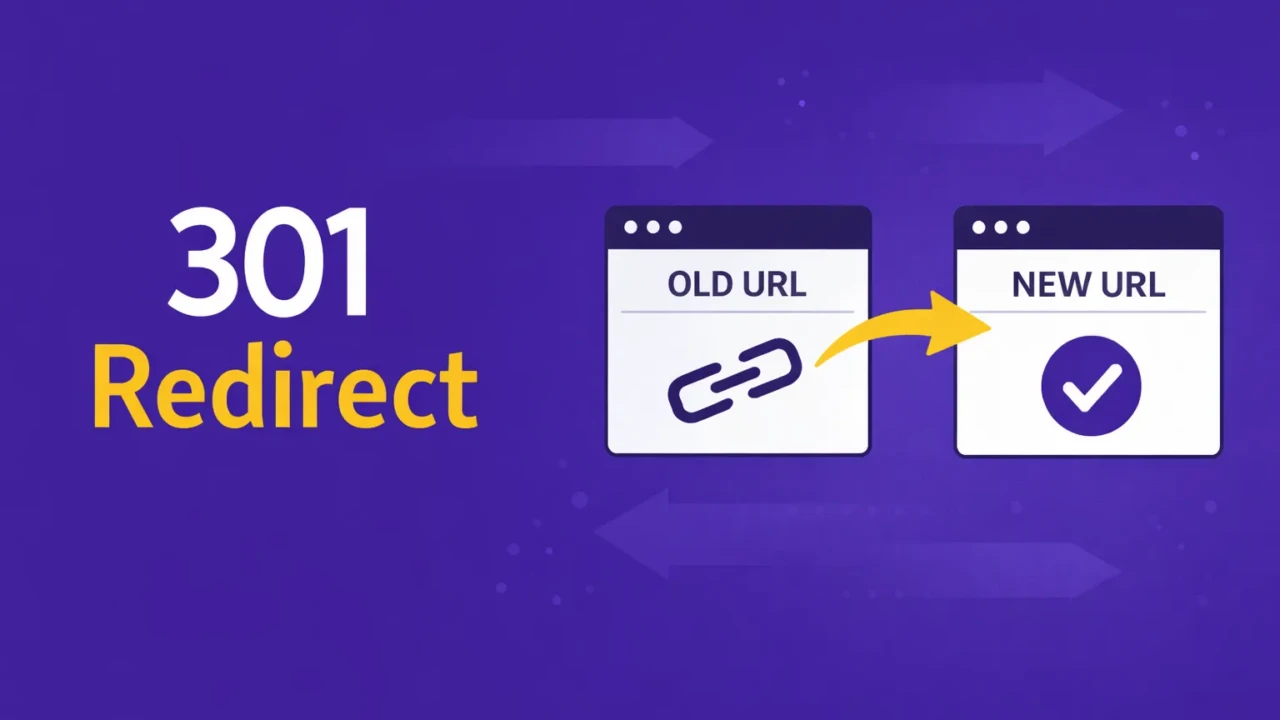
A 301 redirect is a permanent redirect from one URL to another. It tells browsers and search engines that a page has moved permanently and that all future requests should go to the new location.
When someone visits the old URL, the server automatically forwards them to the new page. This happens almost instantly and is usually unnoticed by the visitor.
Search engines also use this signal to update their index. When implemented correctly, most of the SEO value from the original page transfers to the new URL. For example:
| Old URL | Redirects To |
|---|---|
| example.com/services | example.com/seo-services |
Anyone visiting the original page will be automatically redirected to the new one.
Why 301 Redirects Matter for SEO
301 redirects play an important role in maintaining search visibility and user experience.
Without proper redirects, links that once worked can suddenly lead to broken pages. This creates problems for both visitors and search engines.
Here are the main reasons 301 redirects are important:
1. Preserve search rankings
If a page moves without a redirect, search engines treat the new URL as a completely different page. A 301 redirect helps transfer ranking signals, such as backlinks and authority, to the new URL.
2. Prevent broken links
External sites, social posts, and bookmarks may still point to the old URL. A redirect ensures visitors reach the correct page instead of encountering a 404 error.
3. Maintain a good user experience
Visitors should always land on useful content. Redirecting them to the right page improves UX, avoids frustration, and keeps navigation smooth.
4. Support site updates and redesigns
When you restructure a website or change your URL structure, redirects ensure that existing traffic continues to work properly.
Common Situations Where You Should Use a 301 Redirect
Many website changes require redirects. Below are some of the most common situations.
1. Changing Your Domain Name
If a business moves from one domain to another, every page on the old site should redirect to the equivalent page on the new domain.
| Old Domain | New Domain |
|---|---|
| oldbusiness.com/about | newbusiness.com/about |
This ensures that search engines and users follow the transition smoothly.
2. Updating Your Site Structure
As websites grow, it is common to reorganize URLs to make them cleaner or more logical.
| Old URL | New URL |
|---|---|
| example.com/blog?id=123 | example.com/seo-basics |
A 301 redirect connects the old structure to the new one.
3. Removing or Replacing Content
Sometimes pages are removed or merged into other content. When that happens, redirect the old page to the most relevant replacement.
| Old Page | Redirect Target |
|---|---|
| /old-service | /updated-service |
| /product-2019 | /product |
Avoid redirecting everything to the homepage unless there is no relevant replacement.
4. Consolidating Duplicate Pages
If multiple URLs contain similar content, it is often best to consolidate them into a single page and redirect the others.
This helps search engines understand which page should rank.
Best Practices for Using 301 Redirects

Redirects are simple in concept but easy to misuse. Following a few best practices will keep your site clean and search-friendly.
1. Use 301 Redirects Only for Permanent Changes
A 301 redirect indicates that a page has permanently moved. If the change is temporary, use a 302 redirect instead.
Search engines treat these differently, and this is the most accurate application.
2. Redirect to the Most Relevant Page
Always send visitors to the closest matching page available. Redirecting unrelated pages can confuse both users and search engines.
3. Avoid Redirect Chains
A redirect chain occurs when one redirect leads to another. Example:
Old Page → Page A → Page B
This slows down page loading and can weaken SEO signals. Redirect directly to the final page whenever possible.
Update Internal Links
Once redirects are in place, update your internal links to point directly to the new URLs. This reduces unnecessary redirects and keeps your site architecture clean.
Monitor Redirects During Site Changes
Major site updates often create unexpected redirect issues. Tools that crawl your site can help identify problems quickly.
Useful Tools for Checking Redirects
Several tools can help you monitor and troubleshoot redirects.
| Tool | What It Does |
|---|---|
| Screaming Frog | Crawls your site and identifies redirect chains, loops, and errors |
| Ahrefs | Shows backlinks and helps identify URLs that need redirects |
| Redirect Path | A browser extension that shows HTTP status codes while browsing |
| Yoast SEO (Premium) | Provides redirect management inside WordPress |
For most sites, a crawler like Screaming Frog is especially useful during redesigns or migrations.
Putting This Into Practice
301 redirects are one of the simplest technical SEO tools available, but they play a critical role in keeping a website healthy. Whenever pages move, URLs change, or content is consolidated, redirects ensure that both users and search engines reach the correct destination.
If you manage a website for your business or personal projects, it is worth learning how redirects work and reviewing them regularly during site updates.