No products in the cart.
Every business, creator, and organization with an online presence relies on web development in some form. Whether you’re launching a simple portfolio, running an e-commerce store, or building a custom application, web development is the process that makes websites and web-based tools function.
Understanding web development can help you make better decisions about your website, communicate more effectively with developers, and avoid investing in solutions that don’t fit your goals. This guide explains what web development is, how it works, and what small businesses should know before starting a project.
What Is Web Development?
Web development is the process of building, maintaining, and improving websites and web applications. It includes everything from creating page layouts and interactive features to managing databases, user accounts, integrations, and performance.
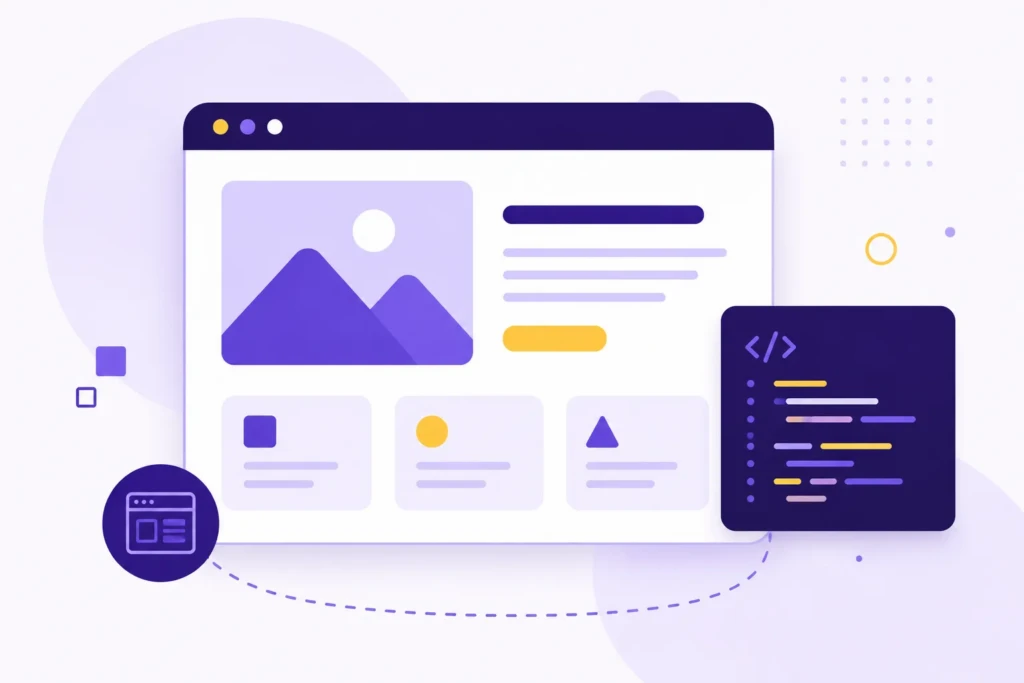
Unlike web design, which focuses primarily on visual appearance and user experience, web development focuses on functionality. Developers write the code that allows websites to display content, process information, handle user interactions, and connect with other systems.
Web development can range from creating a simple business website to building complex platforms that support thousands of users and handle thousands of transactions.
How Web Development Works
Every website is made up of multiple systems working together behind the scenes. While visitors only see the final page in their browser, a significant amount of technology is involved in delivering that experience.
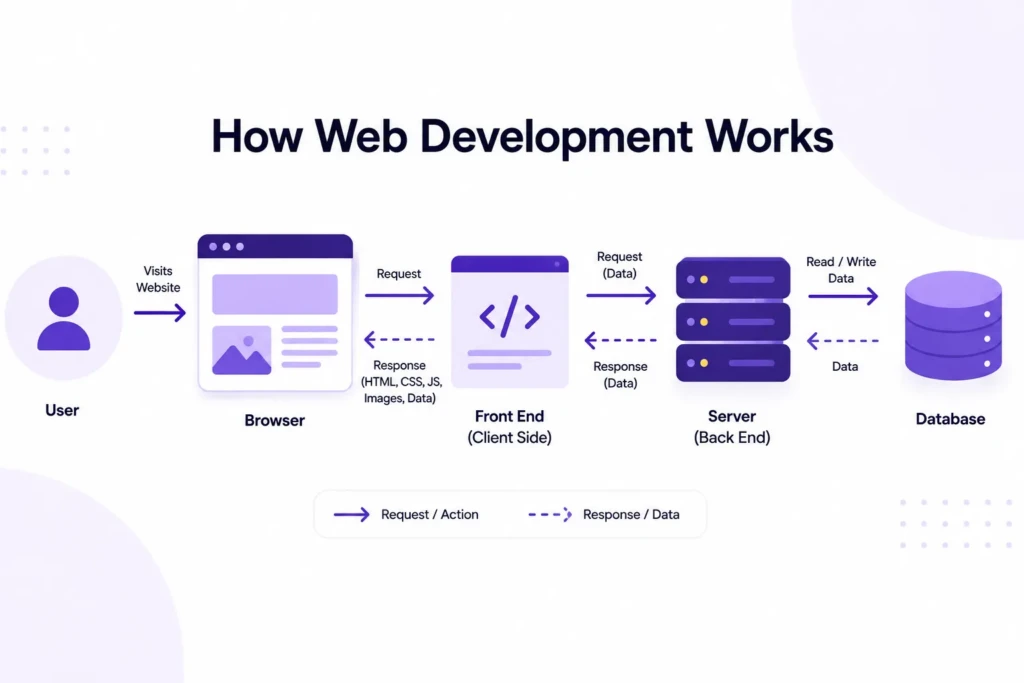
When someone visits a website, their browser sends a request to a server. The server responds by delivering the files needed to display the page, including content, styling, images, and functionality. Depending on the website’s complexity, the server may also retrieve information from a database, process user requests, or communicate with third-party services before returning the final result.
A simplified web development workflow typically looks like this:
- Plan the site’s goals and requirements
- Design the user experience and layout
- Build the front-end interface
- Develop the back-end functionality
- Connect content, data, and integrations
- Test performance and usability
- Launch and maintain the website
For a small-business website, many of these steps can be completed quickly using a platform like WordPress or Webflow. For larger projects such as customer portals, SaaS products, or membership platforms, each stage can involve significant planning and technical implementation.
Front-End Development
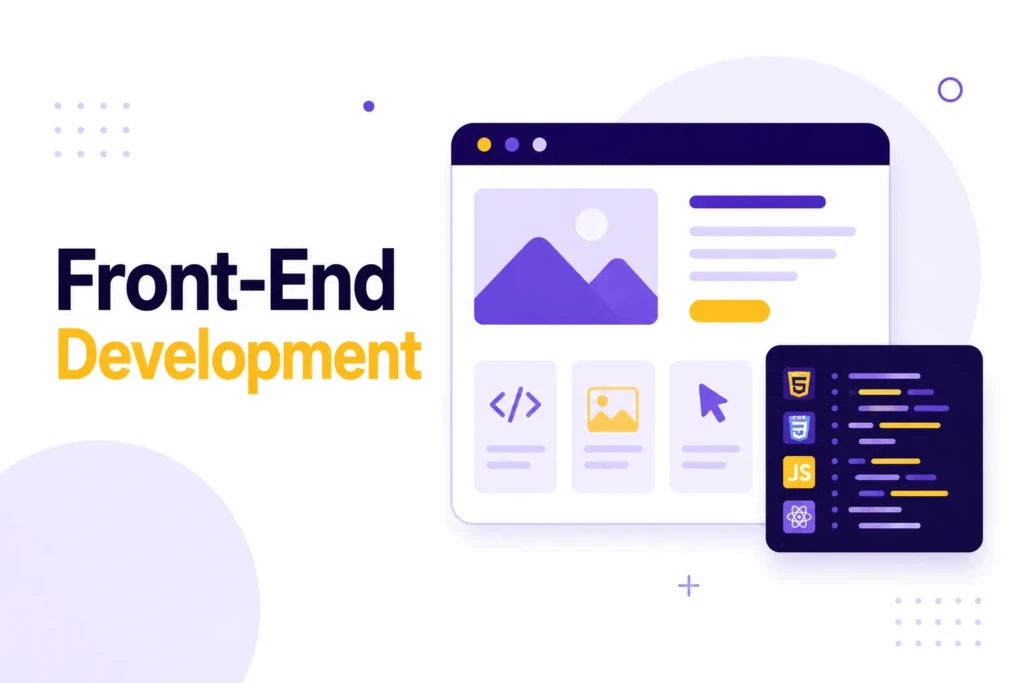
Front-end development focuses on everything visitors see and interact with on a website. It is responsible for transforming content and functionality into a usable experience.
When someone lands on a page, the front end controls how information is presented, how navigation works, how forms behave, and how the site responds to different screen sizes. Every button click, menu interaction, image gallery, and page layout is part of the front-end experience.
The three foundational technologies of front-end development are HTML, CSS, and JavaScript.
| Technology | Purpose |
|---|---|
| HTML | Defines content and structure |
| CSS | Controls appearance and layout |
| JavaScript | Adds interactivity and dynamic behavior |
HTML provides the underlying structure of a page. CSS controls how that content looks, including spacing, typography, colors, and responsive layouts. JavaScript allows websites to react to user actions and update content without requiring a full page reload.
Modern websites often rely on additional front-end frameworks and libraries such as React, Vue, Angular, Svelte, and Astro. These tools help developers organize complex projects and build more interactive experiences, particularly for applications that handle large amounts of dynamic content.
Most visitors never think directly about front-end technology. They notice whether a website feels fast, easy to navigate, and pleasant to use. A clean navigation menu, a responsive mobile layout, and a fast-loading page are all signs of effective front-end development.
Back-End Development
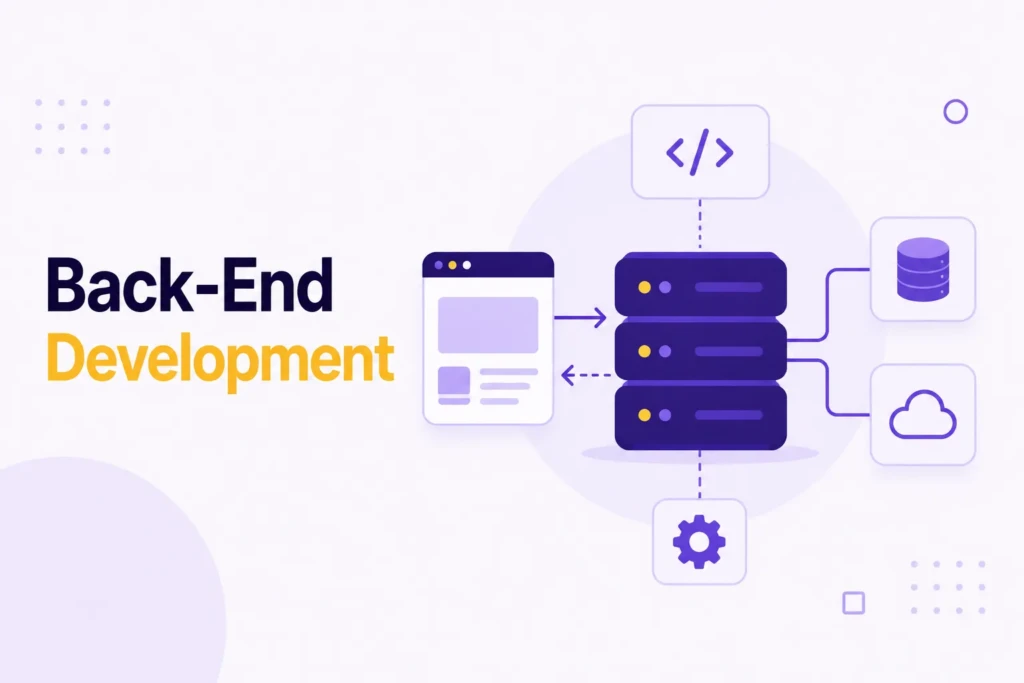
While front-end development focuses on what visitors see, back-end development powers everything happening behind the scenes. It is responsible for processing information, storing data, enforcing business rules, and ensuring that websites function correctly.
Every time a visitor submits a form, creates an account, purchases a product, or searches a website, the back end is involved. It receives requests from the front end, performs the necessary processing, and returns information for display to the user.
The back end typically includes application logic, databases, user authentication, integrations, and server infrastructure. Together, these systems handle requests from the front end and return the information needed to display content or complete actions.
For example, when a customer submits a contact form or places an order, the back end processes the request, stores the information, and performs any necessary follow-up actions before returning a response to the website.
WordPress provides a practical example. When you publish a blog post, the content is stored in a database. When a visitor requests that page, WordPress retrieves the information, assembles the page dynamically, and delivers it to the browser. What appears to be a simple webpage is actually the result of several systems working together behind the scenes.
Web Development vs Web Design

People often use web development and web design interchangeably, but they serve different purposes.
| Web Design | Web Development |
|---|---|
| Focuses on appearance | Focuses on functionality |
| Creates layouts and visuals | Builds features and systems |
| Defines user experience | Implements technical solutions |
| Uses design tools | Uses programming languages |
| Prioritizes usability | Prioritizes functionality and performance |
A designer may create the blueprint for a website, while a developer builds the working version.
In smaller projects, one person may handle both roles. On larger projects, designers and developers often work together throughout the process.
Types of Web Development
Not all websites are built for the same purpose. A small business website, an online store, a SaaS product, and a content library may all live on the web, but they have different technical needs.
A business website usually focuses on credibility, service information, lead generation, and clear calls to action. An e-commerce site adds product management, checkout, payment processing, and order workflows. A web application goes further by giving users tools to log in, manage data, complete tasks, or interact with other users. A content-focused website needs strong publishing tools, clear organization, and search-friendly structure.
Understanding the type of website you are building helps guide the rest of the project. It affects the platform, budget, timeline, content structure, and level of technical support required.
Common Web Development Technologies
The web development industry contains thousands of tools, but most websites rely on a few core technology categories.
Content management systems (CMS platforms) help businesses create and manage content without directly editing code. Popular options include WordPress, Shopify, Webflow, Drupal, and Ghost. The right choice depends less on features and more on the needs of the project.
Frameworks help developers build custom functionality more efficiently. Tools like React, Next.js, Laravel, Django, and Astro provide reusable foundations that make larger or more complex projects easier to develop and maintain.
Hosting providers supply the infrastructure that makes websites available online. Performance, uptime, security, and scalability are all influenced by hosting quality.
One of the most common mistakes businesses make is choosing technology based on recommendations from developers, marketers, or social media discussions without first defining what the website actually needs to accomplish.
A local service business, an online store, a content publisher, and a SaaS company may all require different solutions. The best technology stack is usually the one that solves the problem with the least amount of unnecessary complexity.
Web Development and SEO
Web development and SEO are closely connected. While SEO often focuses on content, keywords, and search visibility, many of the factors that influence search performance are rooted in how a website is built.
Search engines need to access, understand, and evaluate website content before it can appear in search results. If a website is slow, difficult to crawl, poorly structured, or technically unreliable, even strong content can struggle to perform.

Many SEO challenges are actually development challenges. A page may target the right keywords and provide useful information, yet still underperform due to slow page speed, broken internal links, crawlability issues, poor mobile usability, or technical errors that prevent search engines from properly understanding the content.
This is one reason technical SEO exists. While content and keywords are important, search engines also evaluate how efficiently they can access and understand a website. Development decisions often determine whether that process is easy or difficult.
Strong web development creates a foundation that supports SEO over the long term. Site architecture, page speed, responsive design, structured data, redirects, and internal linking all influence how search engines understand and evaluate a website.
Custom Development vs Website Builders
One of the biggest decisions in a website project is whether to use a website builder or invest in custom development. The right choice depends on the site’s purpose, budget, timeline, and the level of control the business needs.
Website builders and hosted platforms can be excellent options when the goal is to launch quickly, manage content easily, and avoid heavy technical maintenance. Tools like Squarespace, Wix, Shopify, and Webflow give business owners a structured way to create a professional website without having to build everything from scratch.
Custom development makes more sense when the website needs to do something specific that a standard platform cannot handle well. This might include custom workflows, advanced integrations, unusual content structures, performance requirements, membership features, or complex data management.
| Website Builders | Custom Development |
|---|---|
| Faster to launch | More flexible |
| Lower upfront cost | More control over functionality |
| Easier for non-technical users | Better for custom workflows |
| Built-in templates and tools | More control over performance and architecture |
| Limited by platform constraints | Requires more planning and technical skill |
For many small businesses, the best solution is not fully custom development. It is usually a well-configured, strong platform. A WordPress site with a custom theme, a Shopify store with thoughtful setup, or a Webflow site with clean structure may provide the right balance between flexibility and maintainability.
The best choice depends on the project’s requirements. The goal is not to use the most advanced technology available. The goal is to use tools that support the business effectively without adding unnecessary complexity.
A simple service business may not need a custom application. A growing content site, membership platform, or specialized sales system might. The decision should come from the actual requirements, not from what sounds more advanced.
Choosing the Right Approach
There is no single “best” way to build a website. The right approach depends on the project’s goals, available resources, and long-term maintenance expectations.
The answer is often determined by a combination of budget, technical requirements, internal resources, and the website’s future flexibility needs.
A local business may be well served by WordPress or Webflow. An online store may benefit from Shopify. A software company may require a custom application built on a modern framework.
The important question is not which platform is best overall. Which platform best supports the business’s needs today while providing room to grow in the future?
When Does a Business Need a Developer?
Not every website requires a developer. A simple portfolio, brochure website, or landing page can often be built and maintained using modern website builders.
A developer becomes valuable when the website needs custom functionality, complex integrations, advanced tracking, performance improvements, or features that go beyond the capabilities of standard tools.
In many cases, the issue is not that a website is broken. It is that the business has outgrown the original solution. What worked for a new business with a handful of pages may not work as well once the website becomes responsible for generating leads, managing customers, or supporting multiple marketing channels.
Many businesses reach this point gradually. A site that started as a simple marketing asset may eventually become part of daily operations through lead management, e-commerce, memberships, customer portals, or integrations with other systems.
A good rule of thumb is this: if the website is creating problems that your current platform or workflow cannot solve cleanly, it may be time to involve a developer. That does not always mean a full rebuild. Sometimes a technical audit, performance optimization, custom integration, or targeted improvement is enough to solve the problem.
Common Web Development Mistakes
Many website issues stem from decisions made early in a project.
One common mistake is choosing a platform or technology before clearly defining the website’s requirements. Another is prioritizing visual design while overlooking usability, performance, or mobile experience.
Businesses also frequently underestimate the importance of testing. Broken forms, tracking issues, slow pages, and device-specific problems often go unnoticed until they begin affecting leads or sales.
The best way to avoid these problems is to define the website’s goals first, then select the tools and development approach that support those goals.
The Role of Maintenance
Web development does not end when a website launches. A website is a live system that depends on software, hosting, integrations, content, analytics, and security practices.
Maintenance is especially important for platforms like WordPress, where themes, plugins, and core software receive regular updates. Without ongoing attention, websites can become slower, less secure, and more difficult to manage.
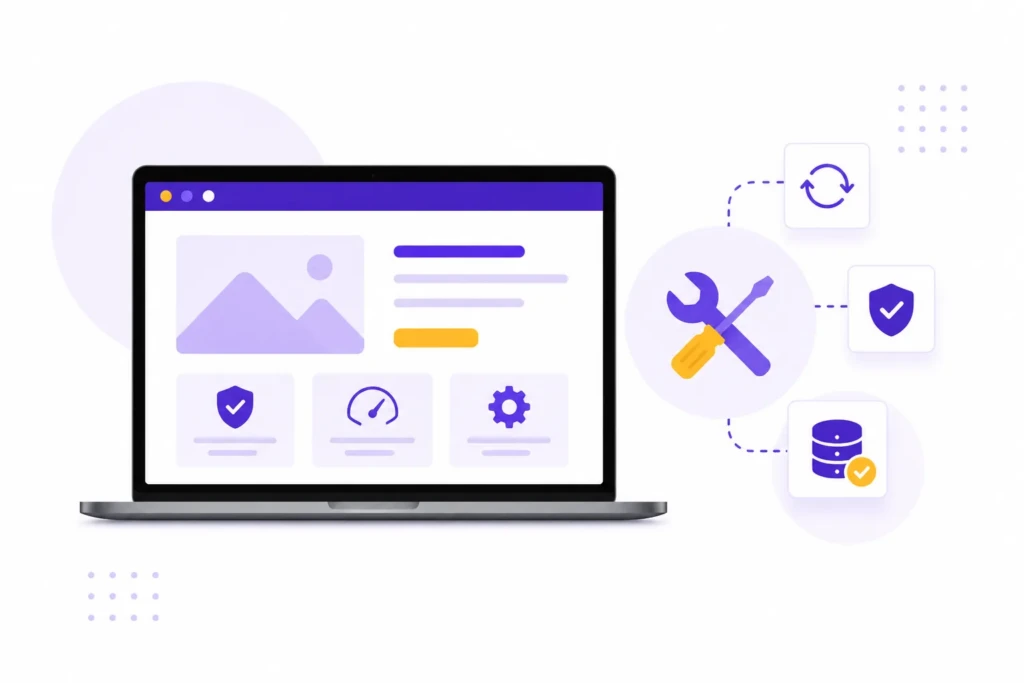
Maintenance is also an opportunity to improve the website over time. Analytics, search data, and user behavior can reveal opportunities to improve navigation, strengthen content, simplify conversion paths, and fix areas where visitors are getting stuck.
Typical maintenance tasks include software updates, backups, security monitoring, performance reviews, bug fixes, and content updates. While these tasks may seem minor individually, they help ensure the website remains reliable and effective over time.
For small businesses, maintenance does not need to be complicated. The goal is simply to avoid neglect and protect the investment made in the website.
Putting This Into Practice
Web development is ultimately about building a website that supports your goals. Whether you’re launching a business website, online store, content platform, or custom application, the technology should serve the needs of the project rather than dictate them.
You do not need to understand every programming language or framework to make good decisions. Understanding the fundamentals of web development can help you choose the right platform, communicate more effectively with developers, and avoid costly mistakes as your website grows.
The most successful websites balance functionality, usability, performance, and maintainability. When those elements work together, a website becomes a long-term business asset rather than just another online expense.
Work With TCB Studio
Your website is often the center of your digital world. It influences how customers discover your business, evaluate your credibility, and decide whether to take action.
TCB Studio helps small businesses, consultants, and creators improve the systems behind their online presence, including SEO, WordPress development, analytics, AI workflows, and practical digital operations.
Whether you’re planning a new website, improving an existing one, or trying to connect SEO, analytics, content, and business systems more effectively, TCB Studio provides practical guidance and implementation support focused on long-term results.