No products in the cart.
Back-end development is the part of website development that handles everything users don’t see. It powers contact forms, online stores, customer accounts, appointment scheduling, databases, automations, and the countless processes that happen behind the scenes every time someone interacts with a website. If a visitor submits a form, makes a purchase, logs in, or books an appointment, the back end is responsible for processing that request and determining what happens next.
Most business owners never need to write code or understand the technical details. What they do need to understand is how back-end systems affect their website, operations, and growth. The difference between using an existing platform and building something custom can impact cost, maintenance, flexibility, and long-term success. Understanding the role of back-end development makes it easier to choose the right tools, avoid unnecessary complexity, and make better technology decisions as your business grows.
What Is Back-End Development?
Back-end development is the process of building and maintaining the systems that make a website or application function. It handles data storage, user accounts, security, integrations, business logic, and everything else that happens behind the scenes after a user clicks a button, submits a form, or requests information.
Most websites rely on back-end systems every day. If a visitor fills out a contact form, purchases a product, books an appointment, logs in to an account, or updates their profile, the back end processes that request in the background.
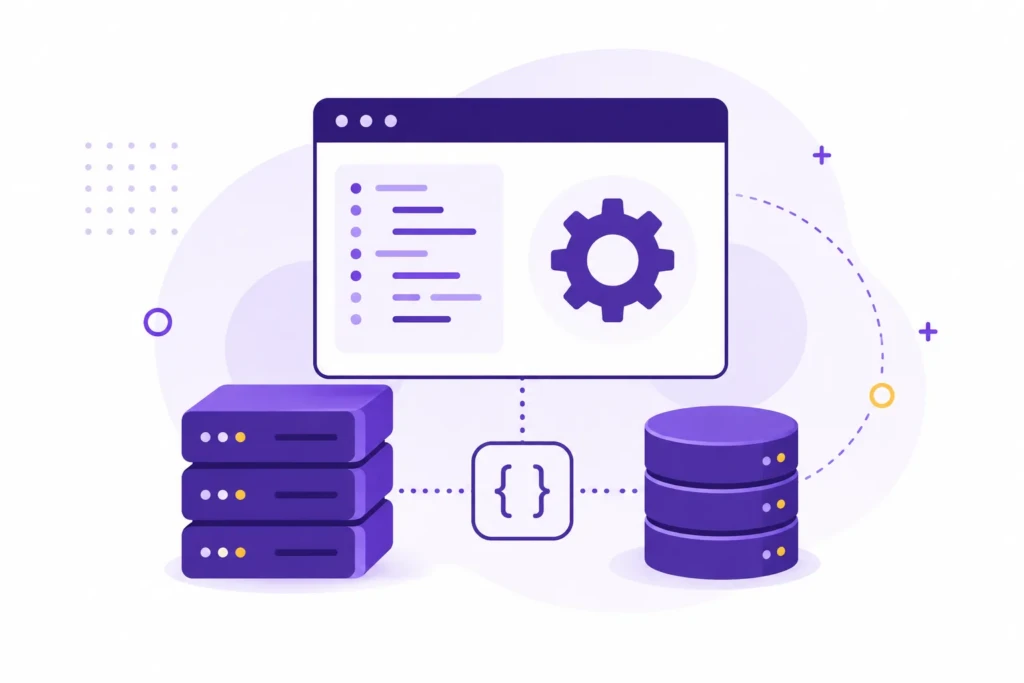
For business owners, the important thing to understand is that back-end development is not a separate type of website. Nearly every modern website has a back end. The real question is how much custom functionality you actually need.
Many small businesses can operate successfully using the back-end systems already built into platforms like WordPress, Shopify, or Squarespace. Others eventually reach a point where custom workflows, integrations, or internal tools justify additional development. Knowing the difference can save a significant amount of time, money, and complexity.
How Back-End Development Works
Most people interact with back-end systems constantly without realizing it.
Any time information is created, stored, updated, transferred, or processed, a back-end system is typically involved. The user sees a simple action on the screen, but the software behind the scenes is validating data, making decisions, communicating with other systems, and determining what happens next.
In simple terms, the back end acts as the operational layer of a website or application. It handles the logic, rules, and workflows that allow the front-end, or visible parts of the system, to function.
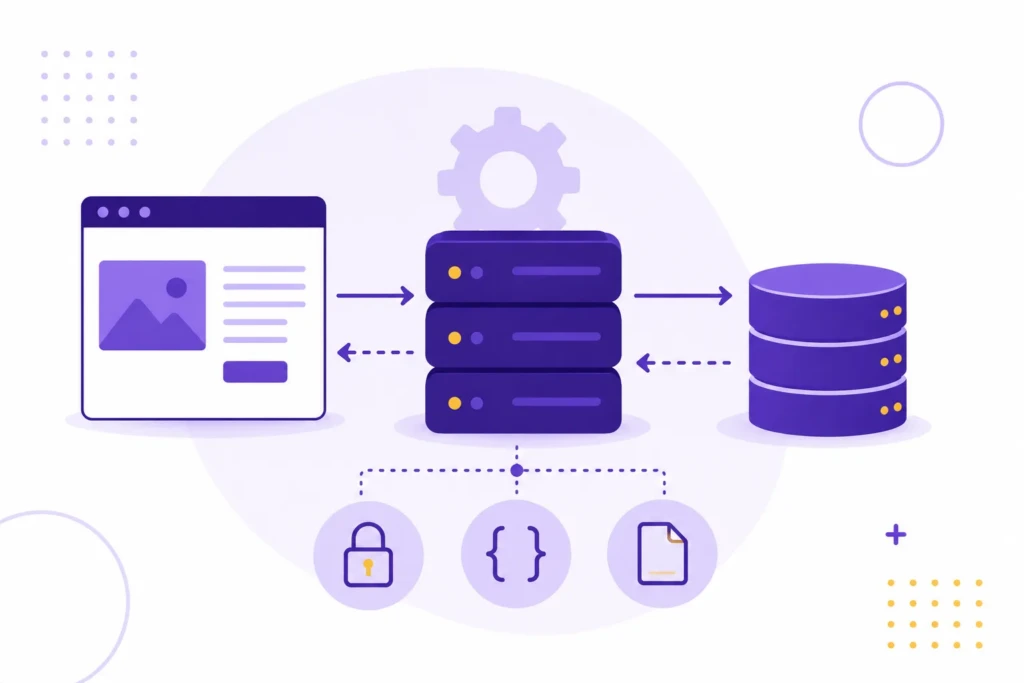
For example, imagine a physical therapy clinic website. A visitor submits a new patient inquiry form. The back end might:
- Store the submission in a database
- Send an email notification to the clinic
- Route the lead to the correct staff member
- Trigger an automated follow-up email
- Record the submission in a CRM
All of that can happen within seconds.
The same concept applies to e-commerce stores, membership websites, online courses, customer portals, and software applications. The more functionality a website provides, the more important the back-end systems become.
Most business owners never need to understand the code involved. What matters is understanding that every workflow, integration, and automated process depends on a back-end system somewhere in the stack.
Most Businesses Already Use Back-End Systems
One of the biggest misconceptions about back-end development is that it only applies to custom software projects.
In reality, nearly every modern business relies on back-end systems in some form. Customer information is stored, emails are sent, appointments are scheduled, payments are processed, and records are updated through software operating behind the scenes.
Because these systems are often invisible, many business owners don’t think about them until something breaks or a process becomes inefficient. The technology may be hidden, but it often plays a significant role in day-to-day operations.
Understanding this distinction is important because many businesses assume they need custom development when what they really need is a better understanding of the systems they already have.
Why Back-End Development Matters
Most businesses rarely think about their back-end systems when everything is working correctly.
The importance of those systems becomes obvious when information stops moving where it should, automated processes fail, or employees are forced to handle tasks manually. What appears to be a simple website issue is often the result of a problem deeper in the technology stack.
Good back-end development creates reliability. It helps systems communicate correctly, reduces unnecessary manual work, and ensures that business processes continue to function as expected. The result is a smoother experience for both customers and employees.
It also creates efficiency. Many businesses spend hours every week moving information between systems, manually updating records, or correcting avoidable mistakes. Well-designed back-end workflows can automate much of that work.
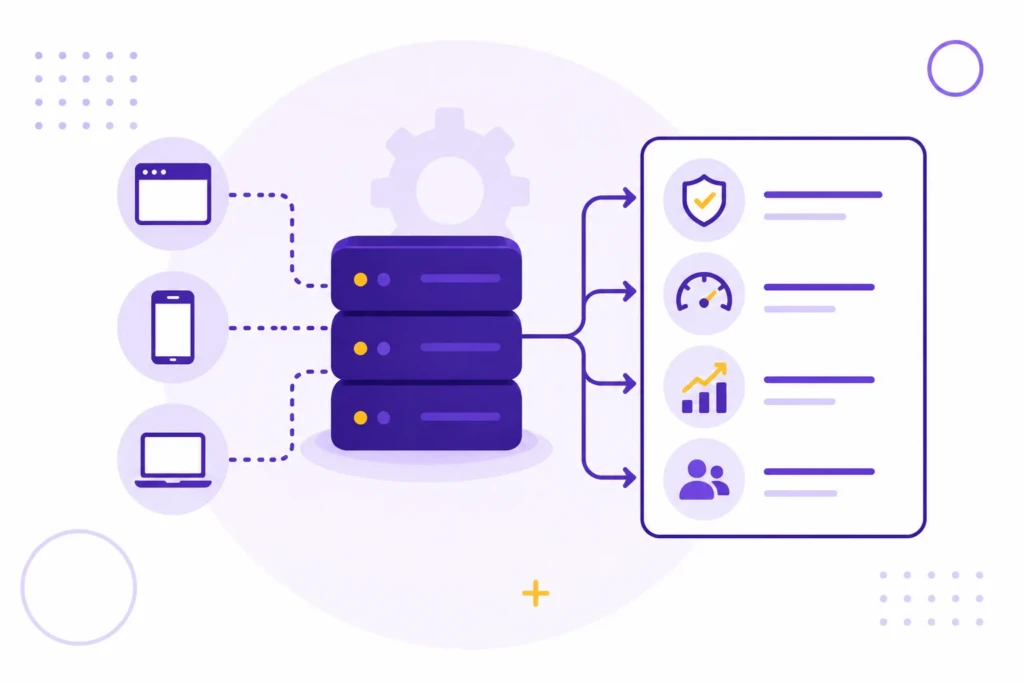
As businesses grow, the back end becomes even more important. A website that handles ten leads per month can often survive minor inefficiencies. A website handling hundreds of leads, orders, or customer requests every month usually cannot.
This is one reason experienced developers spend so much time thinking about systems that users never see. The visual design may attract attention, but the back end often determines how effectively a business operates after the visitor arrives.
Many business owners only think about their back-end systems during a website redesign. In reality, those systems often have a bigger impact on daily operations than the visual design itself. A reliable lead process, automated follow-up sequence, or streamlined order workflow can save far more time than a prettier homepage.
When Do You Need Custom Back-End Development?
This is where back-end development becomes a business decision rather than a technical one.
Many business owners hear terms like custom development, custom software, or custom applications and assume those options are automatically better than using an existing platform.
In many cases, the opposite is true. Custom development introduces additional costs, maintenance responsibilities, and complexity. If an existing platform already solves the problem, building something custom may create more work than value.
A standard business website, e-commerce store, blog, portfolio, or lead-generation site can usually run successfully on website platforms. These systems already include years of development work, security updates, integrations, and functionality that would be expensive to recreate from scratch.
I’ve seen businesses spend thousands of dollars building custom features that could have been handled by a well-configured plugin, a Shopify app, or a simple automation platform. In many cases, the business was trying to solve an operational problem, not a technology problem. Better processes would have produced a better outcome than more software.
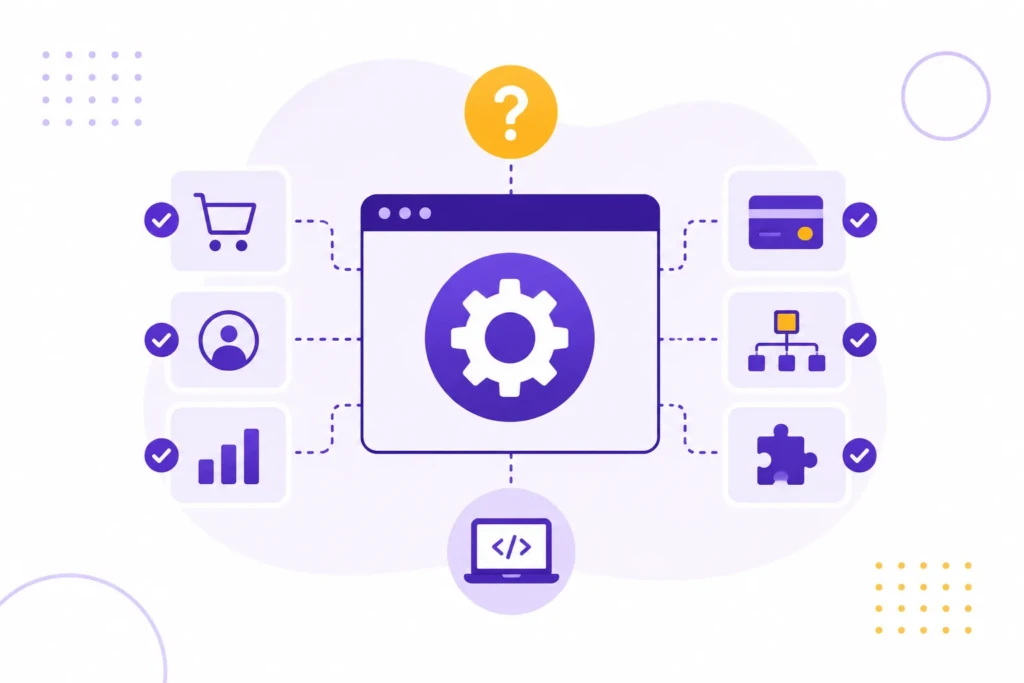
Custom back-end development becomes valuable when your business processes no longer fit neatly into existing tools.
For example, you might need:
- A client portal with custom permissions
- Specialized workflows for employees or customers
- Connections between multiple business systems
- Internal dashboards and reporting tools
- Industry-specific processes that existing software cannot support
The more specialized your operations become, the more likely custom development starts making sense.
The key is making sure you’re solving a real business problem rather than chasing a technical solution. Most businesses benefit more from simplifying their systems than from building new ones.
Platforms vs Custom Development
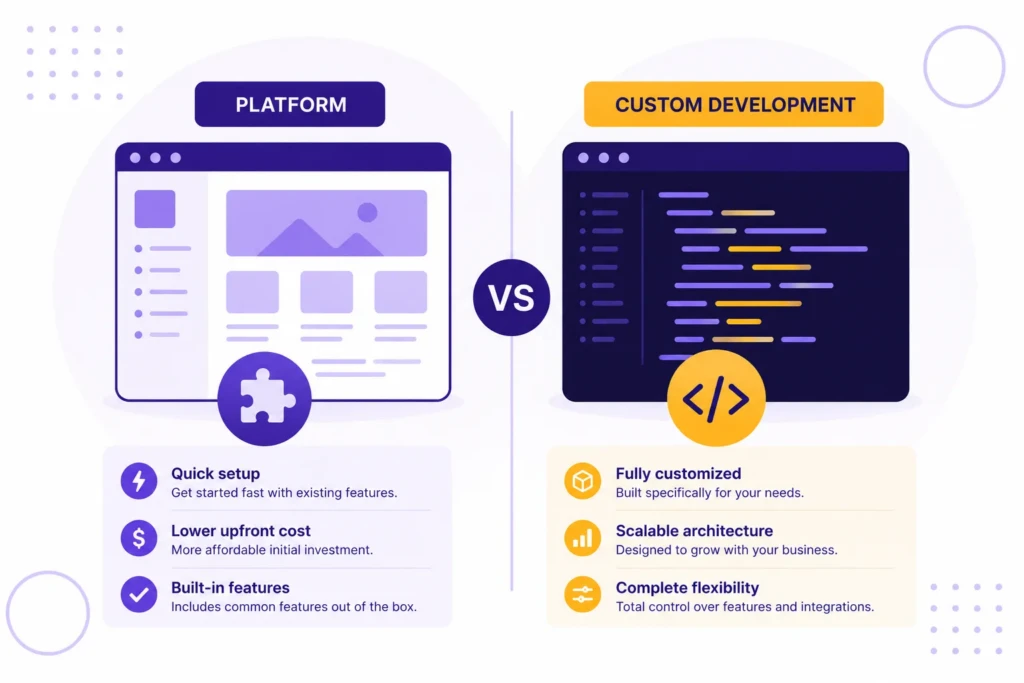
At some point, many businesses face the same decision: should they use existing software or build something tailored to their specific needs?
For most organizations, existing software is the right starting point. Modern platforms already solve many common business challenges and allow companies to launch quickly without the cost and complexity of maintaining custom code.
Custom development becomes more attractive when existing tools begin creating operational limitations that affect efficiency, reporting, customer experience, or growth.
| Situation | Recommended Approach |
|---|---|
| Standard business website | Existing platform |
| Blog or content-focused site | WordPress |
| Small e-commerce store | Shopify |
| Specialized workflows | Platform + custom integrations |
| Internal business tools | Custom development |
| Unique operational systems | Custom application |
A useful rule of thumb is to start with the simplest solution that can realistically support your needs.
If an existing platform solves 90 percent of the problem, it is often smarter to launch, learn, and improve than to spend months building a custom system. Once real limitations begin affecting operations, efficiency, or revenue, custom development becomes easier to justify.
One of the most expensive mistakes a business can make is building custom software before it has clearly defined processes. Many businesses end up maintaining systems that no longer fit how they actually operate.
Technology should support the business. The business should not have to reorganize itself around the technology.
One pattern I’ve seen repeatedly is businesses assuming that custom development is the “professional” option while platforms are the “beginner” option. In reality, many successful companies continue using platforms long after they could afford to build something custom because the platform remains the most practical tool.
Common Back-End Mistakes
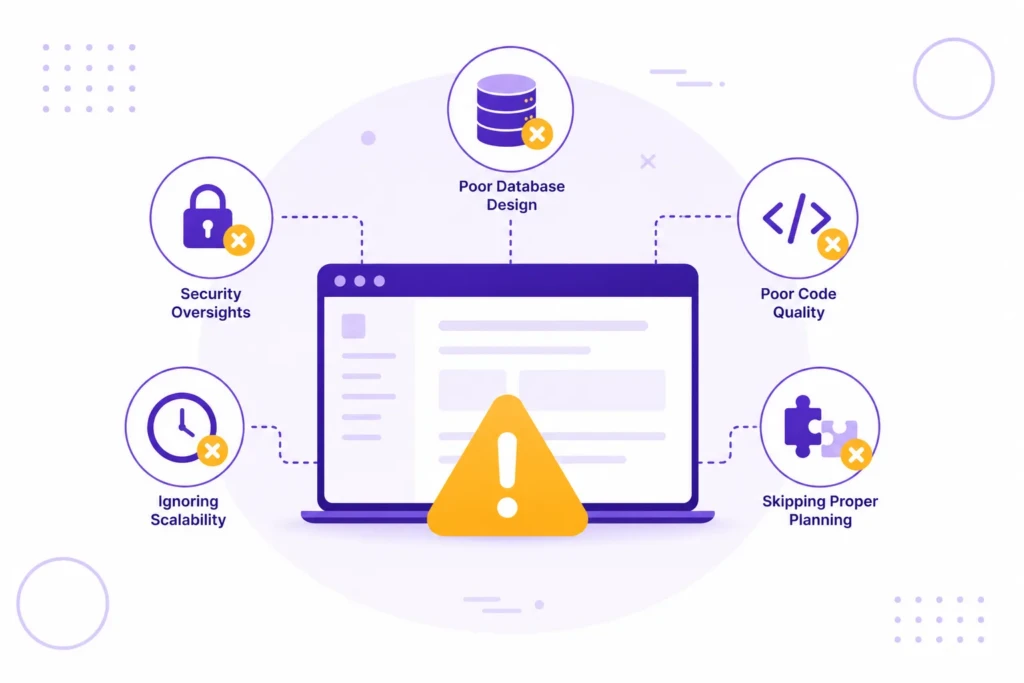
Most costly back-end problems are not caused by bad code. They’re caused by businesses investing in the wrong solution, solving the wrong problem, or adding complexity they don’t actually need.
Building Custom Software Too Early
This is probably the most common mistake.
A business encounters a process that feels inefficient and immediately starts looking for a custom solution. In reality, the process itself may not be fully defined yet.
Building software around an evolving workflow often creates more problems than it solves. It’s usually better to understand and refine the process first, then automate it later.
Assuming More Technology Means More Value
Complex systems can be impressive, but they are also more expensive to maintain.
Every integration, custom feature, automation, and dependency introduces another potential point of failure. Many successful businesses operate on surprisingly simple systems because simplicity is easier to manage and scale.
I’ve worked on websites that generated thousands of leads per year using relatively simple technology stacks. I’ve also seen heavily customized systems that were difficult for the business to update, troubleshoot, and understand.
More technology does not automatically create better outcomes.
Ignoring Maintenance Costs
Launching a custom feature is only the beginning.
Software requires updates, testing, security reviews, documentation, and ongoing support. These costs are often overlooked during the planning phase but can exceed the original development cost over time.
Trying to Force a Platform Beyond Its Purpose
WordPress, Shopify, and other platforms are extremely flexible, but they are not designed to solve every problem.
At some point, businesses have to decide whether to build a website or software. The answer affects everything from budget to maintenance requirements.
Recognizing that distinction early can prevent a lot of frustration later.
Back-End Development and SEO
Back-end development influences SEO more than many business owners realize.
While content, keywords, and backlinks often receive lots of attention, technical systems play a significant role in how search engines access, interpret, and evaluate a website. Site performance, crawlability, redirects, structured data, URL management, and other technical SEO elements are all influenced by decisions made behind the scenes.
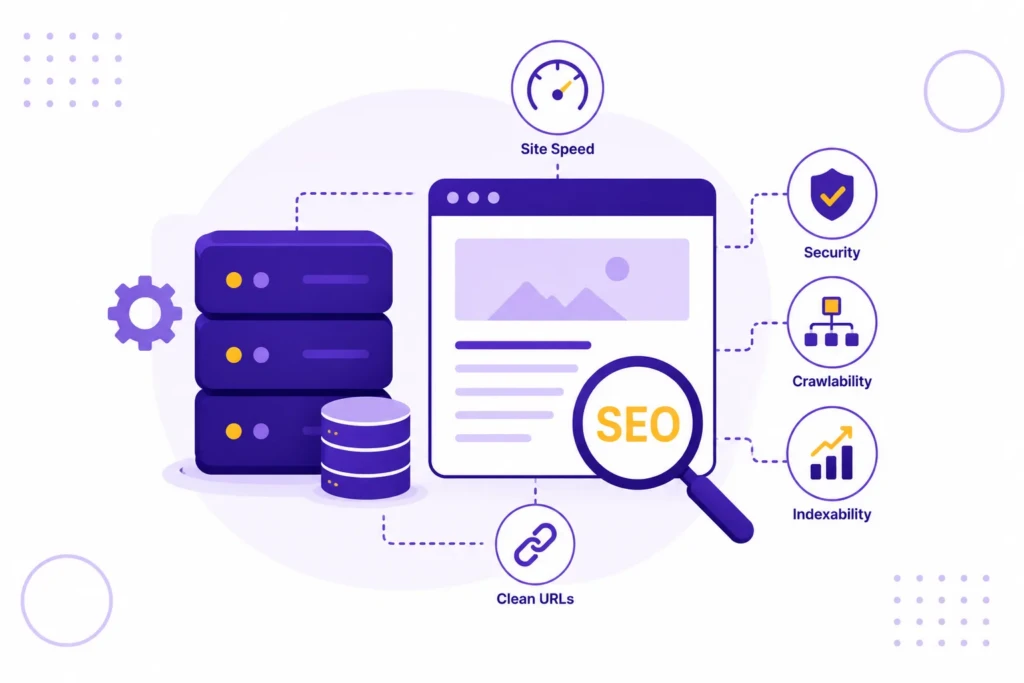
In many cases, technical improvements can create meaningful SEO gains without changing a single page of content.
Website speed is one example. A slow database, inefficient queries, unnecessary plugins, or poorly configured hosting can all affect how quickly pages load. Visitors notice those problems, and search engines do too.
Back-end systems also influence how search engines discover and understand content. Redirects, XML sitemaps, structured data, canonical tags, and URL management are often controlled behind the scenes. When these systems are configured incorrectly, even high-quality content can struggle to perform.
I’ve seen businesses spend months chasing content opportunities while overlooking technical issues that were limiting the site’s ability to rank in the first place. Sometimes fixing a broken redirect structure or improving site performance produces more results than publishing another ten blog posts.
The good news is that most businesses do not need custom development to solve these problems. In many cases, fixing technical issues within an existing platform produces better results than rebuilding the website altogether. They simply need a website platform and technical setup that support SEO rather than working against it.
Putting This Into Practice
Back-end development is responsible for much of the functionality people expect from modern websites. Contact forms, online stores, customer accounts, appointment scheduling, automations, and integrations all depend on systems operating behind the scenes.
For most businesses, the challenge is not deciding whether they need a back end. They already have one. The more important question is whether their current tools are effectively supporting the business. In many cases, a well-configured platform is enough. In others, custom development becomes worthwhile when unique workflows or operational requirements create real limitations.
Understanding that distinction can help you make better technology decisions, avoid unnecessary complexity, and invest in improvements that actually move the business forward.
One thing that surprises many business owners is how little custom development most successful websites actually require. The internet is full of discussions about frameworks, programming languages, and software architecture, but most businesses benefit far more from clear content, reliable processes, and an easy-to-maintain website.
Work With TCB Studio
Technology decisions are often more expensive than development decisions.
Choosing the wrong platform, overbuilding a solution, or adding unnecessary complexity can create years of maintenance headaches. Choosing the right approach usually makes everything easier, from content management and SEO to ongoing updates and future growth.
TCB Studio helps businesses evaluate platforms, improve technical SEO, implement automation, and determine where custom development actually creates value. The goal is to build systems that support the business without becoming a burden to maintain.