No products in the cart.
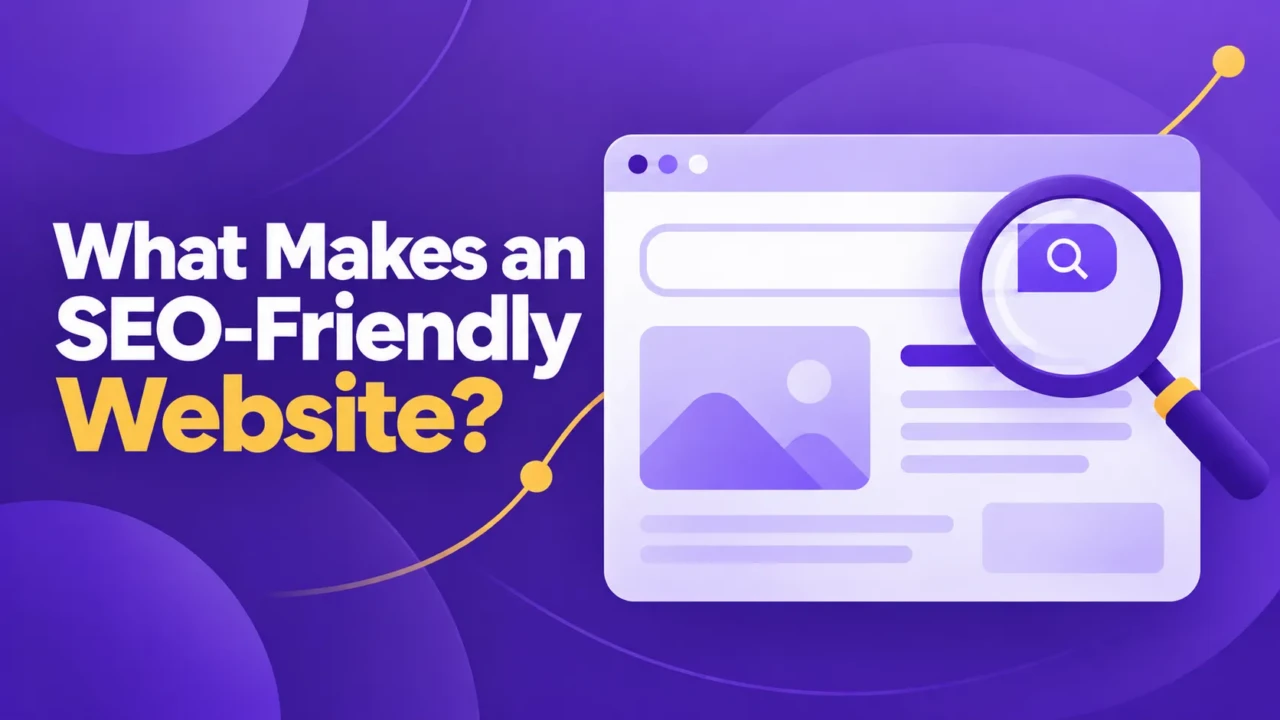
An SEO-friendly website is easy for search engines to access and understand, while also helping visitors find the information they need and take the next step. It has a clear structure, useful content, a solid technical foundation, and a user experience that works across devices.
SEO-friendly does not mean adding a keyword to every paragraph or publishing as many blog posts as possible. It means building and maintaining a website that connects the right pages with the right searches, supports the business’s actual services, and gives visitors a reasonable path from discovery to action.
SEO-Friendly vs. SEO-Optimized

These terms are related, but they describe different levels of work. An SEO-friendly website meets the basic requirements for search engines and visitors to access, understand, and use it. An SEO-optimized website is being actively improved for particular searches, audiences, locations, and business goals.
For example, a website may have working navigation, readable pages, accurate titles, and no major indexing problems. That makes it SEO-friendly. It may still need better service-page content, stronger internal links, or more local information before it can compete effectively for valuable searches.
This distinction helps set realistic expectations. Fixing a technical problem can make a page accessible or easier to understand, but it doesn’t guarantee the page will rank, attract qualified visitors, or generate inquiries.
The Website Has a Clear Structure
An SEO-friendly website gives each important page a defined job. A service page should explain one service and help the right visitor decide what to do next. A blog post should answer a question or explore a topic. A contact page should make it easy for someone who is ready to reach out.
The structure should also reflect how people search. Someone looking for “how to improve website SEO” needs an explanation. Someone searching for “technical SEO services” may be comparing providers. Someone searching for “dog sitter in Austin” likely needs local service information, availability, and a way to inquire.
For example, a local physical therapist may need separate pages for sports injury treatment, pelvic floor therapy, and general physical therapy. Each page can address a different need without forcing unrelated services into one vague page.
Navigation and internal links should reinforce this structure. Visitors should be able to move from a general service page to a related explanation, booking page, or contact form without having to search for the next step themselves.
Search Engines Can Crawl, Index, and Understand the Pages
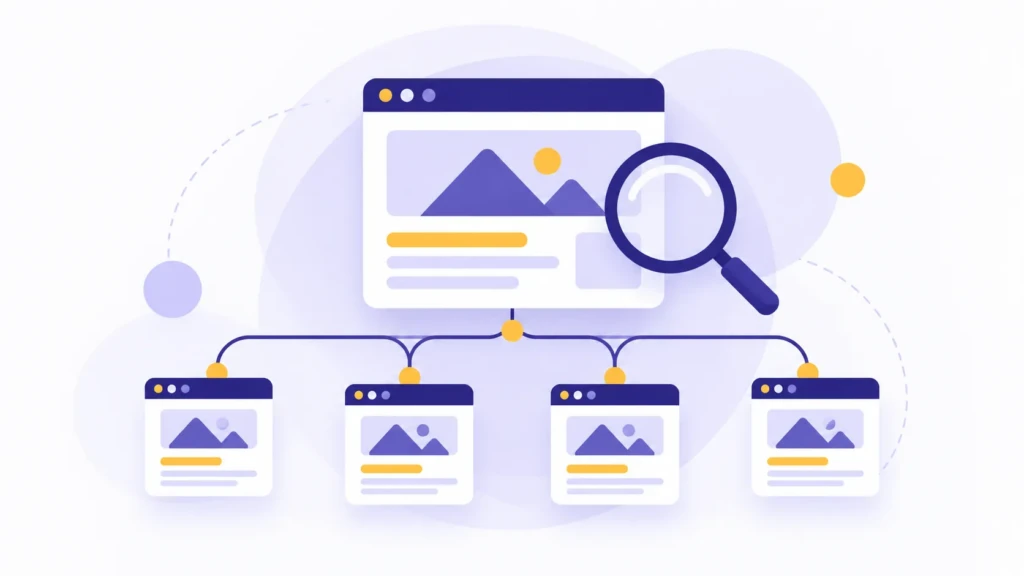
A page must be available to search engines before it can appear in search results. Crawling is the process of discovering a page. Indexing is the process of storing and understanding that page. Ranking is the later process of deciding where the page may appear for a particular search.
A page can be published on a website without being indexed. It may be blocked by a setting, left out of the site’s internal links, marked as noindex, or affected by a technical problem. Checking that important pages are crawlable and eligible for indexing is one of the first technical SEO steps.
The page itself should also provide useful signals. Its title, main heading, URL, and description should reflect the actual subject. Images should be optimized, appropriately sized, and include alt text that helps explain their purpose. Links should lead to current, relevant pages.
Review other technical details, such as canonical URLs, XML sitemaps, robots directives, and structured data, when they apply to the website. They are not automatic improvements on their own. Their value depends on whether they solve a real access, duplication, interpretation, or search-display problem.
What an SEO-Friendly Website Looks Like in Practice
The difference between a weak and a stronger setup is often easier to see in everyday website situations.
| Website condition | SEO-friendly condition | Why it matters |
|---|---|---|
| Several services are combined on one vague page | Each important service has a focused page | Searchers and search engines can connect the page with a clearer need |
| A page is published but blocked from indexing | Important pages are crawlable and eligible for indexing | Search engines can access and process the page |
| Navigation points to retired URLs | Menus and content links lead to current pages | Visitors avoid dead ends and unnecessary redirects |
| The page title describes the business but not the page | The title identifies the page’s actual topic | Searchers get a more accurate preview in search results |
| A contact form is difficult to use on a phone | The form is readable, usable, and tested on smaller screens | Interested visitors have a reasonable path to inquire |
| A local business has only a Google Business Profile | The profile and website provide consistent, useful information | Local discovery and on-site decision-making support each other |
These conditions are connected. A focused service page is less useful if visitors cannot find it, and a technically accessible page still needs content that answers the searcher’s question. Review the page as a complete experience, not as a checklist of isolated issues.
The Website Works Well for People
Search visibility only helps when visitors can use the website once they arrive. Pages should load reliably, work on mobile devices, use readable text, and make important actions easy to find.
Look at the experience from the visitor’s point of view. Can someone understand what the business does within a few seconds? Can they find the right service, read the page without zooming, complete the form on a phone, and know what happens after they submit an inquiry?
Performance problems may come from oversized images, unnecessary scripts, excessive plugins, inefficient hosting, or a theme that loads more code than the page needs. Fix the problems that affect the actual page experience instead of chasing a perfect technical score that does not reflect how customers use the site.
The website also needs enough information to support trust. Depending on the business, that may include the provider’s name, service area, process, availability, policies, contact details, or relevant examples of work. A local business may also use a Google Business Profile, but that profile doesn’t replace a website that explains the service and supports the next decision.
Search Visibility Should Support a Business Goal

SEO should support something the business actually needs. That may mean more qualified inquiries, more bookings, more product sales, or better access to information for existing customers.
A website can be technically correct and still deliver little business value if it targets the wrong searches, attracts the wrong visitors, or makes it hard to take the next step. Search visibility matters when it connects the right people with a page that helps them.
Measurement should reflect the page’s purpose. Depending on the website, that may include search impressions, clicks, visits to important service or product pages, form submissions, booking requests, phone calls, sales, or other tracked actions.
These measures need context. You can verify a technical change on the website before you know its effect on rankings, traffic, or inquiries. An increase in visits also doesn’t automatically mean the business is getting better opportunities.
How to Review Your Own Website
You do not need to review every page at once. Start with two key pages: one that attracts search visitors and one that helps them take action.
Start with the page’s purpose
Identify the search or decision each page supports. Then check whether the page answers that need directly, uses a useful title and heading, links to related pages, and gives the visitor a clear next step.
A service page should make the service understandable. An informational page should answer the question it targets. A contact or booking page should make the next action easy to complete.
Test the experience on a phone
Open the navigation, tap the buttons, complete the form if possible, and check whether important content is easy to read. Look for anything that makes the page harder to use, such as cramped text, overlapping elements, slow-loading images, or a form that requires unnecessary effort.
If you have access to search tools, confirm the page isn’t blocked from indexing and check whether search engines have discovered it.
Check the supporting details
Review the page’s links and business information. Remove links to retired pages, update outdated service details, confirm contact information, and ensure the contact path matches what the business can actually provide.
This review will not predict rankings or business results. It will show whether the page is understandable, accessible, usable, and aligned with its purpose.
SEO Tools That Can Help
SEO tools can speed up a website review, but their reports still need context. Use them to investigate a question, not to treat every warning as a required fix.
- Screaming Frog: Crawl a website to find broken links, redirects, missing titles, duplicate pages, and other technical issues.
- Ahrefs: Research keywords, backlinks, competing pages, and estimated search visibility.
- Semrush: Review technical issues, rankings, keywords, competitors, and backlink data.
- Ahrefs browser extension: Inspect page-level SEO details and search results while browsing.
No tool replaces reviewing the actual page or deciding which findings matter to the business. An audit identifies possible issues; implementation and measurement come afterward.
When a Focused Project Makes Sense
A focused correction is usually enough when one defined problem is affecting an otherwise stable website. Examples include an incorrect noindex setting, a group of broken internal links, duplicated page titles, a mobile form problem, or a page that needs a clearer heading structure.
A broader project may be justified when the website has overlapping services, unclear navigation, outdated information, inconsistent URLs, weak local details, or a design that makes important actions difficult. A redesign isn’t automatically the answer to a technical SEO issue, and more content will not fix a website that doesn’t explain its services well.
An audit identifies issues and recommendations. Implementation may require a developer, content writer, designer, or business owner, depending on the scope. Once you make a correction, you can often verify it on the website before you know its effect on rankings, traffic, or inquiries.
Ongoing support helps when the website changes frequently, search performance is a major business channel, or the business needs recurring technical and content decisions. It may be unnecessary for a small, stable website that only needs occasional reviews after major changes.
Frequently Asked Questions
These questions cover common decisions when evaluating whether a website is ready to support search visibility and customer decisions.
No. An SEO-friendly website removes avoidable barriers and gives search engines useful information, but it cannot guarantee rankings, traffic, leads, or sales. Competition, search intent, content quality, site history, and the business’s ability to serve visitors also affect results.
Search tools can provide the most reliable answer, but a basic review can identify obvious problems. Check whether the page is linked from the site, whether it has a noindex setting, and whether the URL is intended to be the preferred version of that page.
No. A blog can help a business answer questions and reach people earlier in the decision process, but it is not required for every website. A service business may benefit more from focused service pages, local information, useful FAQs, and a reliable contact path.
No. A Google Business Profile can support local discovery, but it does not replace a website. The website should explain the business’s services, service area, process, and contact options in enough detail for someone to decide whether to get in touch.
Outside help is useful when the issue affects multiple templates, requires technical access, involves a migration, or is difficult to diagnose internally. It can also help when the business needs a defined scope of work instead of general advice. A focused project is often appropriate when one clearly identified problem is limiting the website.
Summary
An SEO-friendly website is accessible to search engines, easy for visitors to understand, and tied to a real business purpose. It gives important pages a clear role, matches content to search intent, supports crawling and indexing, works well on mobile devices, and provides enough information for visitors to take the next step.
Start with two important pages and review them side by side. Before deciding whether you need a focused correction or a broader project, check each page’s purpose, search intent, indexing status, mobile experience, internal links, and contact path.
Work With TCB Studio
TCB Studio provides technical SEO services for businesses that need help identifying and correcting website issues. Hourly work may fit a defined problem, while monthly support can help businesses that need ongoing technical or strategic assistance.
The right scope depends on the website’s condition and the problem you need to solve. Start with the pages, settings, or symptoms affecting the business, then decide whether you need a focused fix or a broader project.