No products in the cart.
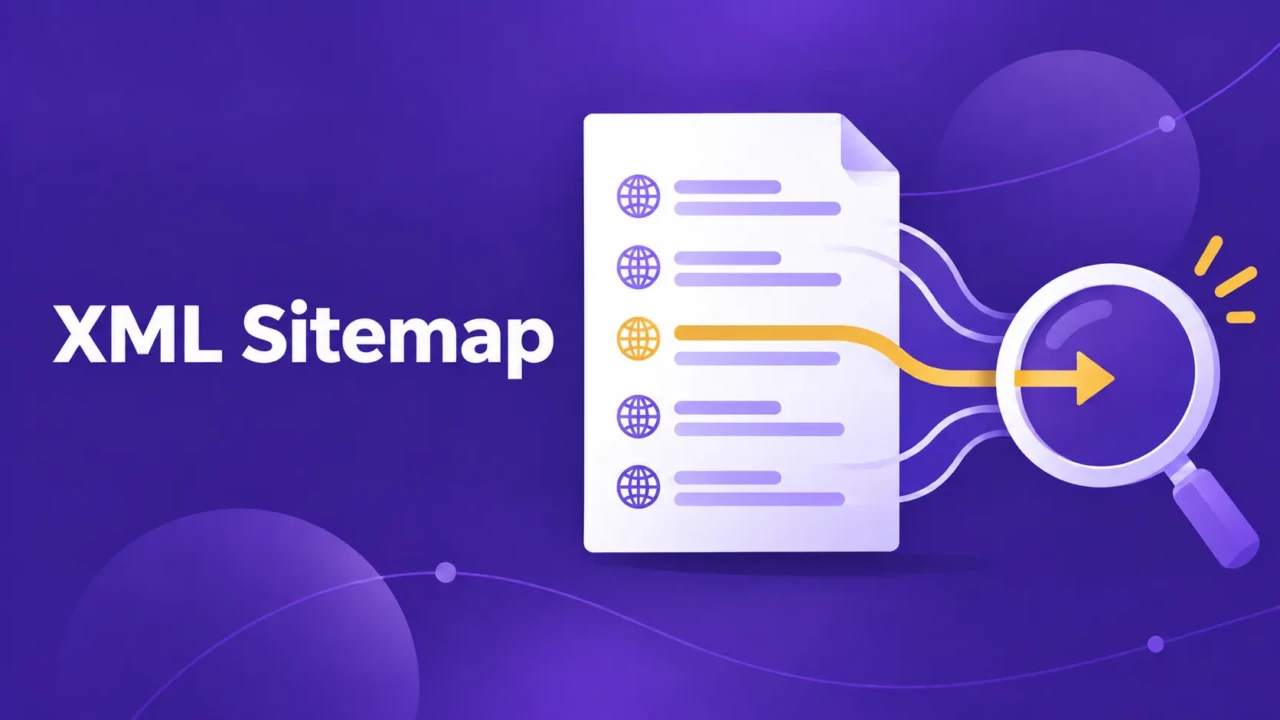
An XML sitemap is a machine-readable file that lists the URLs a website considers important for search engines to discover. It can help Google find new, updated, or hard-to-discover pages, but it doesn’t guarantee those pages will be crawled, indexed, ranked, or visited.
Most websites generate a sitemap automatically through the website platform or an SEO plugin. The useful SEO task is reviewing the output: confirm that important pages are included, unwanted URLs are excluded, and the sitemap does not conflict with robots.txt, canonical URLs, or noindex settings.
How an XML Sitemap Works
XML is a structured format that allows software to read organized information. An XML sitemap is designed for search engine crawlers, not for people browsing the website.
A simple sitemap may look like this:
<?xml version="1.0" encoding="UTF-8"?>
<urlset xmlns="<http://www.sitemaps.org/schemas/sitemap/0.9>">
  <url>
    <loc><https://example.com/about/></loc>
    <lastmod>2026-09-20</lastmod>
  </url>
  <url>
    <loc><https://example.com/services/></loc>
    <lastmod>2026-09-18</lastmod>
  </url>
</urlset>The URLs should normally use the preferred version of each page, including the correct domain, protocol, and URL format. If a page redirects, returns an error, or has a different canonical URL, you should usually correct it or remove it from the sitemap.
The <loc> element identifies the page URL. The optional <lastmod> element shows when the page was last meaningfully changed.
Most website owners do not need to edit the XML manually. WordPress, e-commerce platforms, and SEO plugins commonly generate and update sitemaps automatically.
A sitemap is separate from your website’s visible navigation. Visitors typically don’t use it to browse your pages. Search engine crawlers use it as a structured list of URLs they may want to visit.
Why XML Sitemaps Matter for SEO

Search engines discover pages in several ways. They may follow internal links, find links from other websites, revisit known URLs, or use a sitemap as an additional source of URL information.
Internal links still matter because they help search engines understand how pages relate to one another. A sitemap can identify a page that is difficult to discover, but it does not show the page hierarchy or replace links between related content.
A sitemap is particularly helpful when:
- A website is new and has few external links
- The site contains many pages
- Important pages are several clicks away from the homepage
- The site publishes or updates content regularly
- A website has recently changed platforms or URL structures
- Internal linking is incomplete
For example, a local physical therapy clinic may have separate pages for back pain, sports injuries, balance therapy, and postsurgical rehabilitation. If a new service page is missing from the main navigation but remains accessible and indexable, the sitemap gives Google another way to learn that the URL exists. The better long-term fix is still to add appropriate internal links.
Discovery does not make a page valuable automatically. The page still needs accessible content, a clear purpose, appropriate internal links, and settings that allow search engines to crawl and index it.
Do All Websites Need an XML Sitemap?
Most websites benefit from having an accurate sitemap, but the urgency varies.
A small website with five well-linked pages may be easy for search engines to discover without one. A large e-commerce site, frequently updated publication, membership site, or recently migrated website has more reason to maintain and monitor its sitemap.
| Website situation | Why a sitemap may help |
|---|---|
| New website | Gives search engines another way to discover pages |
| Large website | Organizes many URLs into structured files |
| Frequently updated site | Highlights new or recently changed content |
| Recent redesign or migration | Helps identify the intended current URLs |
| Small, well-linked website | May be helpful but is usually less urgent |
A sitemap does not compensate for weak site structure. If important pages are blocked, incomplete, duplicated, or disconnected from the rest of the site, submitting a sitemap will not solve those problems. For a small, stable website, checking the sitemap after major changes may be enough. Larger or frequently updated websites may need more regular review.
XML Sitemap vs. Robots.txt
XML sitemaps and robots.txt both communicate with search engine crawlers, but they answer different questions.
An XML sitemap identifies important URLs that search engines should know about. The robots.txt file gives crawlers instructions about which paths they may access. The sitemap is a discovery signal, while robots.txt is a crawl-access file.
| Tool | Main purpose | Question it helps answer |
|---|---|---|
| XML sitemap | Lists important URLs | Which pages should search engines know about? |
robots.txt | Controls crawler access to paths | Which areas may crawlers access? |
noindex | Requests that a page not appear in search results | Should this accessible page be excluded from the index? |
| Internal links | Connect pages for users and crawlers | How does this page relate to the rest of the site? |
For a normal public page, the desired setup is usually straightforward: keep the URL accessible to crawlers, include the preferred URL in the sitemap, and avoid adding a noindex directive. Use robots.txt for genuine crawl-access rules, not as a general way to manage which pages appear in search.
A robots.txt file can also point crawlers toward the sitemap:
Sitemap: <https://example.com/sitemap.xml>These files should support the same crawl strategy. Listing a page in the sitemap while blocking its path in robots.txt creates a conflict: Google may learn that the URL exists but may be unable to crawl the page and evaluate its content.
A similar conflict occurs when a sitemap lists a page with a noindex directive. The sitemap suggests that the URL is important, while noindex asks search engines not to include it in search results.
A noindex instruction must be accessible to crawlers for them to see it. Blocking the same page in robots.txt can prevent Google from reading the page and seeing the noindex instruction. That is why crawl blocking and indexing controls should be reviewed separately.
The distinction is important because robots.txt controls crawling, while noindex controls indexing. Google explains in its crawling and indexing documentation that site owners can use crawling controls, sitemaps, and indexing signals for different purposes.
What Pages Belong in an XML Sitemap?

A sitemap should include the working, indexable URLs that you want search engines to consider for search results. These are usually the preferred versions of your main services, products, articles, locations, and other important content.
Common examples include:
- Main service pages
- Product pages
- Published blog posts
- Useful location pages
- Important category pages
Unless the site owner has a documented technical reason, a sitemap should not include URLs that are blocked, excluded from indexing, redirected, duplicated, or broken.
The sitemap should not list every URL a website can generate. Exclude pages that are private, duplicated, temporary, broken, or not intended to appear in search.
Common exclusions include:
- Login and admin pages
- Shopping cart and checkout pages
- Internal search results
- Duplicate URL variations
- Temporary campaign pages
- Thin tag or author archives
- Pages marked
noindex - URLs that redirect or return errors
The URLs included in the sitemap should normally be the preferred versions of the pages. If several URLs show the same content, listing them all can create unnecessary duplication and make the sitemap less useful.
A simple decision rule is:
If this URL appeared in Google, would it be a useful result for someone searching for the business or topic? If the answer is no, the URL probably does not belong in the sitemap.
Where Can You Find Your Sitemap?
The exact sitemap location depends on the website platform and installed tools. Common locations include:
<https://example.com/sitemap.xml>
<https://example.com/wp-sitemap.xml>
<https://example.com/sitemap_index.xml>
A sitemap index lists several separate sitemaps. A large WordPress or e-commerce website may have separate files for posts, pages, products, categories, or other content types.
You can usually find the active sitemap by checking the common URLs, reviewing platform or SEO plugin settings, looking for a Sitemap: line in robots.txt, or checking Google Search Console.
When you open a sitemap, you should see structured XML or a sitemap index. If the URL returns a regular webpage, a blank response, or an error, the sitemap may not be working correctly.
How to Submit a Sitemap to Google
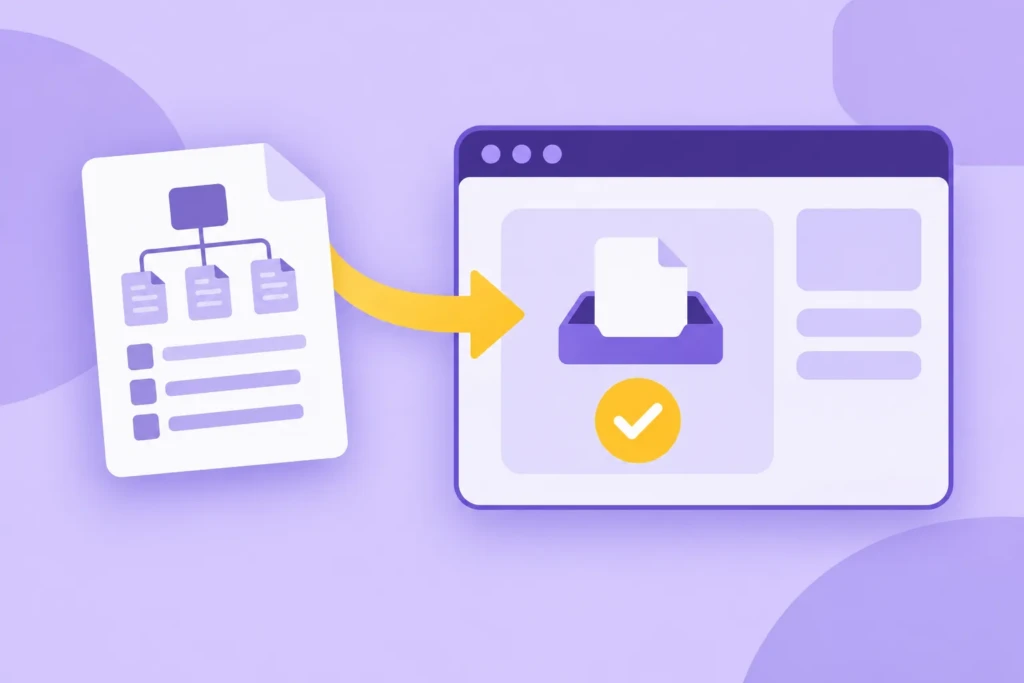
You can submit a sitemap through Google Search Console after verifying website ownership. This helps you monitor whether Google can read the sitemap and whether it reports URL or file errors.
Open the Sitemaps report, enter the sitemap URL, and submit it. Google can also discover a sitemap through a robots.txt reference or links from other sources, but Search Console provides useful reporting about whether Google could read the file and whether it found problems.
A sitemap submission is a discovery signal, not a command. Google decides which URLs to crawl, how often to revisit them, and whether to index them. A sitemap does not guarantee indexing or improve rankings on its own. Google Search Central explains the limits of sitemap submissions.
After submitting the sitemap, review any reported errors. Check for invalid URLs, blocked pages, server errors, redirects, incorrect domain versions, and unexpected pages that should not be included.
Common XML Sitemap Problems

A sitemap can exist and still provide inaccurate information. The following problems are common after redesigns, migrations, service changes, and SEO plugin updates.
The sitemap includes pages that should not appear in search
Login pages, internal search results, filtered URLs, and pages marked noindex usually should not appear in the sitemap. Remove those URLs or adjust the settings that control sitemap generation.
Important pages are missing
A sitemap cannot help search engines discover a URL that is not listed. Missing pages are common after a website migration, a service rename, or a change to content-type settings.
Compare the sitemap with the pages you actually want people to find. Pay particular attention to core services, products, location pages, and important articles.
A missing page differs from a page Google chooses not to index. The sitemap can help with discovery, but it cannot force indexing.
The sitemap contains broken or redirected URLs
A sitemap should generally contain working URLs that return the intended page. Remove URLs that return 404 errors, redirect to another page, or produce server errors.
The sitemap conflicts with robots.txt
A page should not usually be listed in the sitemap while its path is blocked in robots.txt. Review both files together when a page appears to be missing from Google or Search Console reports crawl problems.
Check the page URL, the directory rules in robots.txt, and the page indexing settings together before changing any one of them.
Modification dates are unreliable
The lastmod value should reflect a meaningful change to the page. Automatically updating every date without changing the content may make the information less useful.
The right response depends on the scope of the problem. A few outdated URLs may need a focused correction. A sitemap filled with incorrect URLs may indicate a broader configuration or technical SEO issue.
Frequently Asked Questions
These questions address common sitemap decisions for small business websites and WordPress users.
An XML sitemap can help search engines discover URLs, especially on new, large, or frequently updated websites. It does not directly improve rankings or guarantee that Google will index a page. Rankings depend on factors such as page quality, search intent, accessibility, internal links, and competition.
An XML sitemap lists important URLs that search engines should know about. The robots.txt file provides instructions about which website paths crawlers may access.
They work together, but neither replaces the other. A sitemap does not override a crawl block in robots.txt, and robots.txt does not tell Google to exclude a page from the index.
It can, but that usually indicates the website settings need review. The sitemap says that the URL is important, while noindex asks search engines not to include the page in search results.
Remove the page from the sitemap unless there is a deliberate technical reason for keeping both signals in place.
Open the sitemap URL in a browser to check whether it returns valid XML or a sitemap index. You can also submit it through Google Search Console and review the status and reported errors.
A readable sitemap does not mean every listed page will be indexed. It only confirms that Google can access the file.
Many websites can rely on automatic sitemap generation and occasional checks. Ongoing support may be unnecessary if the website is small, stable, and not undergoing regular structural changes.
A focused technical SEO project may be enough after a redesign, migration, major URL change, or sitemap configuration problem.
Summary
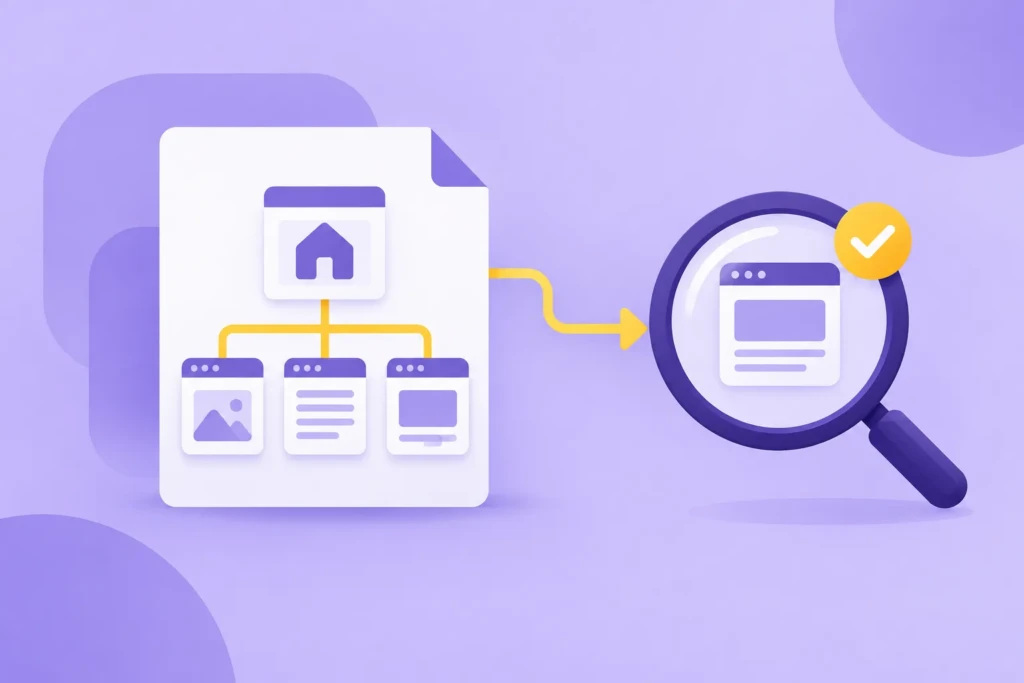
An XML sitemap lists the URLs a website considers important for search engines to discover. It can help discover new and updated pages, but it does not replace internal links, crawl controls, useful content, or indexing decisions.
The sitemap and robots.txt file should support the same strategy: the sitemap identifies important URLs, while robots.txt controls crawler access. Start by opening your sitemap, comparing it with the pages you want people to find, and checking robots.txt for conflicting rules.
Work With TCB Studio
TCB Studio can review a sitemap, compare it with the website content, identify missing or unwanted URLs, and check whether robots.txt or indexing settings create conflicts.
For a focused review, see our technical SEO services. If the problem is limited to a defined correction, hourly work may be appropriate. Ongoing monthly support is available for continued support.