No products in the cart.
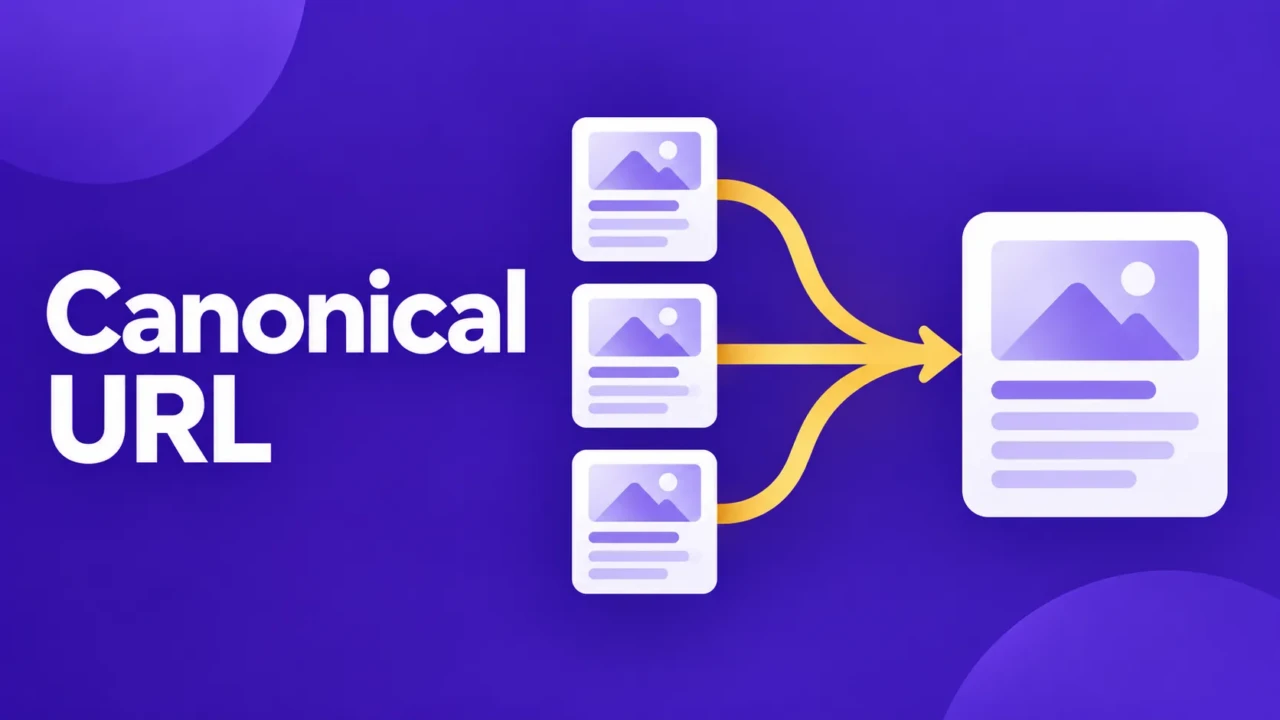
A canonical URL is the preferred address for a webpage when multiple URLs point to the same or nearly identical content. It tells search engines which version to use to represent the page.
Websites create alternate URLs for ordinary reasons, including campaign tracking, category paths, and minor URL-format differences. Visitors may see one page, while search engines see several addresses.
What Is a Canonical URL?
A canonical URL is the main URL that search engines should use when multiple URLs contain the same or nearly identical content. It helps search engines understand which version to index and associate with the page’s SEO signals.
How canonical URLs work
A webpage may be available at several addresses because of tracking parameters, category paths, or minor URL differences:
https://example.com/serviceshttps://example.com/services/https://example.com/services?source=newsletter
If these URLs show the same service page, the business can identify one preferred version:
<link rel="canonical" href="<https://example.com/services>">
This canonical link appears in the page HTML. It tells search engines that /services is the preferred version, even though the other URLs may remain accessible.
The preferred URL should be the address a business would want people to bookmark, share, and find in search. It should load directly and contain the main version of the content. A canonical is a search engine signal, not a redirect or guarantee.
Why Do Canonical URLs Matter for SEO?

Search engines have to decide which URLs to crawl, index, and show in search results. When several URLs contain the same or nearly identical content, they also have to decide whether those URLs are separate pages or versions of one page.
That decision matters because links, sitemap entries, and other search signals may point to different URL variations. A canonical URL tells search engines which version should represent the page and where to associate those signals.
Not every duplicate URL creates a serious SEO problem. Alternate URLs are a normal part of tracking, navigation, filtering, and publishing. The concern is whether search engines select a version that is temporary, incomplete, hard to share, or otherwise less appropriate as the main page.
A canonical tag is a signal, not a guarantee. Search engines may select another URL when other technical or content signals point elsewhere.
When Should You Use a Canonical URL?
A canonical URL is useful when several URLs need to remain accessible but represent the same page or substantially similar content. The alternate URLs may serve a purpose for visitors, analytics, navigation, or site functionality, even though one version should represent the content in search.
A common example is a campaign link. A consultant may share this URL in an email:
https://example.com/consulting/?source=email
The tracking parameter helps measure the campaign, but it does not create a separate consulting page. The clean page URL can remain the preferred canonical version:
https://example.com/consulting
Visitors can still use the campaign link, and the analytics system can still record the source. The canonical tells search engines which address should represent the page.
Another example is an online shop. A product may be reachable through several category paths, such as a general category and a sale category. If those URLs display the same product information, the business may choose one product URL as the canonical while keeping the category paths available for browsing.
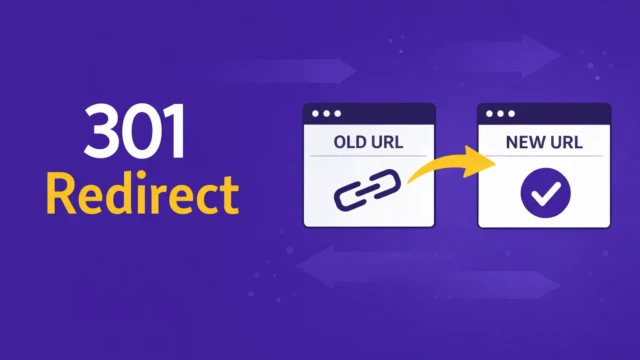
A canonical is less appropriate when an old page has been replaced. If /services/old-name/ has moved to /services/new-name/, a redirect usually makes more sense because visitors should be sent to the new page rather than continuing to access both versions.
The deciding question is simple: do the alternate URLs need to remain available, and do they represent the same main content? If the answer is yes, a canonical may be appropriate. If the old URL should give way to a new one, use a redirect instead.
Canonical URLs, Redirects, and Noindex

Canonical URLs, redirects, and noindex directives all affect how search engines handle pages, but they are not interchangeable.
A canonical URL identifies the preferred version when several accessible URLs contain the same or nearly identical content. Alternate URLs may remain available because they serve tracking, navigation, or publishing purposes.
A redirect sends visitors and search engines from one URL to another. Use it when the original page has been replaced, the URL structure has changed, or the old address should no longer be used.
A noindex directive tells search engines not to include a page in search results, even though the page may remain accessible to visitors. It works for pages that serve a functional purpose but don’t belong in search, such as certain internal search or utility pages.
Think of the three choices this way:
- Canonical: these URLs represent the same content, and this one is preferred.
- Redirect: this old URL has been replaced by another URL.
- Noindex: this page can remain available, but it should not appear in search results.
Do not choose a canonical simply because a page has a different address. First decide whether the alternate URL should remain available and whether it represents the same content.
How to Choose the Preferred URL

The preferred URL should be the version a business would want people to bookmark, share, and find in search. It should represent the main page a visitor is meant to use, not a temporary, filtered, or tracking version.
The URL should load successfully, use the intended domain and HTTPS format, and contain the main version of the content. If the preferred URL redirects elsewhere, returns an error, or shows different content, it probably isn’t the right canonical destination.
The canonical should also agree with the rest of the website. If the canonical uses /services/, important internal links should generally use that same version. The exact URL format matters less than choosing one preferred format and using it consistently.
The canonical should represent substantially similar content. A blog post should not canonicalize to an unrelated service page simply because the service page is more commercially important. The homepage should not become the canonical for every page on the site.
For most sites, the best canonical is the clean, stable, public URL for the main version of the page. Tracking parameters, sorting options, temporary campaign paths, and duplicate category paths usually shouldn’t be the preferred version unless they represent genuinely different content.
How to Check a Canonical URL
You can check a canonical URL by viewing the page source and searching for “canonical”. The page should contain a canonical link that points to the preferred public URL.
Then compare that URL with the address in your browser and with the URLs used in important internal links. If the page declares one version but the rest of the site consistently points to another, the site is sending conflicting signals.
Search tools may also show the canonical URL the search engine selected. If that differs from the URL the site declares, the difference is worth investigating, but it is not automatically an error. Search engines may choose another version when other signals appear stronger.
Change a canonical only when you can identify a real duplicate, replacement relationship, or configuration problem. If it matches the preferred public URL and the surrounding signals agree, leave it alone.
Common Canonical URL Mistakes

Most canonical problems come from treating the tag as a general SEO setting instead of a statement about the relationship between two URLs. The mistakes below either connect pages that should remain separate or point search engines toward a version that cannot properly represent the content.
Pointing unrelated pages to the same URL
A canonical tag should connect pages that contain the same or substantially similar content. It should not send unrelated blog posts, service pages, products, or contact pages to the homepage.
For example, a service page should not use the homepage as its canonical simply because the homepage is the most important page on the site. Each page should normally identify its own preferred URL unless another page genuinely replaces it.
Pointing to a redirect or unavailable page
The preferred canonical should normally be a live page that loads directly. Pointing to a URL that redirects, returns an error, or cannot be crawled creates conflicting instructions.
If the preferred page has moved, update the canonical to the final URL. If the old address should no longer be used, a redirect may be more appropriate.
Treating the canonical as a guarantee
A canonical URL communicates a preference. It does not guarantee that search engines will index that URL or display it in search results.
Search engines may select another version when the content, internal links, redirects, sitemap, or other signals point elsewhere. A different selected canonical is a reason to investigate the surrounding signals, not automatic proof that the tag is broken.
Changing the canonical without a clear reason
A page that has not gained rankings does not automatically have a canonical problem. First confirm that multiple URLs represent the same content or that the declared preferred version is genuinely wrong.
Changing the canonical without understanding the URL relationship can create a new problem, especially when the new destination contains different content.
How Much Should You Worry About Canonical URLs?
Canonical URLs matter most when they affect important pages, repeat across a website, or cause search engines to select an unwanted version. A single tracking URL or minor variation is not automatically an urgent SEO problem.
You can verify a technical correction by checking the page source and confirming that the intended canonical is present. The effect on search visibility may take longer to evaluate because search engines must recrawl and reassess the related URLs.
Do not change a canonical simply because a page has not performed well in search. First review the relationship between the URLs, then decide whether the issue calls for a focused correction or a broader investigation.
Frequently Asked Questions
Canonical questions usually come down to scope, timing, and whether a technical change is actually necessary. These answers cover the decisions a site owner is most likely to face.
Most indexable pages have a canonical URL, often generated automatically by the website platform. A page with no meaningful duplicate may point to itself. The important part is that the canonical matches the page’s preferred public address.
A canonical can help search engines understand which version of a page to evaluate when duplicate URLs exist. It may reduce uncertainty about the preferred page, but it does not guarantee higher rankings, traffic, or leads.
A canonical identifies the preferred version while leaving the alternate URL available. A redirect sends visitors and search engines to another address because the original URL has been replaced or should no longer be used.
Compare the selected URL with the URL declared by the site. Review the page content, internal links, redirects, and sitemap for conflicting signals before changing anything.
A different selected canonical is not automatically a serious problem. It becomes more important when the chosen URL is temporary, incomplete, unrelated, or not the version the business wants people to find.
A simple correction may be reasonable when you understand the duplicate relationship and can verify the result. If the issue affects many pages or several URL patterns, investigate the broader cause before making manual changes.
Summary

A canonical URL identifies the preferred address for a page when more than one URL contains the same or nearly identical content. It helps search engines understand which version should represent the page and where to associate related search signals.
Use a canonical when alternate URLs need to remain accessible. Use a redirect when an old page has been replaced, and use noindex when a page should remain available but stay out of search results.
If you are unsure whether a canonical is correct, compare the declared URL with the page address and the site’s internal references. Make a change only when you can explain the relationship between the alternate URL and the preferred page.
Work With TCB Studio
Canonical URL issues are usually best handled as a focused technical SEO review rather than a broad website project. TCB Studio offers technical SEO services to identify duplicate URL patterns, choose the preferred version, and confirm internal links, redirects, and page source support that choice.
A focused review may be available through hourly work, while monthly support may fit a site with recurring technical changes.