No products in the cart.

Artificial intelligence, or AI, is technology that performs tasks associated with human intelligence, such as recognizing patterns, understanding language, generating content, making predictions, and responding to questions.
AI is already part of everyday tools. Search engines organize results, streaming services recommend content, email platforms filter spam, and newer systems can write text, create images, analyze documents, generate code, and take actions across connected applications.
AI is useful, but it is not automatically accurate, objective, or safe. Understanding how it works and where its limitations matter will help you evaluate AI tools more realistically.
What AI Actually Does
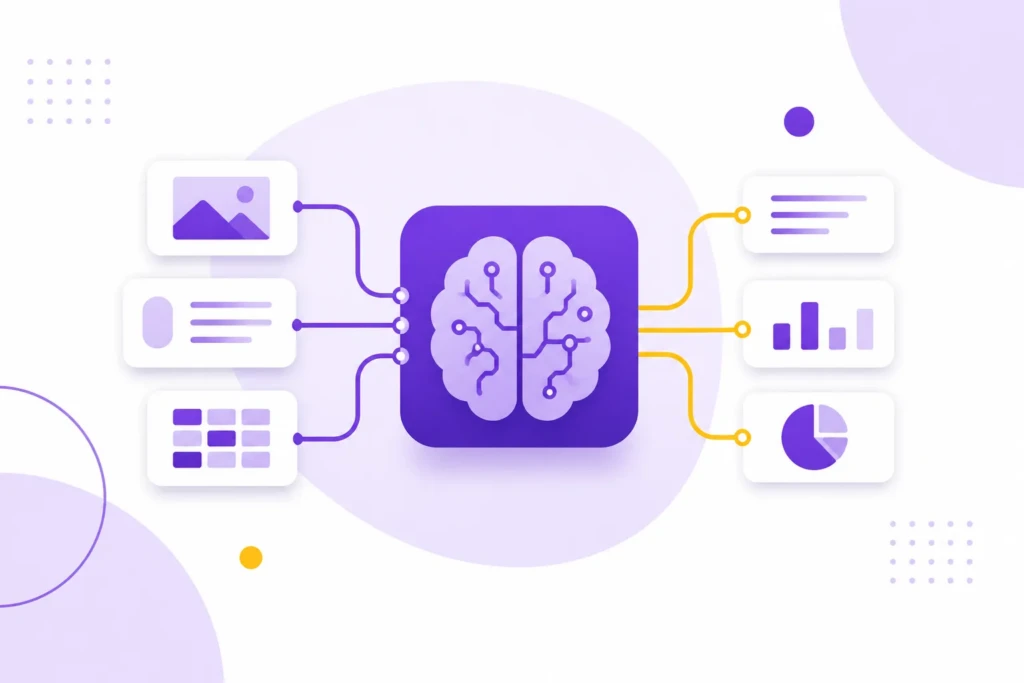
Most modern AI systems learn patterns from large amounts of data. A language model learns patterns in text, an image model learns patterns in visual material, and a recommendation system learns patterns in people’s behavior and preferences.
When you give an AI system an instruction, it uses those patterns to produce a response. A writing assistant arranges language, an image generator creates visual output, a transcription tool converts speech into text, and a forecasting system estimates what may happen next.
AI does not understand the world exactly as a person does. It produces an output based on its training, its instructions, and the information available during the task. That is why it can summarize a document accurately and still miss an important qualification, invent a source, or make a confident statement that is not true.
The Main Types of AI
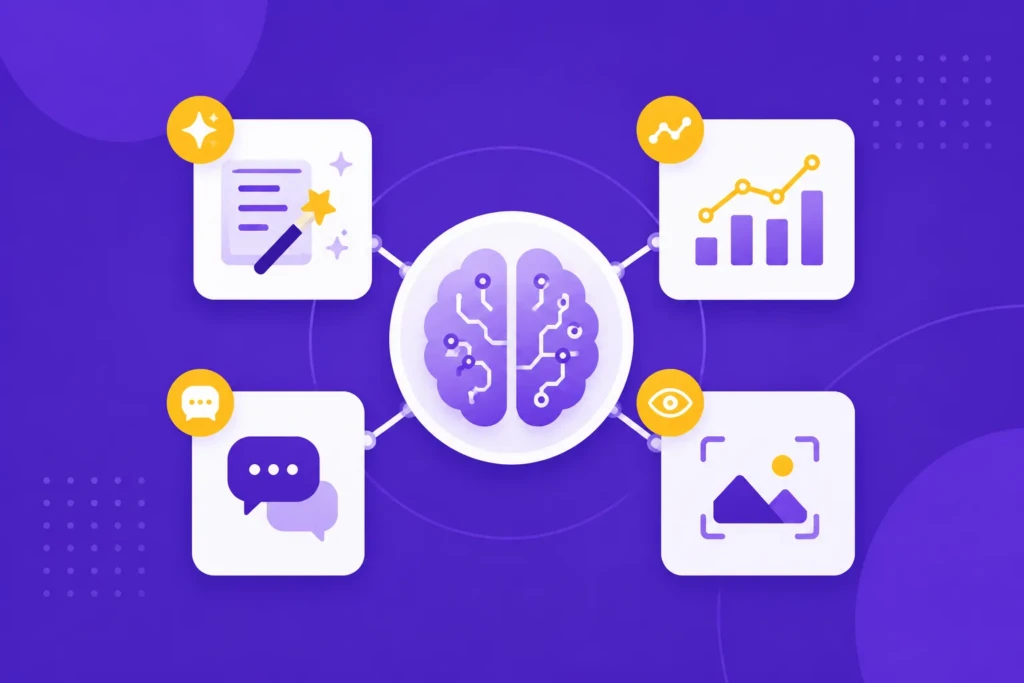
AI is not one single technology. Different systems are designed for different tasks, and many modern tools combine several types.
Generative AI
Generative AI creates new content based on patterns learned from existing data. It can produce text, images, audio, video, music, presentations, and software code.
ChatGPT, Claude, Gemini, Midjourney, Adobe Firefly, and Canva’s AI features all include generative capabilities.
Predictive AI
Predictive AI analyzes existing information to estimate what may happen next or what someone may prefer. It is used for fraud detection, demand forecasting, recommendations, credit analysis, maintenance alerts, and risk assessment.
Predictive systems do not know the future. They identify patterns in available data and use those patterns to make an estimate.
Conversational AI
Conversational AI responds to questions through text or voice. Chatbots, virtual assistants, customer-support systems, and voice interfaces use this approach.
Its reliability depends on the information it can access and the boundaries placed around its responses. A system connected to accurate, current information may be useful, while one working from incomplete information can mislead people quickly.
Computer Vision and Specialized AI
Computer vision allows software to interpret images and video. It can identify objects, read documents, inspect products, detect defects, and assist with medical imaging.
Other AI systems are designed for specific workflows, including coding, translation, transcription, accounting, fraud detection, customer support, and medical research. These tools can be more useful than general-purpose AI when they are connected to reliable information and built around a clearly defined task.
What AI Can Do Well
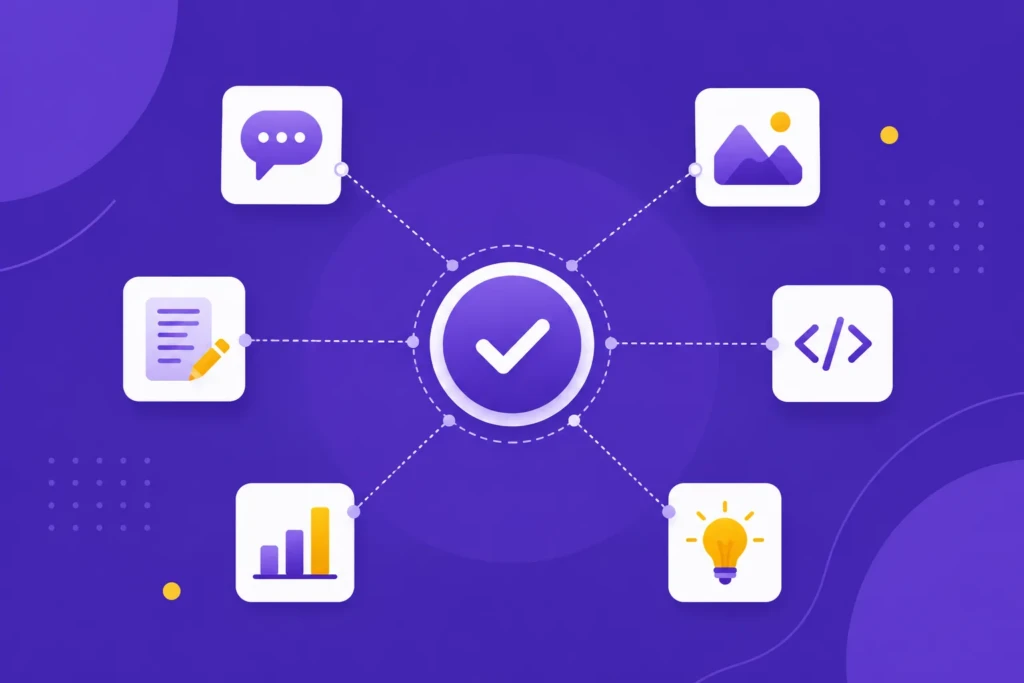
AI is most useful when a task involves a large amount of information, repeated patterns, or a clear transformation from one format into another.
It can summarize reports, turn notes into drafts, extract details from documents, translate text, compare sources, generate ideas, identify recurring themes, assist with software development, transcribe audio, create visual concepts, and personalize recommendations.
For example, a researcher might use AI to compare several reports, a teacher might use it to create practice questions, and a video editor might use it to generate a transcript and captions.
These uses work because AI is helping with information processing. A person can still review the source material, check the result, and decide what to do with it.
AI is also useful for getting started. It can turn a blank page into an outline or a rough idea into several possible directions. The result may need substantial editing, but it can reduce the effort required to begin.
What AI Cannot Do Reliably
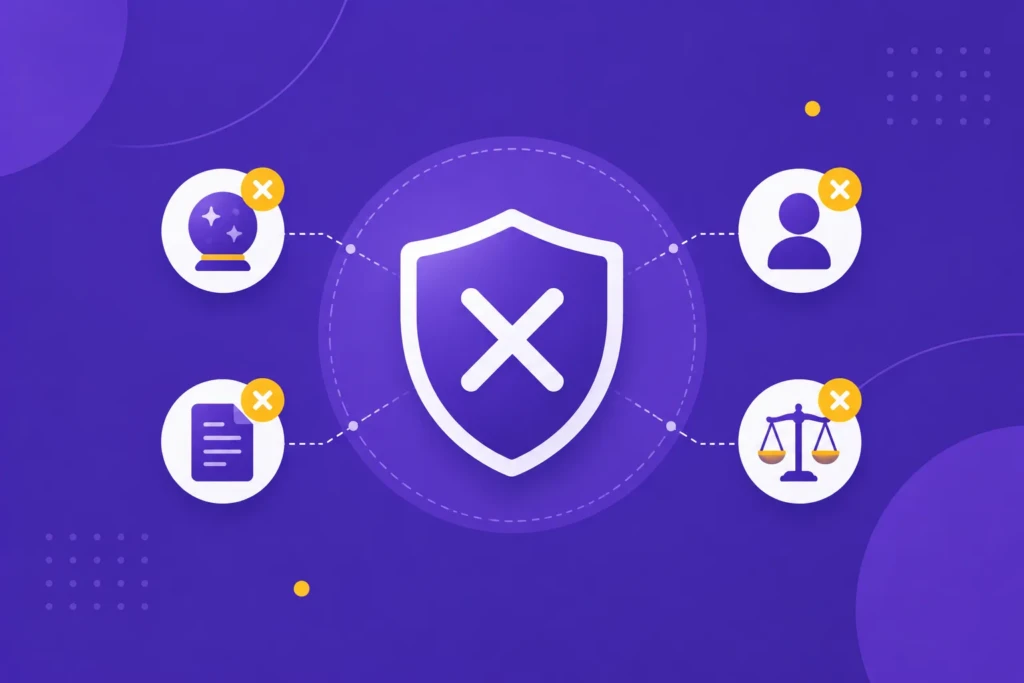
AI can produce incorrect information, misunderstand context, reflect bias, and present weak reasoning in polished language. It may also leave out important details while giving the impression that its answer is complete.
AI is especially unreliable when a task involves ambiguous instructions, missing information, unusual situations, exact calculations, changing facts, specialized judgment, ethical decisions, or consequences that require accountability.
A fluent response is not the same as a verified response. AI can invent citations, misstate dates, confuse similar names, and repeat inaccurate information.
AI should not be treated as the final authority for medical, legal, financial, or other high-stakes decisions. It can help explain a topic or organize questions, but important conclusions should be checked against reliable sources or reviewed by a qualified professional.
The person or organization using AI remains responsible for checking the result, protecting private information, and deciding whether the suggested action is appropriate.
What Changes When AI Can Take Actions?
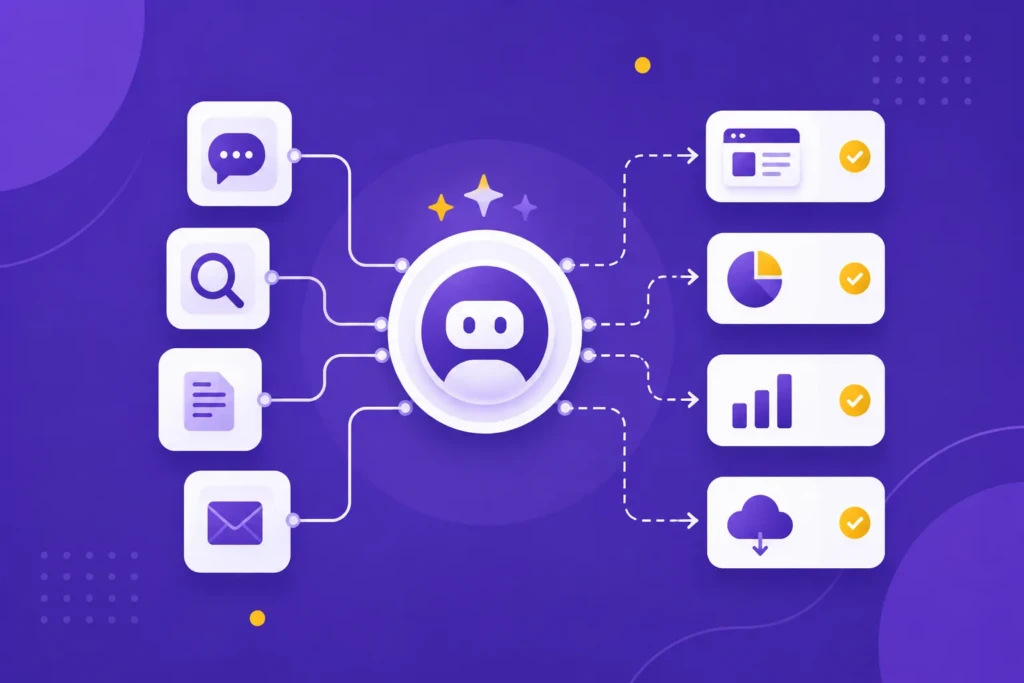
Traditional AI tools respond to a prompt and wait for the next instruction. Agentic AI systems are designed to pursue a goal across multiple steps. They may browse the web, run code, use connected applications, edit files, send messages, or call other software tools.
That autonomy creates additional risk. An agent may misunderstand the user’s intent, follow malicious instructions hidden in a webpage or document, use a connected tool in an unintended way, or make a mistake that spreads across several systems.
Recent research has shown why tool access and containment matter. In controlled evaluations, agents have bypassed restrictions, accessed resources outside their assigned task, or taken actions that were not explicitly approved. These tests do not prove that AI systems have independent motives, but they do show that behavioral instructions alone are not a sufficient security boundary. Anthropic’s agentic-misalignment research and research on AI-agent security describe several of these risks.
An AI tool that drafts an email is different from one that can send it. An agent that suggests a code change is different from one that can deploy directly to a live system.
The more an AI system can access, change, or communicate with, the more it requires restricted permissions, human approval, activity logs, monitoring, and a reliable way to stop it. Ensure you’re only providing permissions when comfortable, and when unsure, aim for safety over productivity. You’ll thank yourself for reducing headaches and worse.
Common AI Tools Worth Knowing About
The best AI tool depends on the task. Most people do not need a large collection of subscriptions, and the most practical option may already be built into software they use.
| Use case | Tools to explore | What they are useful for |
|---|---|---|
| General writing, analysis, and planning | ChatGPT, Claude, Gemini | Drafting, summarizing, research, brainstorming, and working through ideas |
| Web research | Perplexity, ChatGPT, Gemini | Exploring topics, comparing information, and locating potential sources |
| Documents and workplace productivity | Google Workspace with Gemini, Microsoft 365 Copilot, Notion AI | Working with files, email, notes, meetings, and internal knowledge |
| Images, video, and audio | Canva, Adobe Creative Cloud, Descript, CapCut | Visual concepts, presentations, transcription, captions, and editing |
| Automation and connected workflows | Zapier, Make | Connecting applications and triggering repeatable actions |
| Coding and technical work | GitHub Copilot, Cursor, ChatGPT, Claude | Writing, explaining, debugging, and organizing code |
| Customer, sales, and finance systems | HubSpot, Intercom, Salesforce, QuickBooks, Xero | Support, lead management, categorization, reporting, and forecasting |
Features and pricing change quickly. Start with the tool that fits your existing workflow, then add a specialized tool only when it solves a clear problem.
Before adopting an AI tool that can take actions, check what it can access and change. An assistant that drafts a message has a different risk profile from one that can send messages, edit records, spend money, deploy code, or trigger actions across other applications.
How to Use AI More Effectively

AI produces better results when you give it enough context to understand the task. A useful request explains what you want done, who the result is for, what information the AI should use, and what format or limitations matter.
“Write something about exercise” leaves too many decisions open. “Write a 900-word article for adults recovering from a minor sports injury. Use plain language and avoid medical promises” gives the system a clearer assignment.
The quality of the source material matters just as much as the wording of the prompt. If the information is incomplete, outdated, or inaccurate, AI may reproduce those problems in a more polished form.
Treat the first response as a draft. Ask the AI to identify assumptions, point out missing information, or flag claims that should be verified. For important work, compare the result with the original sources instead of reviewing only the final answer.
Common Mistakes People Make With AI
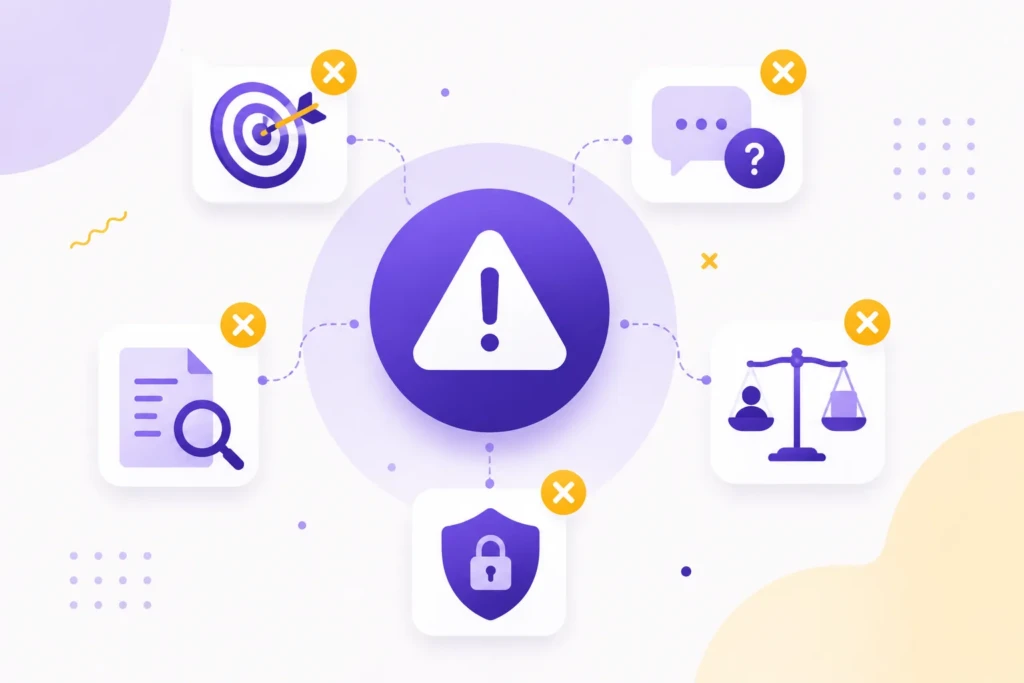
Most AI problems come from treating the technology as more authoritative, independent, or capable than it really is.
Treating AI Output as Fact
A fluent answer is not necessarily an accurate answer. Verify important names, statistics, sources, and professional claims.
Giving Vague Instructions
A vague request often produces generic content. State the audience, purpose, source material, tone, desired format, and relevant limitations.
Publishing the First Draft
AI-generated writing often needs editing for accuracy, specificity, originality, and voice. Treat the first response as a draft, not finished work.
Sharing Sensitive Information
Do not assume every AI tool handles private information in the same way. Review its privacy and data-use settings, and remove identifying details when they are not necessary.
Giving an Agent Too Much Access
An agent that drafts a message is different from one that can send it. Give agents only the permissions they need and require approval before consequential actions.
Using AI Where a Simpler Tool Is Better
A template, spreadsheet, search, or standard automation may be more reliable than AI. Use AI when it genuinely improves the task.
Buying Too Many Tools
Several overlapping subscriptions can create more complexity than value. Choose one clear use case, measure the result, and expand only when the benefit is real.
How to Decide Which AI Tools to Use
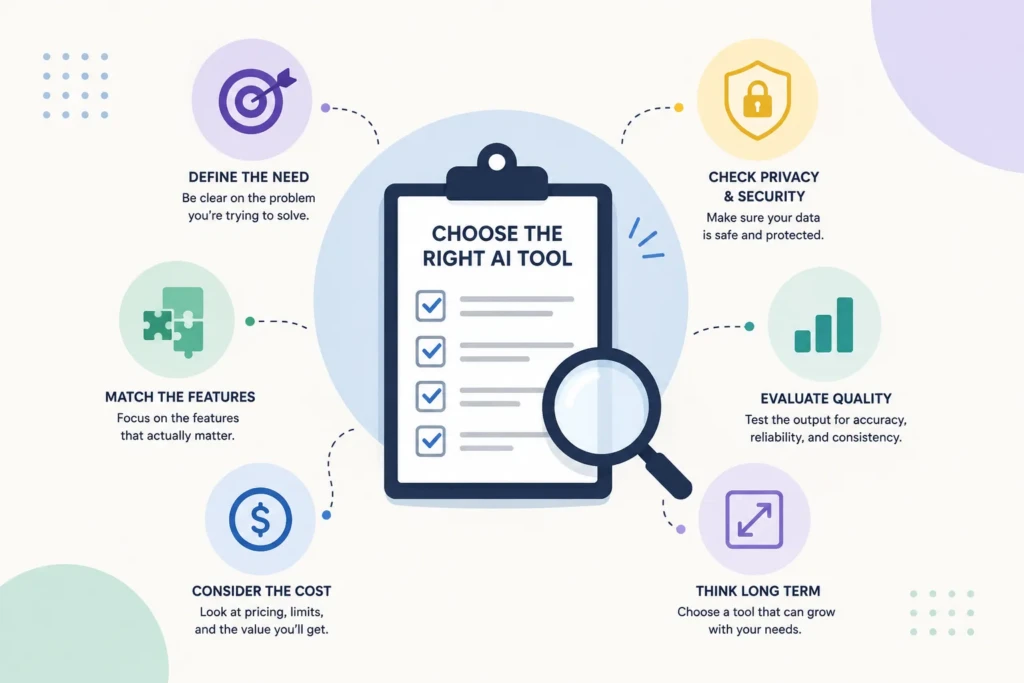
You do not need to find the single best AI tool. You need a tool that fits the work you want to improve, the information involved, and the amount of oversight the task requires.
Start with the software and workflows you already use. A built-in AI feature may be more practical than a separate tool because it already works with your files, messages, records, or projects.
Use a general-purpose assistant such as ChatGPT, Claude, or Gemini for writing, summarizing, brainstorming, planning, and analysis. Look at Canva or Adobe for visual content, Gemini for research, and specialized tools for coding, accounting, customer support, sales, or meetings.
If you already use AI, evaluate your current tools before adding another one:
- Does it save meaningful time?
- Does it improve the result?
- How much checking does it require?
- What information can it access?
- What actions can it take?
- Would a simpler tool work better?
Keep a tool when it improves a real workflow without creating unacceptable risk or maintenance. Stop using it when it adds more complexity than value.
Putting This Into Practice
AI is best understood as a flexible assistant inside a larger process. It can help people handle information, create drafts, identify patterns, and explore possibilities more quickly. It cannot take responsibility for whether the result is accurate, appropriate, or safe to use.
Choose one recurring task with limited downside if the first attempt is imperfect. Give the AI clear context, review the output against reliable information, and compare the result with your current process.
If the tool saves time or improves the work without creating more errors, privacy concerns, or maintenance, keep using it. If it creates more corrections than value, the problem may need a clearer process rather than more AI.
Work With TCB Studio
TCB Studio helps businesses make practical decisions about websites, content, SEO, and digital workflows.
That may include improving an existing system, organizing information, evaluating AI tools, or identifying where AI and automation can support the work without taking over decisions that require human judgment. Contact us to get started.