No products in the cart.
Artificial intelligence assistants have become a common part of everyday work. Tools like Claude can help you move faster and make better decisions, especially when writing content, researching a topic, analyzing documents, or building business systems.
Claude is one of the most popular AI assistants available today, alongside ChatGPT and Google Gemini. While all three can answer questions, write content, analyze information, and assist with research, each has distinct strengths.
Claude has become especially popular among writers, developers, consultants, and researchers because of its ability to handle large documents and maintain context over long conversations. If you’ve ever needed help reviewing a 50-page report, summarizing a meeting transcript, or planning a complex project, Claude is often one of the strongest tools available.
This guide explains what Claude is, how it works, where it excels, where it falls short, and how it compares to other AI assistants.
What Is Claude?
Claude is an AI assistant developed by Anthropic that can help with writing, research, coding, document analysis, and problem-solving.
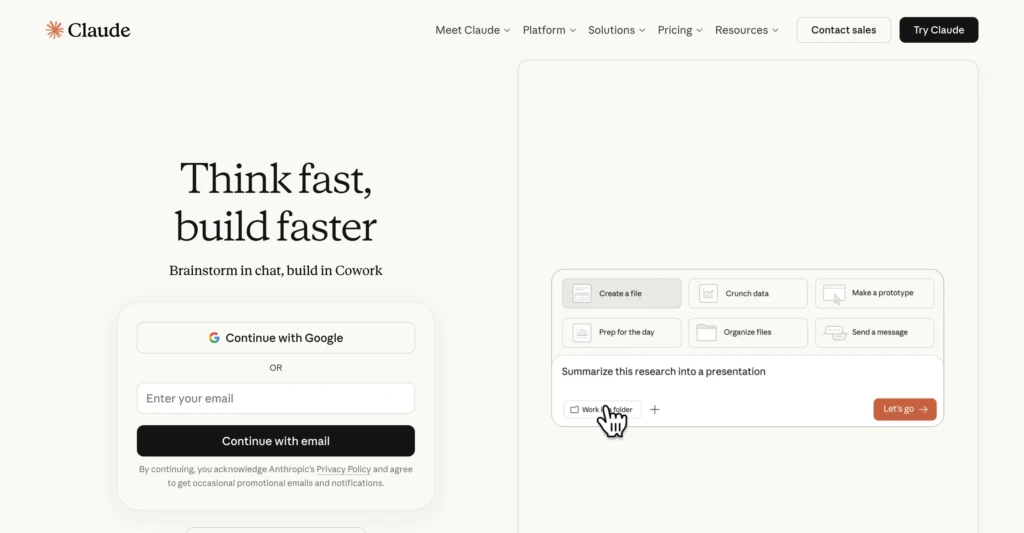
For most people, Claude feels similar to ChatGPT. You type a question, upload a file, or describe a task, and Claude responds with information, suggestions, or completed work. Businesses and developers can also connect Claude to their own software through Anthropic’s API.
What sets Claude apart from many competing AI assistants is its ability to process large amounts of information at once. Instead of analyzing a few pages at a time, Claude can often review entire reports, lengthy transcripts, project documentation, or large collections of notes in a single conversation. That capability has made it especially popular among consultants, researchers, developers, and other knowledge workers.
Is Claude Free?
Claude offers both free and paid pricing plans.
The free version is enough for many casual users and provides access to the core Claude experience. Users who rely on Claude heavily for work may benefit from paid plans, which offer higher usage limits and access to additional features and models.
Who Created Claude?
Claude was created by Anthropic, an AI research company founded by former OpenAI researchers and executives in 2021.
Anthropic has become one of the largest AI companies in the industry, with a strong focus on building AI systems that are useful, reliable, and safe. That philosophy shows up in Claude’s behavior. Compared to some competing AI assistants, Claude is often more cautious when dealing with uncertain information, legal topics, financial questions, or potentially harmful requests.
For everyday users, that usually means fewer confident but incorrect answers, although it can occasionally make Claude feel more restrictive.
How Claude Works

Claude is a large language model, often abbreviated as an LLM. Rather than searching the internet every time you ask a question, it generates responses based on patterns learned during training and the information available in the current conversation.
The easiest way to think about Claude is as a reasoning and language tool rather than a search engine. Its strength is not simply finding information. Its strength is helping you work with information.
For example, imagine you have a 75-page website audit. Reading the document is easy. Turning that information into priorities and action items is harder. Claude can review the audit, identify recurring issues, organize recommendations by impact, and help build an implementation plan.
The same idea applies to contracts, meeting transcripts, research papers, spreadsheets, documentation, and code. Claude is often most useful when there is already a large amount of information available, and you need help understanding, organizing, or acting on it.
Claude Models Explained
Anthropic offers several Claude models that vary in speed, capability, and cost.
- Claude Haiku: The fastest and least expensive model. Best for quick questions, simple tasks, and high-volume automation, including powering free-tier products and latency-sensitive applications like chatbots.
- Claude Sonnet: Anthropic’s primary general-purpose model. Balances speed, reasoning, writing quality, and coding ability. Most users will spend the majority of their time using Sonnet, whether chatting or coding workflows.
- Claude Opus: A premium model built for serious coding and AI agents, with additional reliability for production-ready code, complex multi-tool workflows, and high-stakes tasks.
- Claude Fable: Anthropic’s most capable generally available model, built for ambitious, long-running, asynchronous work, including multi-day coding projects and complex knowledge work.
- Claude Mythos: A specialized, limited-availability model offered to vetted partners for cybersecurity and biology research, with advanced capabilities that Anthropic restricts from general access.
What Can Claude Do?
Modern AI assistants can do far more than answer questions. Claude can help with research, writing, coding, document analysis, automation, and a growing number of business and creative workflows.
Claude can:
- Answer questions and explain complex topics
- Analyze uploaded documents, PDFs, spreadsheets, and images
- Search the web for current information
- Write, edit, and summarize content
- Generate and review code
- Build interactive applications and prototypes through Artifacts
- Work with large codebases and software projects through Claude Code
- Maintain context through Projects, Memory, and connected workspaces
- Connect to external tools and services through integrations and MCP servers
Most of these capabilities are now available across Claude, ChatGPT, and Gemini. The differences usually come down to workflow, integrations, and how effectively each platform handles a particular task.
As AI assistants continue to evolve, choosing a platform is increasingly about fit rather than features.
What Makes Claude Different?
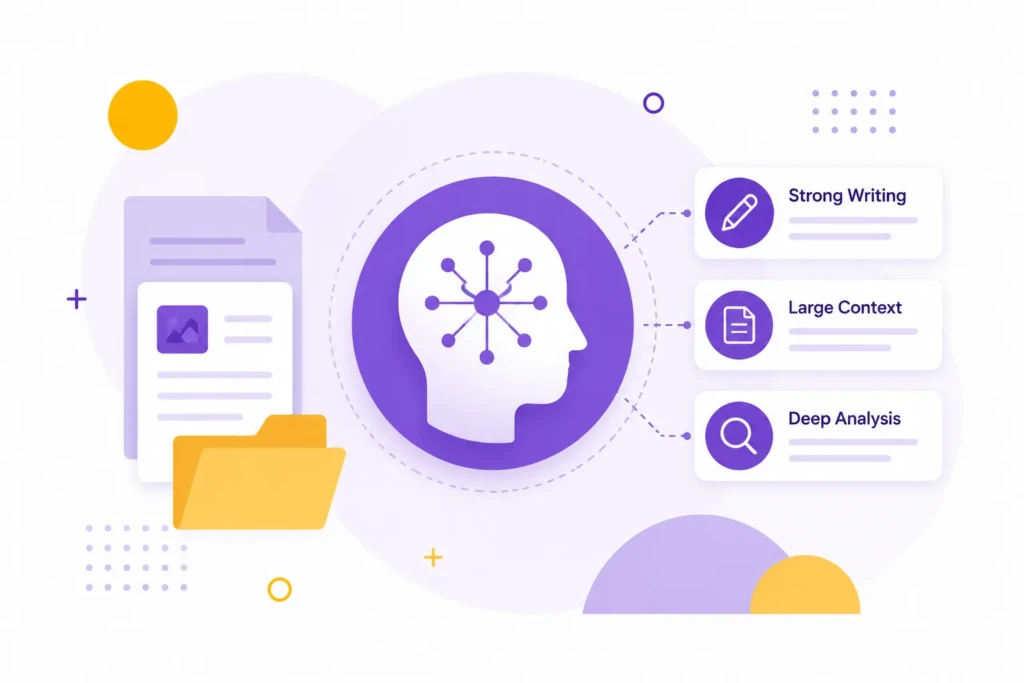
Most AI assistants can answer questions, generate content, analyze documents, and write code. Claude stands out less for its individual features and more for how it handles information.
Claude has built a reputation for strong long-form writing, large-context conversations, and document analysis. It performs particularly well when working with reports, research, transcripts, technical documentation, and other projects that involve large amounts of information.
Rather than focusing on image generation or the broadest possible feature set, Claude’s strengths tend to center around reading, reasoning, writing, and helping users make sense of complex material.
Claude vs Alternative AI Tools
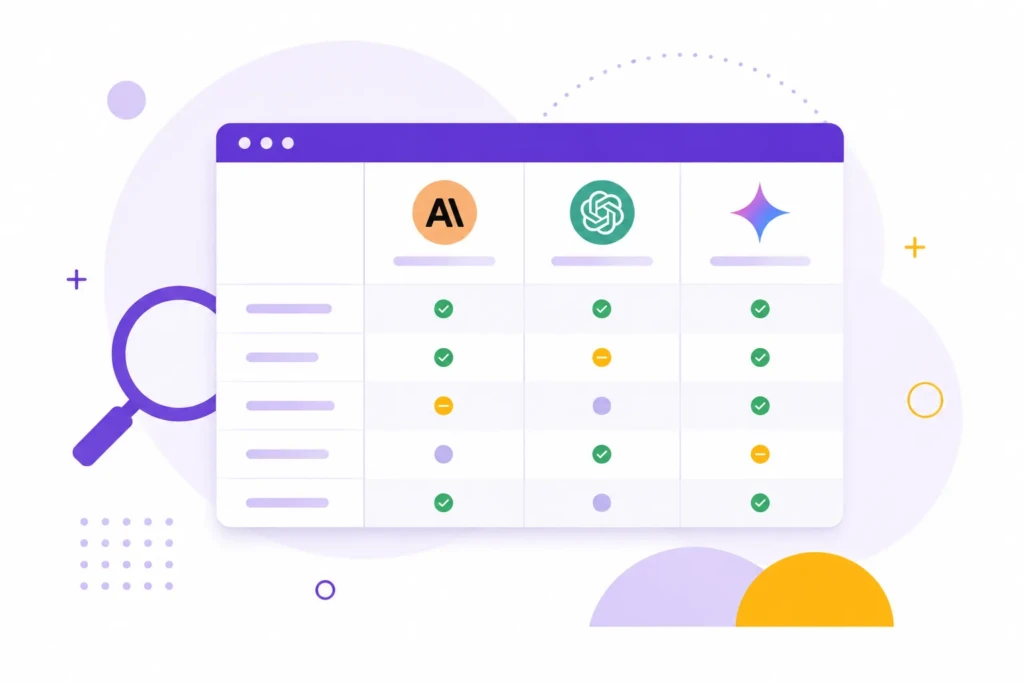
The AI market has become increasingly competitive, and the gap between the major platforms has narrowed significantly. Claude, ChatGPT, and Gemini can all assist with everyday work.
For many professionals, the best choice depends less on raw model performance and more on the tools, integrations, and workflows they use every day.
| Capability | Claude | ChatGPT | Gemini |
|---|---|---|---|
| Best for | Code, writing, document analysis | Broad feature set | Google Workspace users |
| Long-form writing | Very Good | Excellent | Very Good |
| Coding | Excellent | Excellent | Excellent |
| Coding agents | Claude Code | Codex | Gemini CLI |
| Voice conversations | Good | Excellent | Good |
| Image generation | No | Yes | Yes |
| Interactive apps | Artifacts | Canvas / Apps | Gems / Apps |
| Custom workspaces | Projects | Projects & GPTs | Gems |
| Web search | Yes | Yes | Yes |
| Memory | Yes | Yes | Yes |
| Google Workspace integration | Limited | Limited | Full |
| Best known for | Coding and analysis | Breadth of features | Google integration |
Why Users Like Claude
Many users appreciate Claude because its responses often feel more natural and thoughtful than those of a traditional chatbot. While all major AI assistants can answer questions and generate content, Claude has built a reputation for producing natural long-form writing and maintaining context during complex discussions.
For people who spend their day researching, writing, planning, or analyzing information, those qualities can make a noticeable difference in everyday use.
Limitations of Claude

Claude is one of the strongest AI assistants available today, but it is not automatically the best choice for every workflow.
Fewer Built-In Features Than ChatGPT
Claude has added a number of new capabilities over the past few years, including Artifacts, Claude Code, Projects, and integrations through MCP. Even so, ChatGPT currently offers a broader collection of built-in tools and features.
For example, ChatGPT includes native image generation, custom GPTs, advanced voice capabilities, and a larger ecosystem of third-party integrations. If you want a single platform that does a little bit of everything, ChatGPT may feel more complete.
Can Be Overly Cautious
One of Claude’s strengths is its emphasis on safety and reliability. The downside is that it can occasionally be more restrictive than competing AI assistants.
Users sometimes encounter situations where Claude refuses a request, avoids speculation, or provides a more conservative answer than they expected. In many business and professional settings, this is beneficial, but it can occasionally slow down experimentation or creative exploration.
It Should Not Make Important Decisions For You
Claude can summarize a contract, review a proposal, explain a medical study, or analyze financial information. What it should not do is make final decisions on your behalf.
The most effective users treat Claude as a research assistant, editor, analyst, or collaborator. They use it to accelerate thinking and reduce repetitive work, but they still apply their own expertise and judgment before acting on important recommendations.
Putting This Into Practice
Claude is best viewed as a tool for working with information.
Claude can help reduce the manual effort required to translate information into action, especially when reviewing documents, researching a new topic, writing content, analyzing data, or organizing business processes.
Like any AI assistant, it is most effective when paired with human expertise and good judgment. The strongest results come from treating Claude as a collaborator that helps you think, analyze, and organize rather than a system that makes decisions for you.
Need Help With AI?
Learning how to use AI is one thing. Building practical workflows around it is another.
TCB Studio helps businesses and independent professionals integrate AI into content creation, research, SEO, documentation, automation, and day-to-day operations. The goal isn’t to add more tools. It’s to create systems that save time and support better decisions.