No products in the cart.
What is Ecommerce?
Ecommerce, short for electronic commerce, means buying and selling products or services online. Examples include ordering clothes from a retailer, buying a digital template, and paying for a consulting session through a website.
An ecommerce business can be a small shop selling handmade goods or a larger operation managing inventory, shipping, and customer support. Getting started means deciding what to sell, who it serves, and how customers will purchase and receive it.
How Ecommerce Works
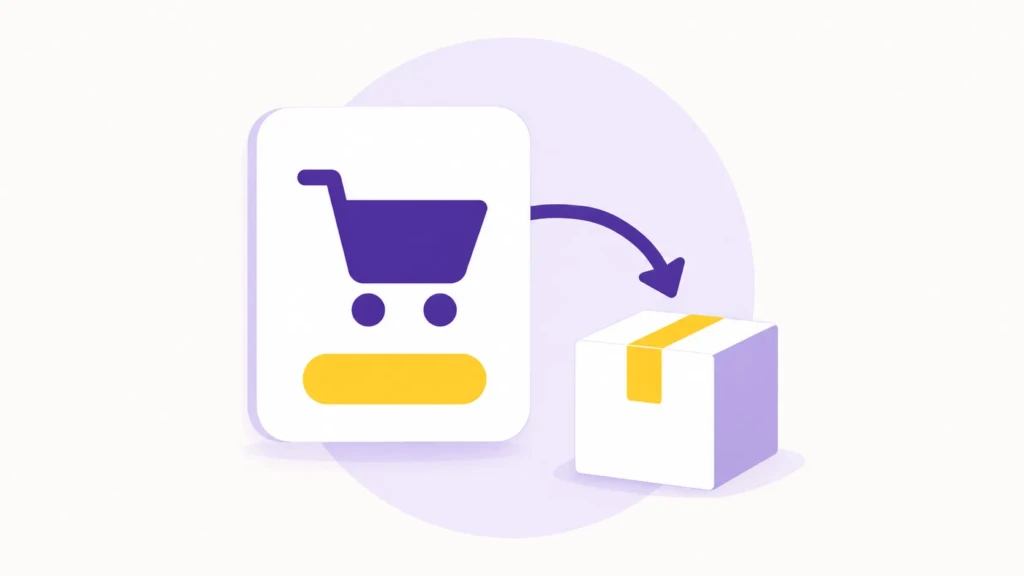
An online sale connects an offer, an ordering process, payment, and delivery. A customer reviews a product or service, places an order, and receives a confirmation explaining what happens next.
What follows depends on the purchase. A physical product needs packing and shipping or pickup. A digital product needs a download or account access. A service might require scheduling, an intake form, or a conversation before work begins.
The storefront is only one part of this process. You also need a way to manage orders, answer questions, handle refunds, and keep product information accurate.
Ecommerce Business Models
Ecommerce models describe who sells to whom. The same business can use more than one model, such as a maker selling directly to customers while also supplying retailers with wholesale orders.
| Model | Who sells to whom | Example |
|---|---|---|
| B2C: Business-to-Consumer | A business sells to an individual customer | A creator sells a digital planner for personal use |
| B2B: Business-to-Business | A business sells to another business | A wholesaler supplies inventory to a boutique |
| C2C: Consumer-to-Consumer | An individual sells to another individual | Someone sells used video games through a marketplace |
| C2B: Consumer-to-Business | An individual supplies work or rights to a business | A photographer licenses an image to a company |
These models describe the buyer and seller, not what’s being sold or how it’s delivered. A business selling handmade goods and one selling software can both be B2C. The same seller can also serve consumers and businesses through different offers.
Common Ways to Run an Ecommerce Business
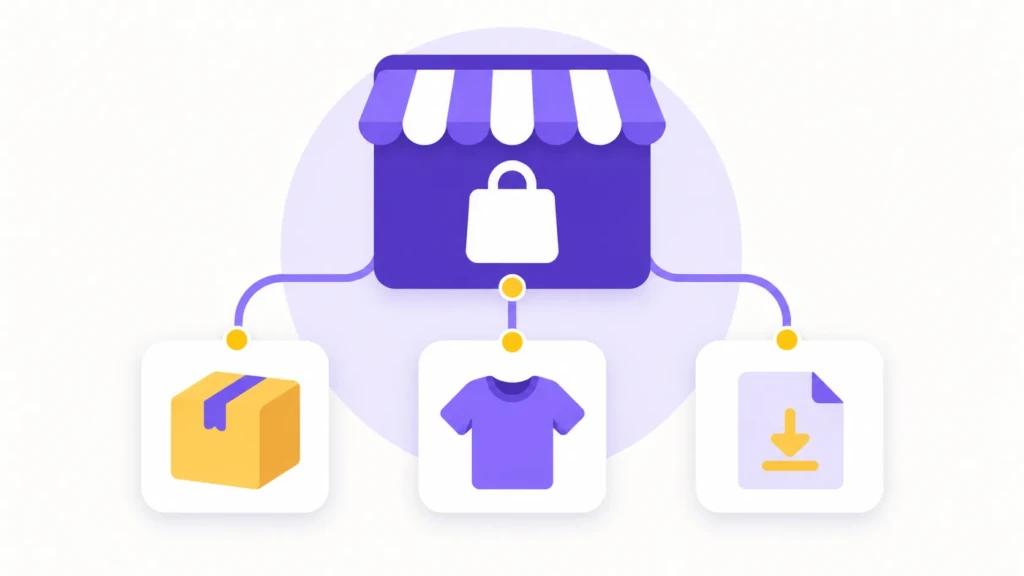
Before choosing a platform, decide how you’ll produce, source, and deliver your offer. That choice affects your upfront spending, daily workload, and control over the customer experience.
Hold Inventory and Ship Orders Yourself
You hold inventory, receive orders, and arrange packing and shipping. Examples include buying wholesale stationery for resale or making ceramics to sell through your own shop.
This gives you direct control over product quality, packaging, and dispatch. It also means paying for materials or stock before everything sells and finding somewhere to store it. Starting with a small collection limits how much money is tied up in unsold products.
Dropshipping
With dropshipping, a supplier holds the inventory and ships orders directly to your customers. You manage the storefront and customer relationship without storing the products yourself.
The tradeoff is less control over stock availability, packaging, and delivery. Before listing a product, order a sample and understand how the supplier handles tracking, damaged items, and returns. A supplier shipping the order doesn’t remove your need to help the customer when something goes wrong.
Print on Demand
Print on demand involves producing an item after a customer orders it. A production partner might print your design on a shirt, poster, or tote bag and then ship it to the buyer.
It lets you test designs without buying a batch of finished stock. However, production and shipping costs affect your margin, and the finished product depends on the partner’s quality. Order samples before using mockups as the basis for your product listings.
Digital Products
Digital products include templates, ebooks, design assets, music, and downloadable guides. Customers receive a file or access instructions instead of a physical shipment.
You don’t have to pack physical inventory, but creating and maintaining the product still takes work. Explain compatibility, usage rights, and what support is included. A template that requires a particular application should say so before purchase.
Services Sold Online
A service business can sell a defined appointment, consultation, or package through an online checkout. This works best when the customer can understand the scope and price without a custom proposal.
Your available time becomes the capacity limit. Set clear deliverables, scheduling instructions, and boundaries around revisions or follow-up work. If the scope varies substantially between customers, start with an inquiry or assessment rather than a fixed purchase.
Subscriptions and Recurring Orders
Subscriptions charge customers repeatedly for an ongoing product, delivery, or access. Examples include replenishment orders, membership content, and software subscriptions.
This approach can sit alongside the other models: a physical product can ship monthly, while a digital membership provides continuing access. It also creates an ongoing obligation to deliver value, manage renewals, and explain how customers can cancel.
For a first launch, choose the model whose ongoing work you can realistically manage. Compare the cost and effort of fulfilling one order, including what happens if it’s late, unsuitable, or needs support.
Setting Up Your Ecommerce Store
Start with the offer and the buying process before choosing software. A shop shipping handmade ceramics has different requirements from a consultant selling a single appointment.
1. Define What You’ll Sell and Who Will Buy It
Choose a specific product or service and identify the customer it serves. Explain what the buyer receives, what problem it addresses, and why they would choose it over another option.
Look for evidence of demand through customer conversations, existing inquiries, competitor offerings, or a small initial launch. Interest alone doesn’t establish that people will pay your intended price.
Work through the costs of fulfilling an order, too. Include the product cost or your delivery time, payment fees, packaging, shipping contributions, and other applicable expenses. Revenue is the amount you sell; profit is what remains after costs.
2. Choose a Suitable Selling Platform
Choose a platform around how you’ll sell and manage orders. A business shipping products every day has different needs from a portfolio website selling a few downloads or a local shop adding pickup orders.
| Platform | When it’s worth a look | What to check |
|---|---|---|
| Shopify | Selling products is the main purpose of the website, and you want a hosted store with tools for inventory, orders, and shipping. | Test your product options and shipping workflow, then account for any apps needed beyond the base plan. |
| WooCommerce | You already use WordPress or need control over how the store connects with the rest of your website. | Plan for hosting, updates, backups, and compatibility between the theme, plugins, and payment integration. |
| Squarespace | You want a store alongside a portfolio, service pages, or other business content in one website builder. | Check the plan and any separate subscriptions needed for your products, memberships, or appointment booking. |
| Wix | You want a visual website builder that supports a shop alongside other business pages. | Build a sample product and test the editor, payment options, and any apps required for your workflow. |
| Square | You already use Square for in-person sales or want to connect online orders with pickup and local fulfillment. | Check how your catalog, inventory, and fulfillment settings work across online and in-person sales. |
| Etsy | You sell original designs, handmade goods, vintage items, or craft supplies and want to start through a marketplace rather than build a standalone store. | Check Etsy’s seller support information to learn expected guidelines. You’ll have less control over storefront design and will compete alongside other sellers. |
Start by testing one representative product rather than building the entire catalog. Include the options, delivery method, and payment process you’ll actually use.
Compare the full operating cost, including subscriptions, payment fees, extensions, and maintenance. A platform that handles your routine orders comfortably is a better starting point than one chosen for features you may never need.
3. Create Product Pages That Answer Buying Questions
Customers need to understand what they’ll receive and whether it fits their needs. Replace broad claims such as “high quality” or “easy to use” with details they can evaluate.
- For physical products, include dimensions, materials, what’s included, and photos that show scale.
- For digital products, explain the format, required software or account, and usage rights.
- For services, specify the deliverables, exclusions, and what the customer needs to provide.
For example, a digital planner listing should explain whether the purchase is a printable PDF, a Notion template, or a file for another application. A screenshot alone may not make that distinction clear.
Show delivery information and additional charges before payment, and make purchase policies easy to find. Customers shouldn’t have to begin checkout to discover a restriction that makes the product unsuitable.
4. Set Up Payments and Fulfillment
Choose a payment provider that supports your business location, product type, and the payment methods your customers need.
You don’t always need a full shopping cart. For a simple offer, a hosted payment page may be enough. For example, Stripe Payment Links let you share a payment page through your website, email, or social media without building a custom checkout.
Plan what happens after payment. Physical goods need shipping or pickup arrangements, digital purchases need reliable access, and services need clear next-step instructions. Decide how you’ll answer questions and manage cancellations or refunds before accepting orders.
5. Test the Complete Purchase Process
Use your platform’s test mode to follow the journey from product selection through checkout and confirmation. Check the experience on a phone and a desktop.
Verify the details that matter to your offer:
- Product options and quantities work correctly.
- Shipping, pickup, or delivery choices appear as intended.
- Customers can understand the total before paying.
- Confirmation messages explain what happens next.
- Downloads, booking instructions, or order notifications arrive correctly.
Resolve any gaps before launch. A working payment form isn’t enough if the customer never receives the product or instructions.
Listing Your Products on Amazon, Google, and Other Channels
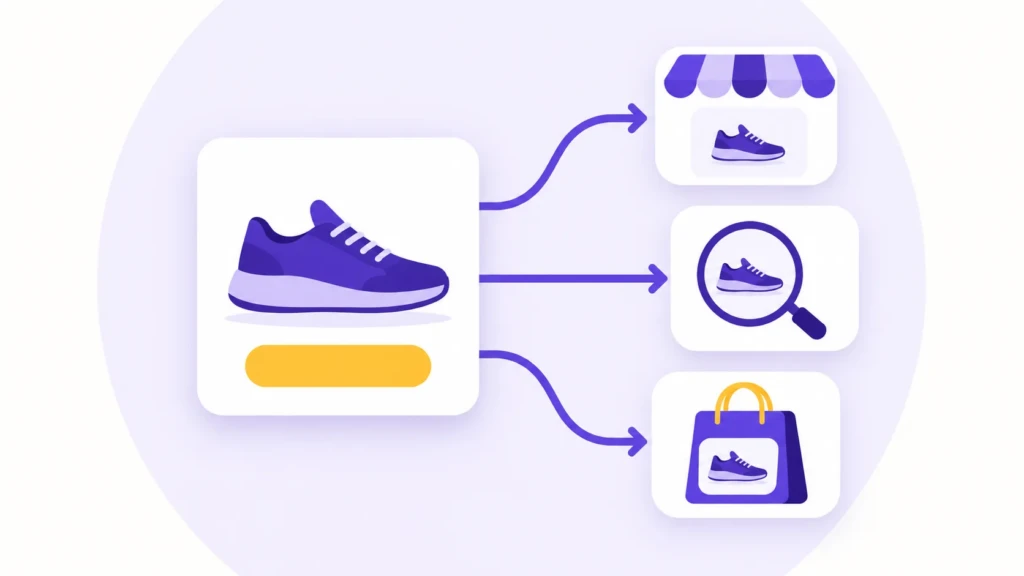
Publishing a product on your website doesn’t automatically list it on Amazon or make it eligible for Google Shopping. Each channel has its own account setup, product requirements, and review process.
The distinction matters: Amazon is a marketplace where customers purchase your products. Google Merchant Center supplies product information for shopping listings that can send customers to your store.
How Do I Start Selling on Amazon?
Start by creating an Amazon seller account and checking the requirements for your product category. Some products, categories, and brands require approval before you can sell them.
Next, check whether the exact product already exists in Amazon’s catalog. If it does, you generally add your offer to the existing product detail page. If it doesn’t, you create a new listing with product information, images, and an appropriate product identifier, such as a UPC, unless an exemption applies. Amazon explains these distinctions in its product ID guide.
You also need to choose how orders will reach customers:
- Fulfilled by Merchant: You arrange storage, packing, shipping, and customer service.
- Fulfillment by Amazon (FBA): You send inventory to Amazon, which handles fulfillment and associated customer service for those orders.
Compare selling fees and fulfillment costs before committing inventory. Amazon’s seller FAQ explains the available fulfillment approaches. FBA is a fulfillment option, not a separate way of sourcing products.
How Do I Get Products Into Google Merchant Center?
Google Merchant Center lets you provide information about products you sell online. Eligible products can appear in free listings across Google. Paid Shopping campaigns are a separate option; you don’t need to spend to participate in free listings.
The setup generally involves:
- Adding your business information and connecting your online store.
- Completing website verification and claiming where required.
- Providing product data, including titles, images, prices, availability, and product identifiers where applicable.
- Configuring relevant shipping and return information.
- Reviewing account and product issues, then correcting anything that prevents eligibility.
Your platform may handle parts of this process through an integration. Google’s website verification guidance explains how connecting a store establishes your relationship with the website.
Keep the submitted information consistent with your product pages and checkout. Connecting a catalog doesn’t guarantee that every product will be approved or displayed.
Can My Ecommerce Platform Sync These Listings?
An integration can send product information from your store to another channel, reducing the need to enter and maintain everything twice. The connection you need depends on the destination.
| Connection | What it helps you do |
|---|---|
| Shopify Google & YouTube channel | Connect Shopify products to Google Merchant Center and manage their eligibility for supported Google listings. |
| Google for WooCommerce | Sync product information from a WooCommerce store to Google Merchant Center. |
| Shopify Marketplace Connect | Connect supported marketplace accounts, including Amazon, and manage listings, inventory, and orders from Shopify. |
These connections still require the relevant accounts and channel approvals. Before choosing an integration, check exactly what it syncs: product descriptions, prices, inventory, orders, and fulfillment updates may have separate settings.
Choose one place to maintain each type of information. If your store controls inventory, for example, confirm that marketplace sales update that stock count before offering the same limited inventory in multiple places.
After syncing, inspect the listing on the destination channel. Check the price, availability, delivery information, and product variations. Each size or color should show the correct image and stock status.
Can I List Digital Products and Services Everywhere?
Don’t assume that a channel accepts everything your website can sell. Downloadable products, services, subscriptions, and physical goods can have different eligibility rules.
For example, Google’s unsupported shopping content policy excludes services and ebooks from Shopping listings. That restriction doesn’t mean those pages are excluded from ordinary Google Search.
Check the destination’s rules for your specific offer before spending time connecting a catalog. A channel suited to physical retail products may not suit a downloadable guide or consulting session.
Ecommerce Marketing Strategies

Marketing helps the right people find and evaluate your offer. Start with the channels your customers already use and a message that explains what you sell.
Search engine optimization (SEO) helps you organize product, category, and supporting pages around relevant searches. Write descriptions that answer buying questions, use clear page titles, and make products easy to reach through navigation.
Content marketing supports decisions that need more explanation. A size guide, product comparison, or care tutorial can answer questions that a short product description cannot.
Email marketing gives interested subscribers a way to hear about launches, restocks, and relevant updates. Let customers choose whether to receive promotional emails separately from order updates.
Social media marketing can show products in use and introduce the people behind the business. Choose channels you can maintain with content your audience wants to see.
Pay-per-click advertising can bring visitors to a specific offer, but paid traffic needs a spending limit and a way to evaluate purchases. Review advertising costs alongside your margins, rather than judging a campaign by clicks alone.
Use results to decide what to investigate next. If visitors reach product pages but don’t purchase, review the offer, delivery costs, and checkout experience before increasing traffic. Those patterns can point to a problem, but they don’t establish its cause on their own.
Ecommerce Challenges and How to Address Them
Online stores need to earn trust, deliver orders reliably, and keep costs under control. When something isn’t working, start with the part of the buying experience where customers are struggling.
Meeting Delivery Expectations
An order creates an expectation about what will arrive and when. Problems arise when availability is wrong, shipping information is unclear, or a digital purchase lacks clear access instructions.
Keep stock information current and distinguish processing time from shipping time. Explain what happens after payment, and contact customers promptly when an order is delayed.
Protecting Accounts and Customer Information
Store accounts may provide access to customer details, orders, and payment settings. Protect administrative accounts with multifactor authentication and give each person only the access they need.
Use supported payment integrations and follow the provider’s setup guidance. Keep software updated where you manage it, and remove access when someone no longer works on the store.
Keeping Sales Profitable
More orders can create more work without leaving much money after expenses. Discounts, advertising, shipping contributions, returns, and support time all affect what you keep.
Review the costs attached to a typical order before running promotions or expanding into new markets. For example, a low-priced product may be difficult to sell profitably on its own if packaging and shipping absorb most of the margin.
Frequently Asked Questions
No. You can sell through a marketplace or use a hosted payment page for a simple offer. Your own website gives you more control over presentation and the buying experience, while a marketplace provides an existing place for customers to browse. Either approach still requires work to make your offer visible.
Start with one channel if you’re still testing the product or fulfillment process. Each additional channel introduces listing requirements, inventory updates, and another place to manage orders. Expand once you can keep stock accurate and handle purchases reliably.
Yes, if your platform supports both. Each product type needs the correct delivery setup so customers receive shipping information for physical goods and access instructions for downloads. Test an order containing both before offering them together.
A connected account confirms only part of the setup. Check whether products synced successfully, whether required information is missing, and whether the destination reports account or product issues. Approval or eligibility also doesn’t guarantee that a product will appear for every relevant search.
There isn’t one standard startup cost. Separate one-time expenses, such as initial inventory and photography, from recurring subscriptions and sale-related costs. Include packaging, payment processing, shipping contributions, returns, and advertising where they apply, then work out what remains from a typical order.
Summary
The main ecommerce decisions are connected: what you sell determines how you fulfill orders, which platform fits, and where you can list your products. Adding more channels also adds responsibility for keeping prices, stock, and delivery information consistent.
Start with one offer and one primary sales channel. Before promoting it, complete a test purchase and confirm that the order, payment, customer messages, and delivery process work from beginning to end.
Work With TCB Studio
If customers have trouble understanding your offer or completing a purchase, TCB Studio can help review the website and identify focused improvements. Hourly work can address a specific issue or a small set of changes.
For help making product and category pages easier for search engines to access and understand, explore our services.