No products in the cart.

Moving a website is one of those projects that can look finished long before the risky work is done. The new design may be live, the pages may load, and the team may be ready to move on, while old URLs, redirects, internal links, and tracking are still causing problems behind the scenes.
A careful SEO migration protects the search visibility the website has already earned. That means identifying which pages matter, deciding what should happen to old URLs, and testing the new site before and after launch.
You do not need to preserve every page or avoid all change. You do need to make deliberate decisions about the pages, content, and connections that currently bring people to the business.
Before the Migration
Before anyone changes the site, document what is working now. You need to know which pages attract search traffic, which ones bring in inquiries or sales, and which URLs other websites already reference.
Start with a complete list of current URLs. Add the page’s organic traffic, important search terms, backlinks, title, meta description, and status in your analytics or Google Search Console data. This doesn’t need to be a complicated report. A spreadsheet is enough if it helps you see which pages deserve attention.
Do not judge a page only by its traffic. A service page that gets a few visits but regularly leads people to contact the business may matter more than a popular blog post that produces no meaningful action.
Use the current sitemap, analytics landing-page report, Search Console pages, and a crawl of the live site. No single source will show every URL worth preserving.
Then create a simple URL map:
| Current URL | New URL | Decision |
|---|---|---|
/services/website-design | /website-design | Redirect |
/blog/old-pricing-guide | /blog | Retire |
/about | /about | Keep |
Every important old URL should have a clear decision before launch. It should either remain in place, redirect to a genuinely relevant replacement, or be intentionally retired. Leaving that decision until the new site is live is how useful pages disappear without anyone noticing.
Identify the Type of Migration

The amount of SEO risk depends on what is changing. Moving to a new host while keeping the same URLs is usually easier to manage than changing the domain, URL structure, page content, and platform at the same time.
A redesign on the same domain may need mostly content and technical checks. A domain change or URL restructure also requires careful redirect planning because search engines and visitors need a clear connection between the old and new addresses.
In practice, a migration may involve changing the domain, URL structure, content management system, hosting provider, or subdomain. It may also include a redesign, a move from HTTP to HTTPS, or removing and consolidating pages.
Several of these changes may happen at the same time. The more variables involved, the more important it is to use a staging site and a detailed launch plan.
During Development

Build the new site with the migration in mind, not as a separate project that SEO has to clean up later. Before launch, confirm that the platform can manage redirects, editable page titles and descriptions, canonical URLs, XML sitemaps, and any structured data the site relies on.
Canonical URLs help search engines choose a preferred version when similar pages exist. They do not replace a redirect when an old URL has permanently moved, and they should not point back to the staging site or the old domain.
Use a private staging site for the work in progress. Search engines should not index it, but you should still be able to review every important page, link, form, image, and mobile layout. Password protection is preferable. A robots.txt rule alone is not a complete privacy measure because links can still expose a blocked URL.
Compare the new site against the URL map and the current website. Look for pages that were dropped, renamed, duplicated, or quietly replaced with a generic version. Pay particular attention to service pages, location pages, resource downloads, and older posts that may not appear in the main navigation.
Before approving the launch, verify that:
- Important page content has been carried over
- Titles, descriptions, and headings are editable and accurate
- Internal links point to the right pages
- Canonical URLs use the intended domain
- Images load and retain useful alt text
- The site works on phones and larger screens
- Forms, phone links, and booking paths function
- The sitemap contains the pages you actually want indexed
- The staging site cannot accidentally become the production site
A redesign is a good opportunity to improve weak pages, but changing everything at once makes problems harder to diagnose. Preserve pages that already perform well, then make larger content changes when you have a clear reason.
Redirects and URL Changes
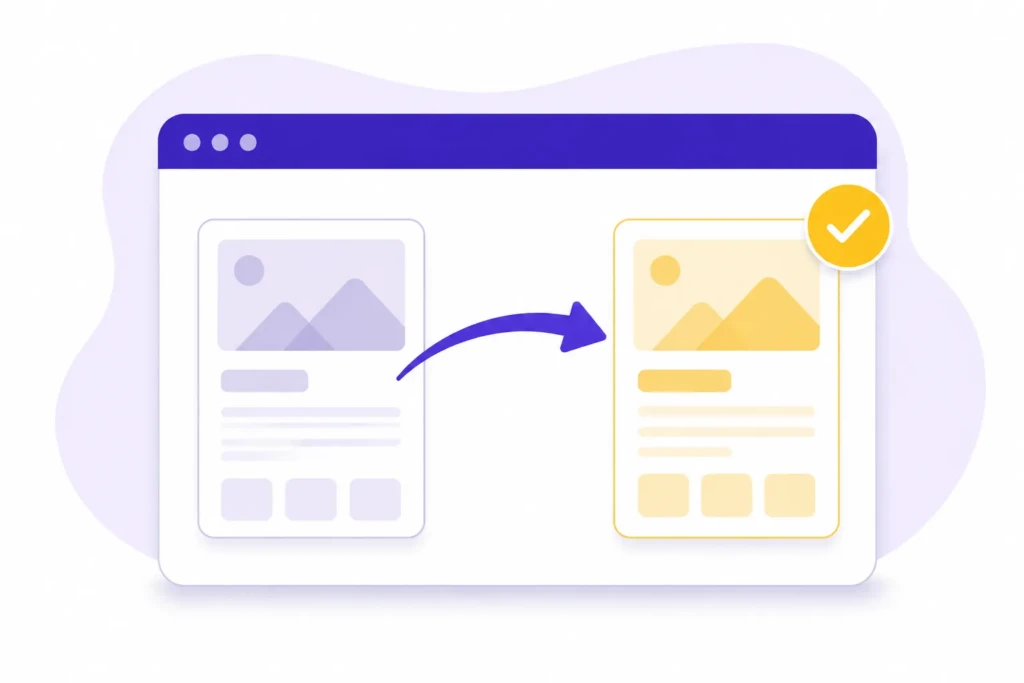
When a page moves, the old address does not automatically transfer its value to the new one. A redirect connects them. It helps visitors reach the right page and tells search engines where the content now lives.
Use a permanent 301 redirect when an old page has a genuine replacement. Send the old URL directly to the new one:
/old-service-page/ → /services/new-service-page/Do not send every retired URL to the homepage. Someone looking for an old pricing guide should land on a current pricing or services page, not be forced to start over. If there is no relevant replacement, let the old page return a proper 404 or 410 response.
The safest redirect plan answers three questions for every important URL:
- Does the page still exist at the same address?
- If not, what is the closest useful replacement?
- If there is no replacement, should you retire the page?
Test the URLs most likely to matter first: high-traffic pages, pages with backlinks, old sitemap entries, commonly shared links, and URLs affected by changes to the domain, protocol, or trailing-slash format.
After launch, update internal links so they point directly to the new addresses. Keep the redirect list for future troubleshooting, but do not make visitors and search engines pass through it when a direct link is available.
Launch Day

Treat the launch as a short, controlled handoff. Choose a time when someone can test the site and respond if a page, form, redirect, or hosting setting fails.
Before announcing the new site, check the production version in a regular browser and with a crawl or URL-testing tool. The staging site may have been intentionally hidden from search engines, so confirm those restrictions are removed from production and that the correct canonical URLs and sitemap are in place.
Start with the pages that would cause the most trouble if they failed. Open the main service or product pages, the contact page, the pages that receive the most search traffic, and any landing pages tied to advertising or campaigns.
Submit a form, click the phone and booking links, and complete a test purchase if the site accepts payments. Then open several old URLs from the redirect map and confirm that each one reaches the intended new page without an extra redirect.
Finally, check the production sitemap, robots.txt file, canonical URLs, analytics, and conversion tracking. Look specifically for leftover noindex settings, staging-domain references, broken images, and links that still point to the old site.
If the domain is changing, keep the old domain active and redirecting. Add or verify both domains in Google Search Console, submit the new sitemap, and use Google’s Change of Address tool when it applies. That tool supports the move, but it does not replace working redirects or a complete URL map.
Do not judge the migration by the first few hours of traffic. The useful question on launch day is simpler: can people reach the right pages, can search engines crawl them, and can the business still receive and measure inquiries?
After the Migration

Check the live site on launch day, again the next day, and regularly during the first few weeks. Compare the pages that matter most with the baseline you recorded before the move, including their traffic, search impressions, rankings, and conversions.
Look for broken redirects, unexpected 404s, server errors, missing pages, indexing changes, and sudden drops in impressions or clicks. Also test the site’s business functionality. A migration that preserves rankings but breaks a contact form or booking path is still a failed migration.
Review performance by page rather than relying on one total traffic number. If overall traffic looks stable, that can still hide a missing service page or a broken landing page that used to generate inquiries.
Some fluctuation is normal while search engines recrawl the site. Do not make another major change because rankings move during the first few days. First confirm that the redirects, indexing settings, page content, and tracking are working as expected.
A continuing decline, especially across several important pages, deserves a closer look. Compare the old and new URLs, inspect the affected pages, and check whether the problem is technical, content-related, or simply a tracking error.
Keep the old redirect rules and migration notes available after launch. They make it easier to fix late-discovered links and provide a useful record if the site changes again.
Common SEO Migration Mistakes
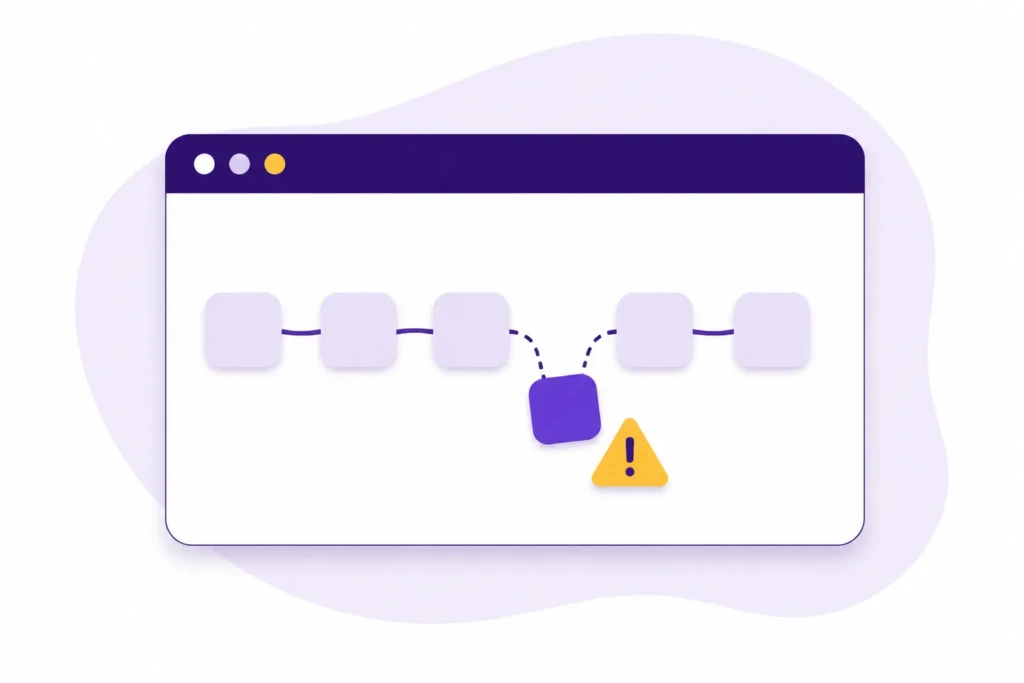
Most migration problems don’t come from one obscure technical setting. They come from treating the move as a visual project and assuming the search side will take care of itself.
Launching without a complete URL map
If nobody has matched the old URLs to their new destinations, pages will be missed. This often affects older blog posts, campaign pages, PDFs, and service pages that are not linked from the main menu.
Build the map before launch and keep it current as the new site changes. Every important URL should have a documented outcome: keep it, redirect it to a relevant replacement, or retire it.
Rewriting everything during the redesign
A redesign is already a major change. If you also replace the content, page titles, headings, URL structure, and internal links at the same time, it becomes difficult to tell what caused a ranking drop.
Keep pages that already perform well substantially intact unless there is a clear reason to change them. Improve weaker pages later, in a more controlled round, when possible.
Redirecting every old page to the homepage
A homepage redirect may look like a quick solution, but it rarely gives visitors what they were looking for. It also does not give search engines a clear replacement for the original content.
Send each old URL to the closest useful page. If no relevant replacement exists, retire the page properly instead of creating a misleading redirect.
Forgetting that tracking is part of the migration
A drop in reported traffic may mean the site lost rankings, or analytics may have stopped recording visits. Missing form submissions can have the same problem.
Test analytics, phone clicks, forms, bookings, and other important actions before launch and again on the live site. Confirm that the data appears in the right account and property before drawing conclusions about performance.
Making major changes without a rollback plan
A rollback plan is for serious technical failures, not ordinary ranking fluctuations. If forms, checkout, hosting, or a large part of the site breaks after launch, you need a clear way to restore service while you investigate.
Keep a backup of the old site and decide in advance who can pause the launch or approve a rollback. Do not reverse the migration just because rankings move for a few days. Check redirects, indexing settings, content, and tracking first.
Should You Handle the Migration Yourself?
You can usually handle a migration in-house when the site is small, the domain stays the same, and only a few URLs change. The person responsible still needs access to the website, hosting, redirects, analytics, and Google Search Console, along with enough time to test the move properly.
Bring in outside help when the website is a major source of leads or revenue, especially if you are changing domains, moving a large site, running an online store, managing multiple locations or languages, or relying on a complicated booking system. Each added variable creates more ways for a small mistake to affect the business.
You do not have to hand over the entire project. You can manage the design and content internally while hiring an SEO professional to review the URL map, redirects, staging site, launch settings, and post-launch data.
If the current site already ranks well or supports important business activity, pay for that review before launch. A focused review is usually enough to catch the mistakes that are hardest to find once the new site is live.
Putting This Into Practice
If you are planning a migration, start by copying the current site’s important information:
- URLs
- Traffic
- Rankings
- Backlinks
- Conversions
That record gives you something to compare against when the new site is live.
Next, decide what happens to each important URL. Build the new site privately, carry over the pages that already perform well, test the redirects and conversion paths, then launch when someone is available to check the production site.
After launch, review the pages that matter to the business instead of watching one overall traffic number. If something drops, compare the old and new URL, check the redirect and page settings, and confirm that tracking is working before assuming the ranking itself is the problem.
A website migration does not have to preserve every old page or decision. It does need to preserve the pages and pathways people already use to find, trust, and contact the business.
Work With TCB Studio
TCB Studio can help you plan and review an SEO migration before the new site goes live. That may include building the URL map, checking redirect decisions, reviewing the staging site, testing important conversion paths, and comparing performance after launch.
This work reduces avoidable surprises. You keep the pages and pathways that support the business, while making the changes that give the new website a better foundation. Contact us to get started.