No products in the cart.
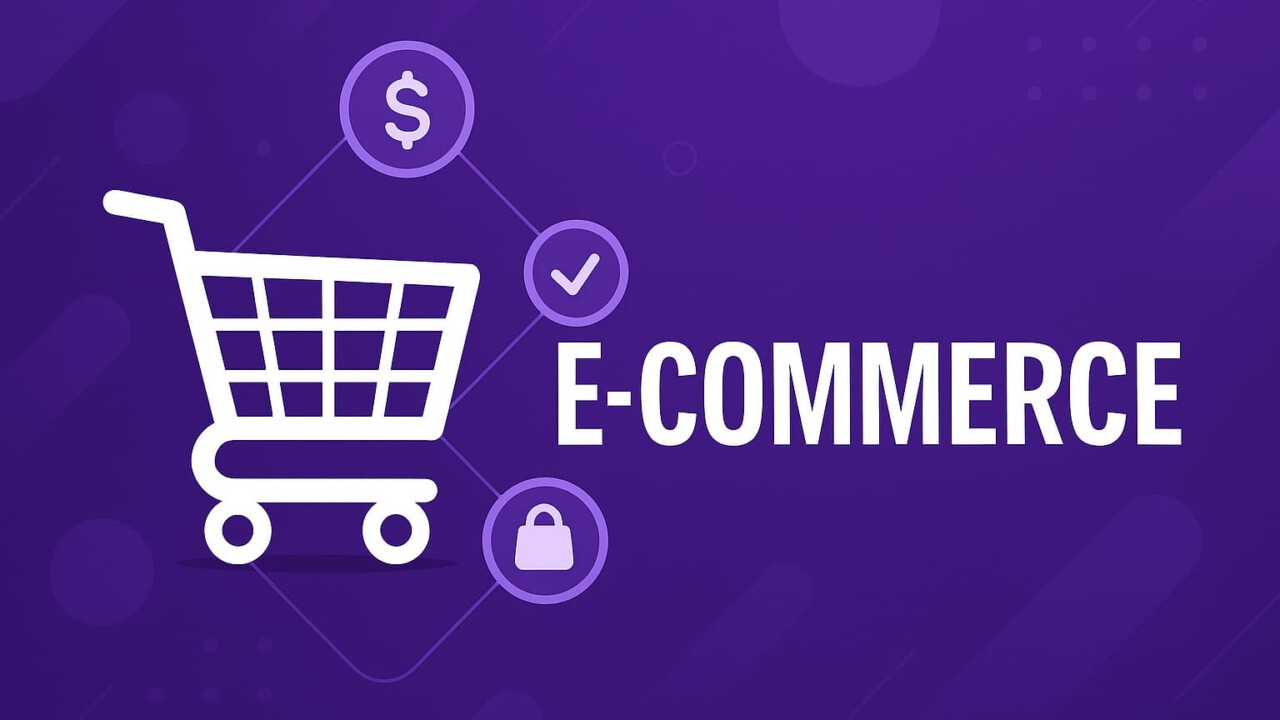
What is E-Commerce?
Simply put, e-commerce (electronic commerce) refers to all transactions conducted online. This means that every time you buy or sell something online, you’re participating in e-commerce.
There are several types of e-commerce, but the most common models include:
- B2C (Business-to-Consumer) – A company sells directly to individual customers, like buying clothes from an online retailer.
- B2B (Business-to-Business) – One business sells products or services to another, such as a wholesaler selling bulk supplies to a store.
- C2C (Consumer-to-Consumer) – Individuals sell directly to other individuals, such as on platforms like OfferUp, Facebook Marketplace, or eBay.
- C2B (Consumer-to-Business) – Individuals offer products or services to businesses. For example, a freelance designer sells logo concepts to a company, still participating in e-commerce.
E-commerce can range from setting up an online shop for handmade crafts to managing a global retail operation with warehousing, logistics, and customer support. The term is broad, and there are vast methods for achieving a great online shopping experience.
The Allure of E-Commerce
E-commerce has several exciting benefits that make it a popular choice for businesses of all sizes. The most significant advantage is the ability to reach customers globally.
Unlike a brick-and-mortar store, anyone with internet access can access your online store, whether in the same city or across the globe.
Lower operational costs also make e-commerce an attractive proposition. You save on physical space, staffing, and many overhead costs. Additionally, your store is open 24/7, enabling customers to shop at their convenience.
Additionally, the data-driven nature of e-commerce lets you offer a personalized shopping experience to each customer. You can display tailored product recommendations and offers by leveraging customer data, thereby increasing customer satisfaction and loyalty.
E-Commerce Business Models
Depending on who’s buying and who’s selling, e-commerce can be broken down into a few core models. Each has its own opportunities and challenges, and understanding them can help you with business.
- B2C: Business-to-Consumer
- B2B: Business-to-Business
- C2C: Consumer-to-Consumer
- C2B: Consumer-to-Business
B2C: Business-to-Consumer
This is the most familiar model. A business sells products or services directly to individual consumers.
Examples:
- Ordering clothes from an online shop
- Subscribing to Netflix
- Buying a digital product from an online marketplace
Why it works:
It’s convenient for customers and scalable for businesses. With digital marketing tools like email, social media, and SEO, small businesses can expand their audience and increase their income.
Getting started tips:
- Build trust with product reviews and strong branding
- Focus on user-friendly design and checkout experiences
- Start simple, build for scale
B2B: Business-to-Business
One business sells to another—usually in bulk or through service contracts.
Examples:
- A SaaS company offering CRM tools to marketing teams
- A wholesaler selling inventory to local boutiques
- Agencies offering white-label services to other businesses
Why it works:
Higher-order values and long-term contracts are common. Relationships are built on trust, reliability, and performance.
Getting started tips:
- Focus on lead generation, not impulse buys
- Offer pricing tiers and volume discounts
- Emphasize case studies, white papers, and ROI
C2C: Consumer-to-Consumer
Individuals sell to other individuals, often through marketplaces or peer-to-peer apps.
Examples:
- Selling old video games on eBay
- Listing vintage clothing on Depop or OfferUp
- Renting out a spare room on Airbnb
Why it works:
Marketplaces handle the infrastructure, and you bring the product or service. Great for side hustles or cleaning out the closet.
Getting started tips:
- Use platforms with built-in trust systems (reviews, protection policies)
- Take great photos and write clear descriptions
- Be prompt and professional in communication
C2B: Consumer-to-Business
This flips the script, with consumers offering businesses something.
Examples:
- Freelancers bidding on projects on gig marketplaces
- Influencers licensing their content to brands
- Users selling stock photos or music to companies
Why it works:
More companies are sourcing talent and creative work from independent creators. It’s flexible, scalable, and remote-friendly.
Getting started tips:
- Build a strong portfolio and online presence
- Use platforms that match your skills to business demand
- Consider licensing terms, contracts, and usage rights
Setting Up Your E-Commerce Store
Starting an e-commerce business involves multiple moving parts. Let’s go through them:
Firstly, you need a product or service that you want to sell. Research is key here; you must ensure there’s a demand for what you’re selling and that you can supply it.
Next, you need to choose your business model. Who will you sell to: businesses, consumers, or both?
After that comes the most exciting part: building your online store. Many e-commerce platforms, such as Shopify and WooCommerce, can help you create an online store without much coding skills. They provide templates, shopping cart functionalities, and other necessary tools. Alternatively, you could hire a web developer to build a custom website.
One key component of your online store is the payment gateway. Think Stripe and other payment solutions. This enables you to securely accept and process online payments. Select a gateway that supports multiple payment methods, such as credit/debit cards, PayPal, and mobile wallets.
Lastly, but very importantly, you need to establish a customer service strategy. Your customers must be able to easily reach you if they have questions or encounter issues. Providing excellent customer service is a proven way to earn customer trust and loyalty.
E-Commerce Marketing Strategies
Marketing your e-commerce store effectively is essential to its success. SEO (Search Engine Optimization), PPC (Pay-per-Click) advertising, email marketing, content marketing, and social media marketing are some strategies to attract customers to your store.
However, the real game-changer is data. By analyzing your customer data, you can create personalized marketing campaigns that resonate with your target audience and lead to higher conversion rates. Remember to respect your users’ privacy and wishes. A no-brainer long-term strategy.
Challenges and How to Overcome Them
While e-commerce offers numerous opportunities, it’s not without its challenges. Competition is fierce, and standing out can be difficult. However, you can differentiate your store from the crowd by offering high-quality products, exceptional customer service, and a seamless shopping experience.
Security is another concern. Cyber threats are prevalent, and protecting your business and customer data should be a top priority. Implement robust security measures and ensure your payment gateway is secure.
Bottom Line
E-commerce is a powerful tool for businesses, offering opportunities for growth and success that were previously unavailable in the pre-digital age. With careful planning, a customer-focused approach, and a continuous learning attitude, you can build a successful e-commerce business.