No products in the cart.
What is MCP?
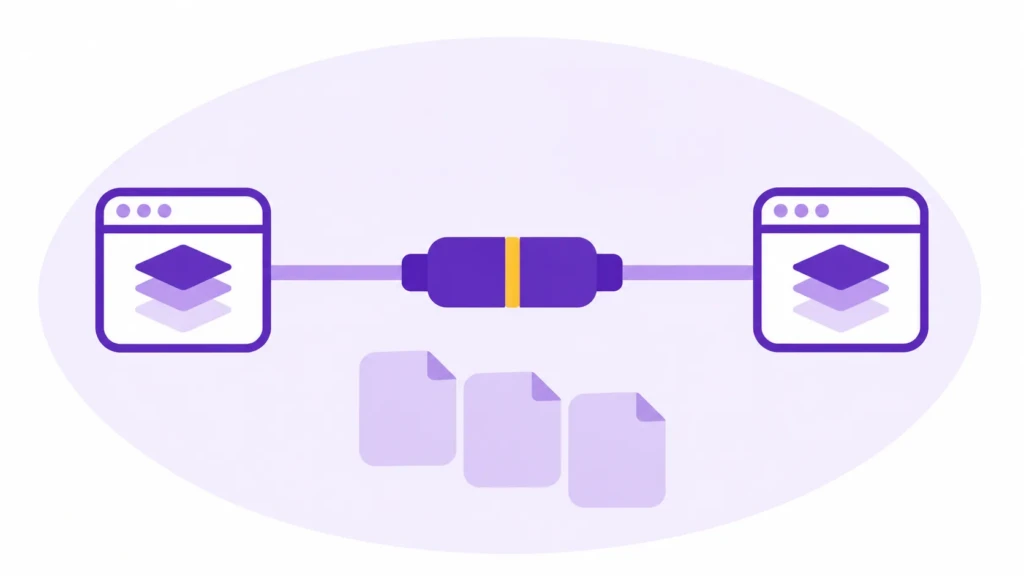
Model Context Protocol (MCP) is an open standard that lets AI applications connect to external tools and data. For example, with a compatible Notion connection, an AI assistant can look up an item in your editorial calendar, read its brief, and create a draft page if you’ve granted it that access. You can work from the version in Notion without pasting it into every conversation.
When you connect an app like Notion to an AI assistant, the integration is what you see and use. MCP is one standard that can make that connection work behind the scenes. It gives developers a common way to make the same search or editing tools available to different AI apps that support MCP. If you’re choosing a connection for your own work, check whether it can do the task you need, such as finding a brief or updating a draft.
How MCP works
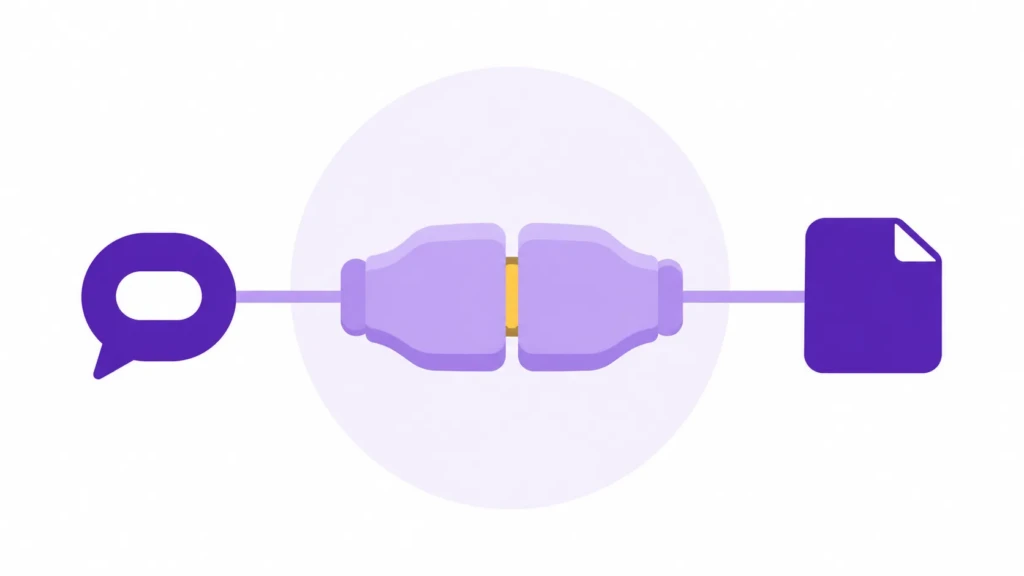
Suppose you ask your AI assistant, “Find the brief for our next blog post and give me the link.” If the assistant has a compatible MCP connection with a tool like Notion, it can search your workspace, read the matching page, and give you a link to check. You can open the brief in Notion without finding and pasting it into the chat first.
Here’s what happens behind that request:
- The AI app you’re using is the host.
- It uses an MCP client to send the search request to an MCP server.
- The server offers the search operation, runs it, and sends the results back to the app.
MCP gives the client and server a common way to exchange those requests and results. The official MCP architecture guide shows how the pieces fit together.
A server can offer tools for actions such as searching or creating pages, resources such as documents the app can read, and prompts that provide reusable templates. What you can use depends on what the server offers and what your AI app supports.
What MCP can do in an editorial workflow
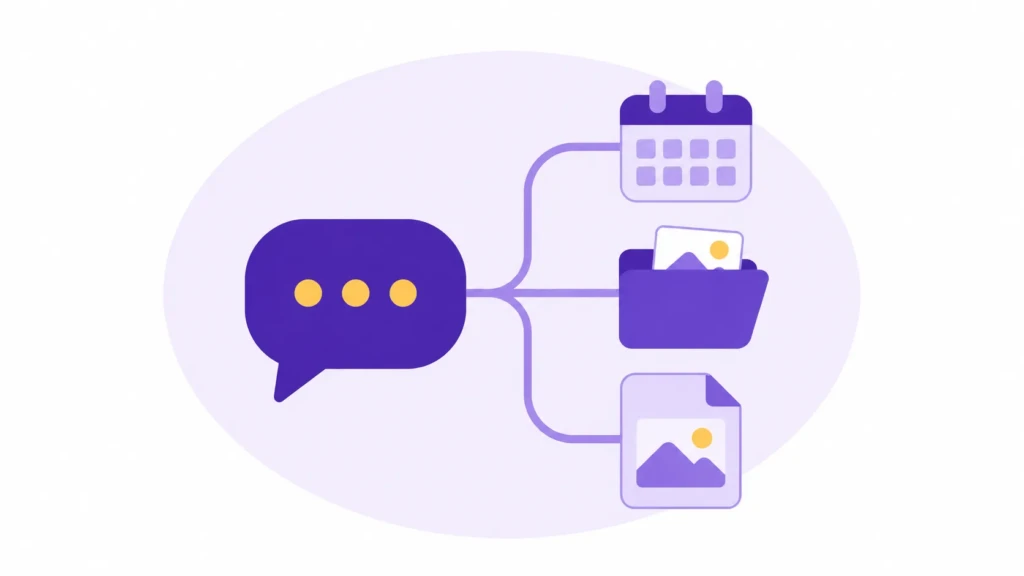
An article can start in a Notion page, draw on research in Google Drive, and end up as a draft in WordPress. An AI assistant with compatible MCP connections can work across those tools in a single request. Each connection gives it access to particular information or actions, depending on what the integration supports and what you’ve authorized.
Say you ask, “Prepare the approved article for WordPress. Use the latest Notion draft and the images in its Drive folder.” The assistant could read the draft and editorial notes in Notion, find the selected cover and illustrations in Drive, and use a WordPress connection to create an unpublished post. If the publishing connection supports media uploads, it could attach the cover and place the illustrations in the article. It could then return the draft link so you can review the result in WordPress.
The same connections can help before you have a finished draft. For example, you might ask the assistant to compare a new brief with articles already on your site and suggest internal links. It could read the brief from Notion, look up related posts, and point you to the passages where a link would help the reader. You can make those decisions while the article is still easy to revise.
The benefit is fewer handoffs for you. The assistant can find the current copy, gather the right files, and prepare the next version for review. To see how much of that it can handle, check the individual actions each connection offers. A WordPress integration that can create a draft may still leave the featured image or your SEO plugin’s description field for you to fill in.
How MCP differs from an API, a skill, or an automation
Each part of the workflow answers a different question. An editorial handoff shows where they fit together.
| Component | What it does | Example |
|---|---|---|
| MCP | Gives an AI application a standard way to discover and use capabilities a server exposes. | Find the brief in Notion and save the revised draft to its page. |
| API | Lets software request data or actions directly from a service. | An MCP server calls the WordPress API to create an unpublished post. |
| Skill | Gives the assistant reusable instructions for doing a task. See Claude skills and ChatGPT skills. | Follow the article starter and verify technical claims against primary sources. |
| Scheduled automation | Starts a task at a defined time. See scheduled tasks in Claude and ChatGPT. | Every Monday, check the editorial calendar for upcoming deadlines. |
For example, the same Notion connection can support a scheduled Monday report or an on-demand question. The schedule starts the report, and the integration supplies access to the calendar.
What to check before connecting an AI assistant
Start with a job where you already know what a correct result looks like. A consultant preparing for a client call might ask, “Find the latest meeting notes for this project, summarize the open decisions, and link to the original page.” Open the link to confirm the assistant found the right project and the most recent meeting. That gives you a first test you can verify before asking it to make changes.
Then check three details in your chosen setup.
- The exact operation. A connection that can find and read a brief may have no way to edit it. Check which actions the integration offers, then test the one you need.
- The account and scope. Check which account you’re connecting and what it can reach. For example, can the assistant search just the project pages you intend to use, or can it also find private notes available to that account? Review the access the integration requests before you connect.
- The point where a change takes effect. For a draft creation test, verify the destination and status in the receiving app. Decide which actions you’re comfortable delegating and where you want a chance to review the result first.
These checks help you evaluate the whole task. An assistant might find the right calendar entry and still save its work to the wrong page. A successful tool call tells you the request ran. Opening the result tells you whether the operation did what you intended.
When is MCP worth setting up?
A connection starts to pay off when it removes a recurring handoff. If you repeatedly copy briefs into a chat and paste finished drafts back into the same database, connecting that database saves two manual steps each time. For a one-off rewrite from a document you already have open, pasting the passage may be quicker than setting up access.
Try an existing integration first and verify the full operation you need. Custom development makes more sense when the missing action is narrow, frequent, and available through the underlying service. For example, you might need a draft in a specific WordPress post type with a small set of required fields that your existing connector can’t fill. At that point, you can describe the missing operation and test whether a custom tool handles it correctly.
FAQs About MCP
Many AI applications offer integrations you can connect by signing in and granting access. Coding is more likely when you need an operation the existing integration doesn’t provide or when you’re connecting a system you built yourself.
It can, if each application supports the server connection method, its authorization requirements, and the capabilities you need. Test your actual workflow in each app. A tool available in one app may be presented differently or unavailable in another.
Yes. A server can offer only read operations, and some setups let you limit permissions through the connected account or app. Inspect the actual tool list and account access before relying on that boundary.
A local MCP server can make files available to a compatible application. The accessible files depend on the server’s configuration and the permissions under which it runs. Check which folders it can reach before connecting it to a workspace with private files.
Check the destination before retrying. If the assistant created a draft and then failed while adding media, running the whole task again could leave you with two drafts. Ask it to verify what already exists and resume from there.
Summary
MCP gives AI apps a common way to work with tools and data in other systems. Its value shows up in the handoffs you repeat, like finding a brief and saving a draft back to the same page. If you’re evaluating a connection, start by checking whether it supports the one action you need most.
Work With TCB Studio
If you’re evaluating how AI fits into your website or publishing process, book a website consultation to walk through one workflow and see what your existing tools can handle. If the handoff needs changes to your site, explore our services to get started.