No products in the cart.
Sometimes it can be nice to access a website outside of a typical browser window. For example, it can be nice to have AI tools like ChatGPT and Gemini as dedicated apps. This allows for easier window management, navigation, and other benefits.
Follow the steps in this guide to create a desktop app for any website.
Requirements
This tutorial provides instructions for Google Chrome and macOS users. You can likely follow the same process in Windows, but the steps and visuals might slightly differ.
Method 1: Create Shortcut
This process will apply to most sites. If you see “Install” options, choose them, but they are not that common.
1. Open The Site
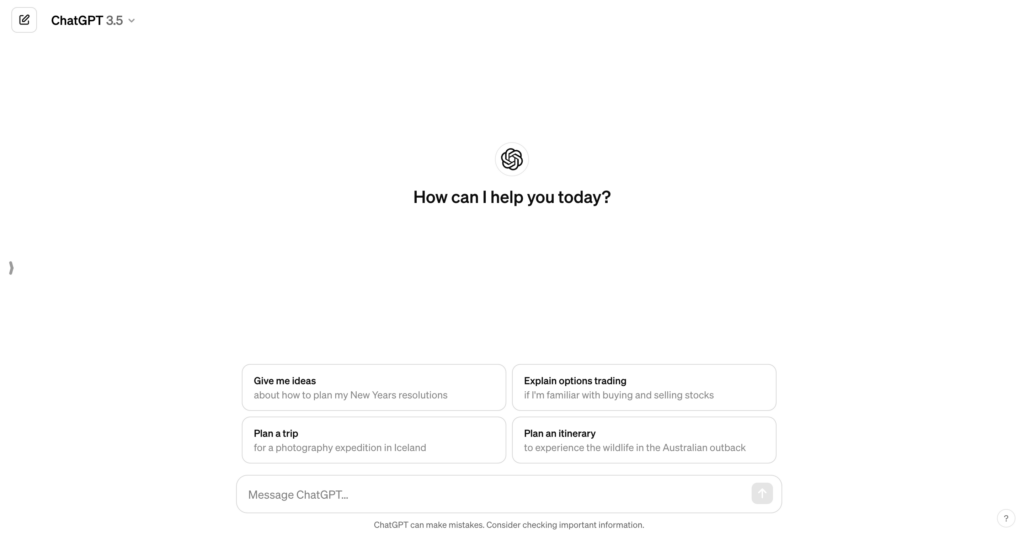
Navigate to the site you want to make an app. In our example, we’ll use ChatGPT because it’s a great candidate for a standalone app.
2. Create a Shortcut
In Chrome, click on the three dots at the top-right.
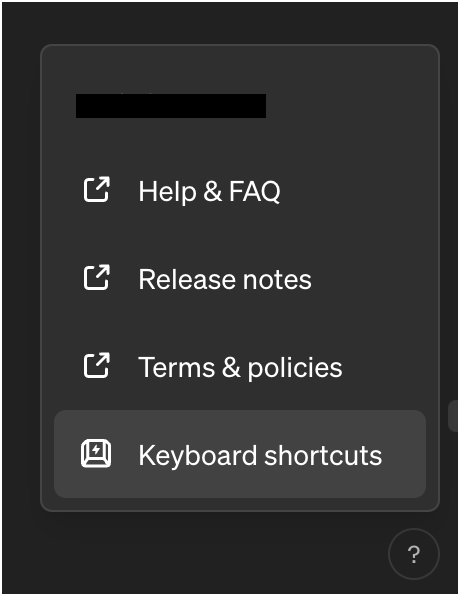
This should open a tall menu. Go down to Save and Share, then click Create Shortcut.
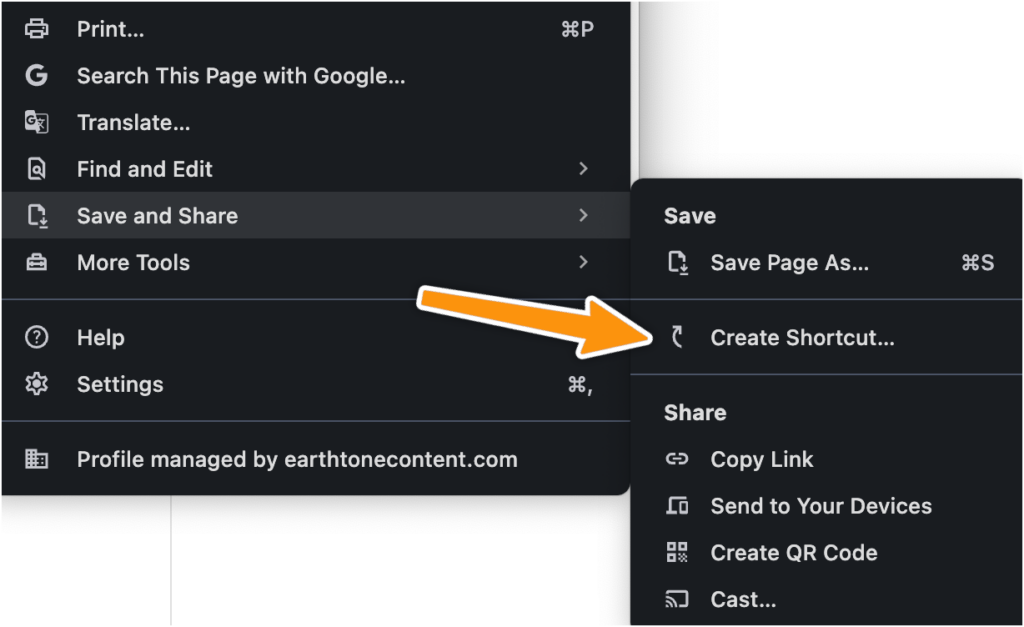
Note: If you see an “Install” option, go ahead and choose that.
3. Save the app
Name the shortcut. Using the site name should be fine.
Make sure to check “Open as window“. If you leave this unselected, it will open a regular Chrome window. That can be fine, but isn’t as useful in most cases.
Click Create.
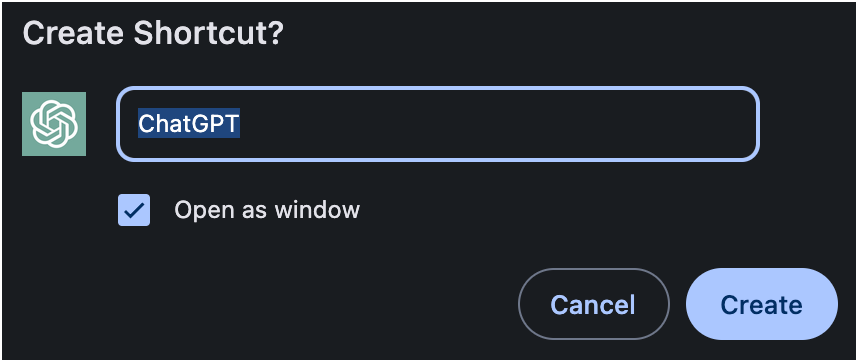
Chrome should automatically open the app for you. You’re all set!
Method 2: Install (If Available)
Some app-centric sites like Instagram and TikTok offer direct install options.
If this is available, an Install Icon will appear next to the Favorites star in the URL bar:
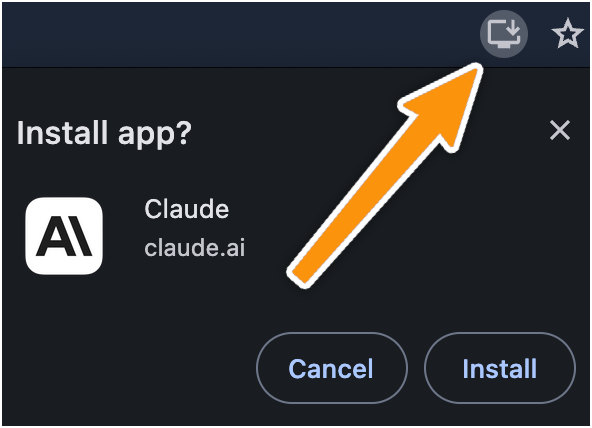
Go ahead and choose this option! It accomplishes the same thing, but the process is a tiny bit smoother.
Result
Now you should be able to treat the website like other applications. This includes certain benefits like being able to select the app in the dock:

Or make it so you can easily manage a well-labeled window:
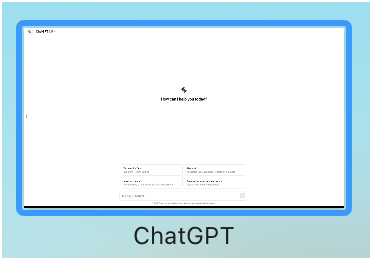
This is a simple change, but one that comes with nice UX benefits.
Bottom Line
It’s quite easy to create a shortcut app using Chrome. If you follow the steps in this guide, you should be able to create more flexibility with your app workflows. ?