No products in the cart.

To publish a WordPress website, you need hosting that stores its files and database and makes the site accessible online. This guide compares eight WordPress hosting providers, with WP Engine as my top pick for its Local integration and the time it saves when developing and maintaining a site.
Below, you’ll find pricing, billing terms, and the main reasons to choose each provider. The comparison covers managed WordPress platforms, lower-cost hosting plans, and options with AI integrations, helping you choose a host that fits both your budget and how you’ll run the website.
The Best WordPress Hosting Providers at a Glance
The providers below offer different approaches to WordPress hosting, from entry-level plans for a first website to managed platforms for ongoing development. Compare the included tools and renewal costs alongside the advertised price.
Each row shows an example plan. Features such as staging, backup retention, and resource allowances vary by provider and plan.
| Provider | Best fit | Example plan | Pricing | Billing and ongoing cost |
|---|---|---|---|---|
| WP Engine | Top pick for WordPress development and maintenance with Local | Essential | From $28/month | $336 billed annually; confirm renewal pricing |
| Cloudways | Configurable cloud hosting with control over server selection | Micro | From $14/month | Usage-based billing; server configuration, backup storage, and extras affect total |
| WordPress.com | Hosted WordPress with integrated AI connections | Personal | $4/month with annual billing | $48 billed annually, or $9/month when paying monthly; confirm renewal terms |
| Hostinger | Budget-conscious owners comfortable with a longer upfront commitment | Premium | $2.49/month introductory offer | $119.52 prepaid for 48 months; listed renewal is $10.99/month |
| SiteGround | Small businesses seeking WordPress tools and bundled email | StartUp | $2.99/month introductory offer | Prepaid for 12 months; listed renewal is $17.99/month |
| Kinsta | Managed WordPress hosting with centralized site management | Single-site monthly option | $30/month after the promotional first month (annual) | $350 after first month for annual plan; $35/mo for monthly |
| DreamHost | Owners choosing between entry-level hosting and managed WordPress | Web Hosting Launch | $2.89/month for the first year | Annual billing; listed renewal is $10.99/month |
| Bluehost | Beginners seeking guided WordPress setup | Starter | $3.99/month introductory offer | Requires a 36-month term; listed renewal is $9.99/month |
Prices are listed in USD before applicable taxes. Introductory offers, billing terms, and renewal rates can change; check the linked provider pages before purchasing.
Entry-level prices don’t always include development tools. SiteGround requires GrowBig or higher for staging, while DreamHost separates its standard hosting from the managed DreamPress service. Compare those plans if testing and ongoing maintenance are priorities.
Top Pick: WP Engine
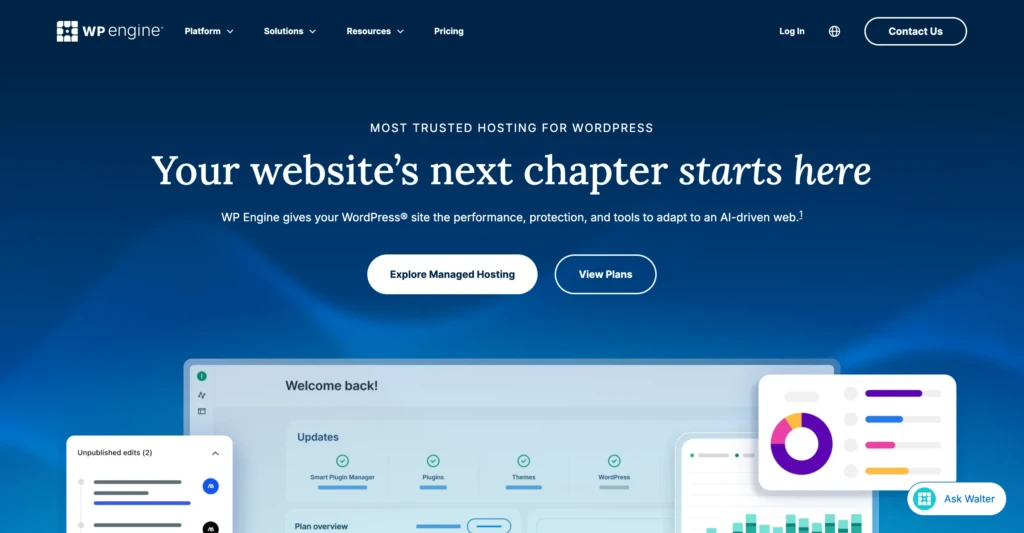
WP Engine is my top recommendation because its integration with Local reduces the work involved in maintaining a WordPress site. Local runs WordPress on your computer, giving you a separate environment to develop themes, investigate problems, and test changes before publishing.
Otherwise, moving a site between environments can involve separate file transfers, database exports, and configuration changes. Local Connect brings the transfer process into one application, allowing you to pull a hosted site into Local and push selected work back to WP Engine.
For a theme update, that means starting with a current copy of the site, making changes locally, and transferring the work to staging for review. You still need to check the result, but you spend less time preparing environments and moving files between tools.
In my experience, that workflow is WP Engine’s strongest advantage. Hosting is an ongoing operating expense, and the time required to maintain the website should be included in the comparison alongside the subscription price.
Local Is Free, but the Hosting Connection Matters
Local is free regardless of where you host your website. WP Engine’s advantage is its direct connection to the application, which reduces the manual work of transferring a site between your computer and hosting environments.
Local Connect also supports Flywheel, but based on my experience, I wouldn’t recommend it. The Flywheel sites I worked with felt noticeably slower than those on WP Engine. That wasn’t a controlled performance test, but it was enough to shape my preference.
You can develop sites in Local for other hosts, but you’ll need a separate migration or deployment method to transfer your work.
Test Changes Before Publishing
Use staging to review changes before applying them to the live website. WP Engine’s Local documentation recommends transferring work to staging or development first and advises against pushing a database to production.
Replacing the live database can overwrite content added since you created your local copy, including orders, registrations, and published posts. Confirm which files and data you’re transferring, and take a current backup before deployment.
Other Recommended WordPress Hosting Providers
These providers offer alternatives for different budgets and management needs. The main differences are how much control you have over the hosting environment, which maintenance tasks are included, and what you pay after the introductory term.
Cloudways: Configurable Cloud Hosting
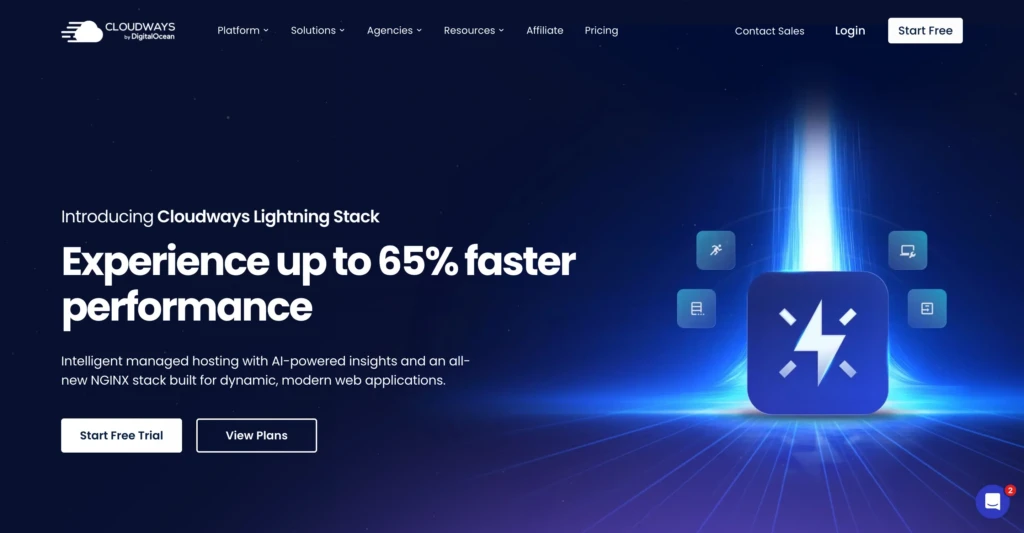
Cloudways is my alternative recommendation for owners and developers who want more control over their hosting configuration. Its Flexible service lets you choose the underlying cloud provider and server configuration, with staging and cloning tools to manage website changes.
Calculate the monthly cost using your selected server, backup storage, and any additional services.
Cloudways also offers Autonomous, a separate managed WordPress service. The pricing table above uses Flexible as its reference; Autonomous has separate plans and pricing.
WordPress.com: Hosted WordPress With AI Integrations
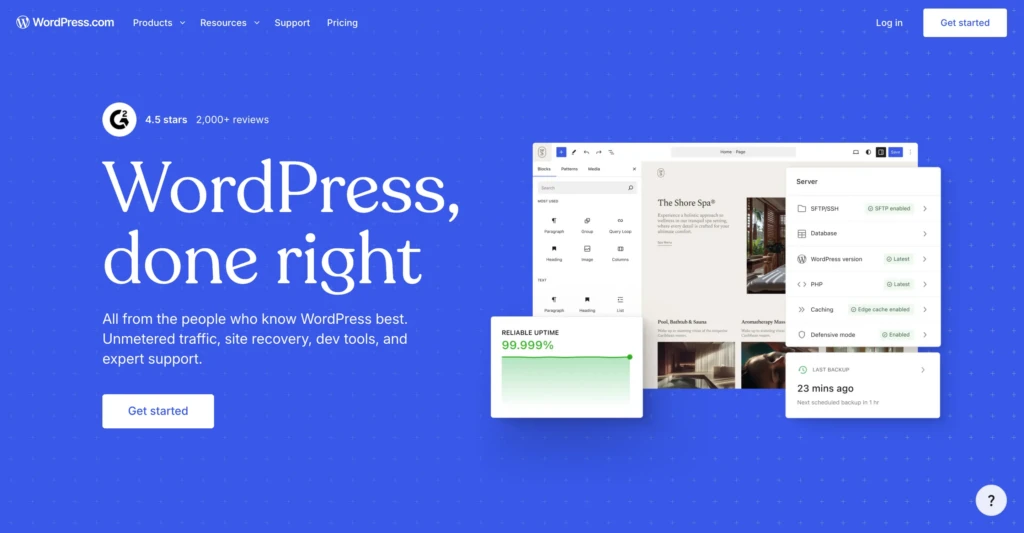
WordPress.com combines website hosting with connections that let compatible AI assistants work with your site. Its ChatGPT integration supports tasks such as retrieving site information, creating and editing content, and managing comments, depending on the permissions you enable.
The connection supports ongoing content and site management, while an AI website builder focuses on creating the website. WordPress.com also supports other compatible AI assistants through its MCP connection.
This capability isn’t exclusive to WordPress.com hosting. Its documentation says self-hosted WordPress sites connected through Jetpack can also use MCP without a paid Jetpack plan. If this connection is your main reason for switching hosts, first check whether your existing site can use it through Jetpack.
Hostinger: Budget WordPress Hosting
Hostinger earns its place here through external reviews, including WPBeginner’s overall WordPress hosting recommendation. I haven’t used it personally, so this recommendation draws on published testing and plan information.
For a budget-conscious owner, the main question is whether the plan includes what the site needs at an acceptable ongoing cost. Compare the renewal price and upfront commitment alongside the introductory monthly figure.
SiteGround: WordPress Hosting With Bundled Email

SiteGround offers WordPress hosting with backups, caching, email, and management tools. Its bundled email makes it a good fit for businesses that want website hosting and mailboxes from one provider.
Choose a plan based on your testing requirements. Staging starts with GrowBig, so StartUp isn’t the right comparison if you need a separate environment to test changes. Use the renewal cost of the appropriate plan when comparing it with managed alternatives.
Kinsta: Centralized WordPress Management
Kinsta belongs alongside WP Engine when comparing managed WordPress platforms. Its MyKinsta dashboard includes tools for backups, caching, redirects, PHP settings, and staging.
Kinsta suits owners and teams that want hosting controls and development tools in one dashboard. When comparing it with WP Engine, focus on resource allowances, staging, backup restoration, and access permissions.
DreamHost: Standard Hosting or DreamPress
DreamHost offers both standard WordPress hosting and its managed DreamPress service. That gives you two different starting points depending on your budget and how much management you want included.
The lower-cost hosting plan in the table isn’t equivalent to DreamPress. If staging and managed performance tools matter to your workflow, compare DreamPress directly with the other managed options.
Bluehost: An Option for a First WordPress Site
Bluehost is worth comparing when guided setup is a priority. Its WordPress offering combines hosting with website creation tools and related services.
Look beyond getting the site online. Check the selected plan’s backup features, staging tools, renewal cost, and any trial subscriptions so you understand what maintaining the website will involve.
What Is Managed WordPress Hosting?

Managed WordPress hosting combines hosting with services that maintain the environment your website runs on. Depending on the plan, those services may include server administration, backups, caching, security monitoring, and software updates.
“Managed” describes the work the provider handles, while “shared” describes how websites share server resources. A plan can be both. Neither label alone tells you how much capacity your site receives or exactly what support covers.
What You’re Still Responsible For
You still need someone to manage content, choose plugins, and ensure the website works. Automatic updates don’t necessarily include post-update form or checkout testing, and hosting support may exclude custom code and plugin repairs.
Before purchasing, confirm which updates the host performs, what happens when an update fails, and whether security support includes cleanup. The plan’s stated responsibilities matter more than the managed label.
Tools and Limits That Matter
Check whether staging is included so you can review changes away from the live site. For backups, confirm their frequency, retention period, and restoration process, including whether you can create a backup before making changes.
Compare storage, bandwidth, website allowances, and any visit limits. Providers may count usage differently, and exceeding an allowance can trigger extra charges or an upgrade. “Unlimited” features can still have fair-use and resource restrictions.
The Full Cost of the Plan
Compare the amount due today with the renewal price and billing commitment. A low monthly figure may require several years of upfront payment, while email, domain renewals, backup storage, and optional services can add to the total.
If you’re moving an existing site, confirm whether they’ll migrate it for you or if you’ll need to use a tool yourself. Choose a plan that matches your needs and clarifies the remaining work.
Other WordPress Hosting Comparisons Worth Reading

A second opinion can help you evaluate something this article doesn’t measure. My WP Engine recommendation weighs maintenance experience more heavily, while other comparisons focus more on performance tests, pricing, or beginner features.
TechRadar
TechRadar’s WordPress hosting guide separates recommendations by use case, including managed hosting and beginner options. Its managed WordPress section includes WP Engine.
Read the reasoning within the relevant category rather than relying only on the overall ranking. A recommendation for a first website may prioritize different things from a recommendation for regular development work.
WPBeginner
WPBeginner’s hosting comparison publishes performance results and explains how pricing and features influence its recommendations. Its current overall choice is Hostinger.
That offers another perspective when comparing budget plans. Review the testing method and plan details before assuming the same results will apply to your own theme, plugins, and visitors.
WordPress.org
WordPress.org’s hosting recommendations offer another shortlist from the WordPress team. Use it alongside independent reviews to identify providers, then compare their current plans, renewal prices, and included tools.
Being listed doesn’t mean a host is the best fit for your website. My WP Engine recommendation weighs its Local integration and the workflow I use to develop and maintain WordPress sites, so you will likely have your own requirements.
Forbes Advisor
Forbes Advisor’s WordPress hosting comparison evaluates providers using criteria including value, features, support, and customer sentiment. It offers another way to assess the cost-to-service balance.
Read the methodology and commercial disclosures alongside the recommendations. Use these comparisons to identify questions, then confirm current prices and included features with the hosting provider.
Summary
WP Engine is my top pick because its integration with Local simplifies ongoing WordPress development and maintenance. The other providers offer alternatives for different budgets, resource requirements, and management preferences.
Compare your preferred plan with one alternative using the renewal cost, included tools, and maintenance responsibilities. Choose based on how you’ll operate the website after launch and the upfront cost.
Work With TCB Studio
TCB Studio helps with WordPress development and technical SEO issues, including evaluating whether a hosting change addresses the problem. Start with hourly work for a focused issue, or monthly support when the website needs recurring attention.