No products in the cart.
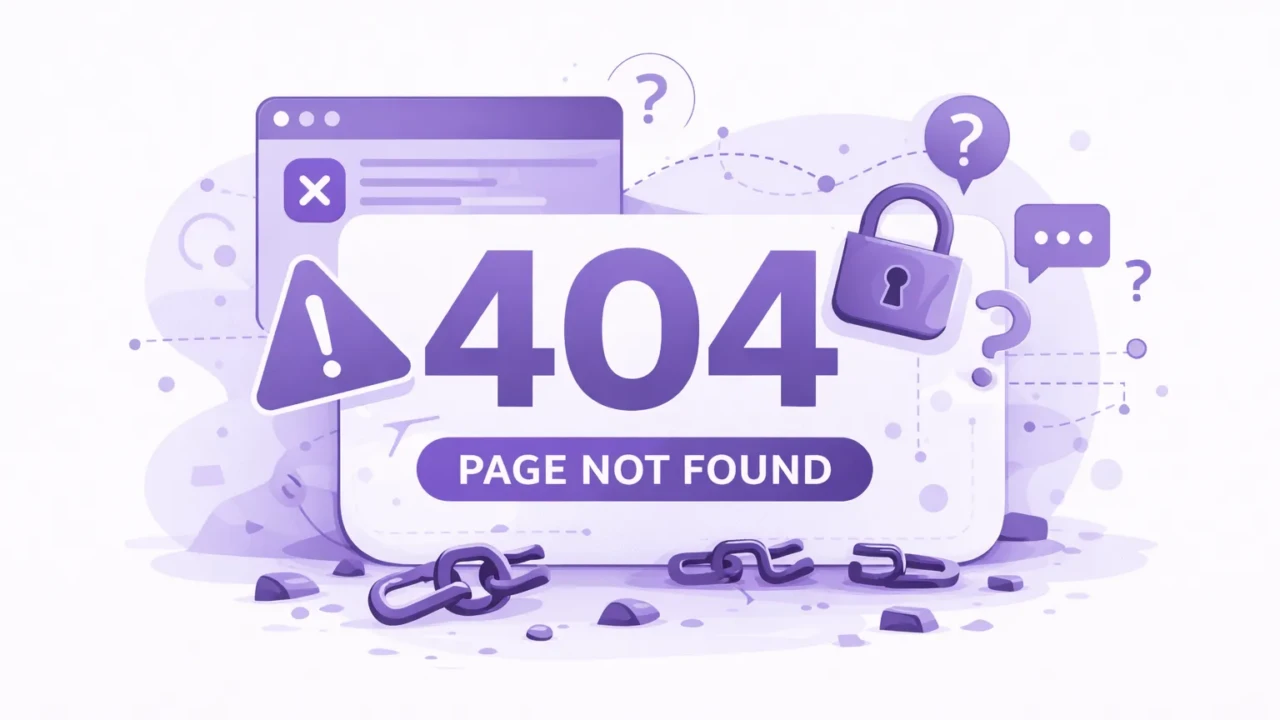
404s (broken pages) are a common part of the web, but they’re not great experiences. This quick guide covers what you need to know about 404 errors, how they affect SEO, and how to monitor them.
What is a 404?
A 404 error indicates that the requested webpage or resource could not be found on the server. It usually means the page is broken or no longer exists.
404 is a standard HTTP status code indicating the server could not locate the requested resource. The error message is often displayed as “404 Not Found” or “HTTP 404 Error”.
Why Do 404 Errors Occur?
Understanding why these errors pop up can be quite useful. Here are a few common reasons:
- Page Removal: The content was there once, but it’s gone now.
- URL Change: The page exists, but its web address changed without proper redirection.
- Broken Links: A link that points to a non-existent page.
- Site Restructuring: The entire website was revamped, and some old pages didn’t make the cut.
- Typing Errors: Maybe you just typed it wrong? Happens to the best of us.
Importance of Addressing 404s
Reducing them can result in strong increases elsewhere:
- User Experience: Constantly seeing these errors can frustrate users and cause them to leave your site.
- SEO Implications: Search engines like Google notice these errors and may devalue your site if they perceive it as unmaintained.
- Lost Conversions: A user encountering an error could mean a lost conversion opportunity, like a sale or a client lead.
Are All 404s Bad?
Contrary to popular belief, 404s are not universally negative. Here’s a breakdown:
- Purposeful 404s: Sometimes, 404 pages are intentional. For instance, if a page is outdated or has been deliberately removed, a 404 is expected. Constantly redirecting pages doesn’t offer much benefit, as search engines can usually tell when the new page isn’t relevant to the old one.
- User Experience (UX): It’s true, stumbling upon a 404 can be a jolt for users. However, a well-crafted 404 page that provides guidance or redirection can mitigate user frustration by offering alternative paths within your site.
- SEO Implications: Occasional broken pages typically don’t hurt your site’s search engine rankings. However, a significant increase in errors can be a red flag for search engines, implying site maintenance issues.
In short, while 404s aren’t ideal, they’re not always catastrophic. Their negative impact can be substantially reduced with proactive management and thoughtful design.
How to Avoid 404s
Here are some basic tips for avoiding broken pages:
- Keep your website up to date: Ensure all pages and resources are kept up to date and not deleted or moved without proper redirection.
- Use permanent redirects: If you must move a page or resource, use a permanent redirect (301) to redirect visitors and search engines to the new location. This will ensure that any links or bookmarks to the old page continue to work and that search engines can update their indexes accordingly.
- Check for broken links: Regularly check broken links using tools such as Google Search Console or Screaming Frog. Then fix them once you’ve found them.
- Use clear and consistent URL structures: This will make it easier for visitors to find the pages and resources they are looking for and reduce the likelihood of 404 errors.
By following these best practices, you can reduce the likelihood of 404 errors on your website and improve the user experience for your visitors.
Top Tools to Manage Errors
Harnessing the right tools can simplify the task of finding and managing these errors:
- Ahrefs Broken Link Checker: This tool from Ahrefs does what its name suggests.
- Screaming Frog: An SEO tool that can crawl your website and spot broken links.
- Semrush: A full-suite SEO tool that can periodically crawl and report broken links on your site, making maintenance much easier.
- Moz Pro: Another SEO suite with automated crawling and broken link reporting. Among the top options for site crawls and maintenance.
- Check My Links: A Chrome extension that will crawl pages on demand and highlight broken links in red.
- Google Search Console: This free tool highlights any 404 errors Google encounters while crawling your site. While it’s not great at reporting active 404 errors, it can help you clean up indexation issues and confusion Google might have about pages it used to know about.
Bottom Line
Understanding and effectively handling 404 errors is essential for Technical SEO and a positive user experience. Use SEO tools to automatically discover broken pages and then fix them to improve your site and search experience.