No products in the cart.
How to Manage Your Client Billing Information
Overview
If you are an existing client and need to update your payment method, review invoices, or download receipts, you can do so securely through the client billing portal.
What You Can Do in the Billing Portal
Depending on your account settings, you can:
- Update your default payment method
- Add a new credit or debit card
- View current and past invoices
- Download receipts for previous payments
- Review active subscriptions and billing details
- Update billing information associated with your account
How to Access the Billing Portal
To manage your billing information, visit:
You will be asked to enter the email address associated with your account. A secure one-time login code will be sent to your email.
How to Manage Your Account Information
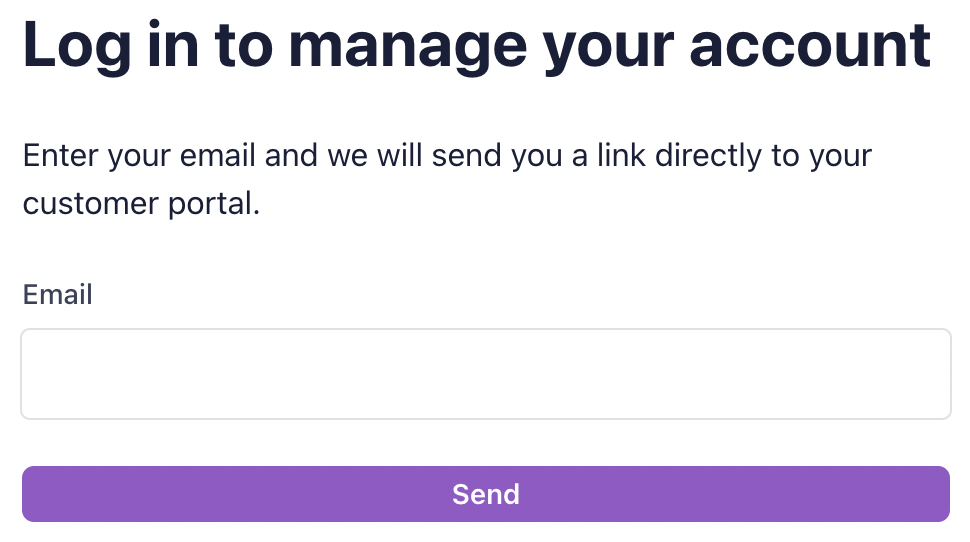
Start by opening the client billing portal and then enter your email.
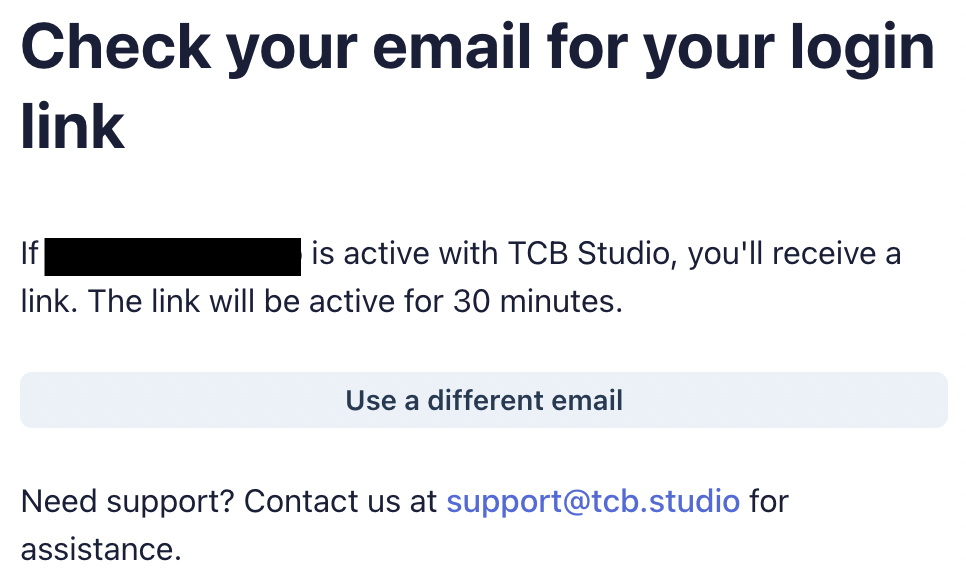
If your client account is active, you will receive an email.
Check your inbox to proceed.
You should receive an email that looks like this.
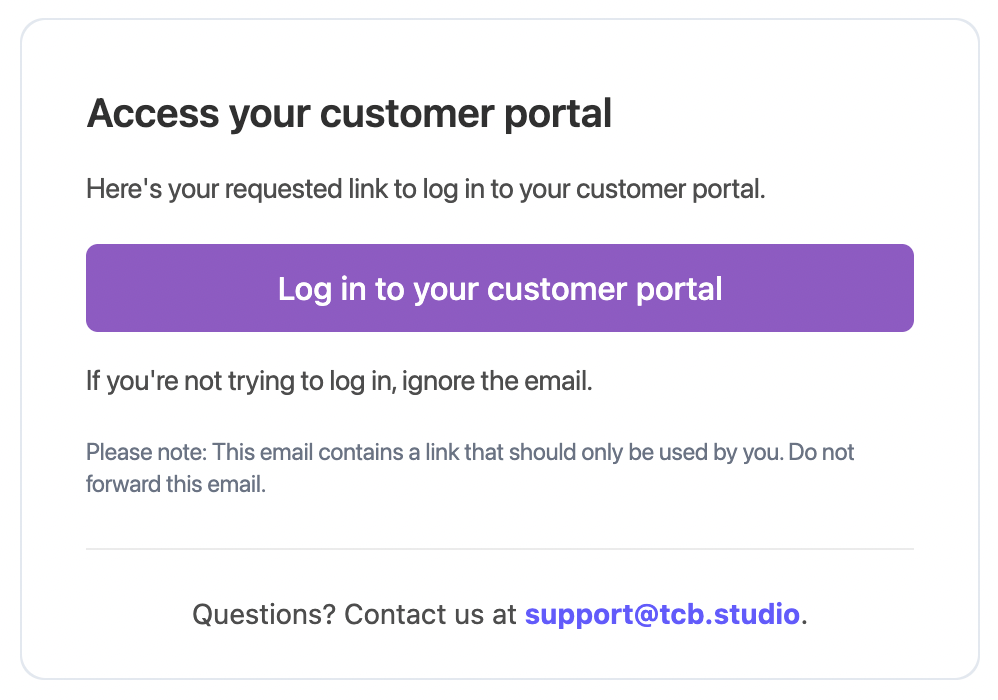
Click the button to log in.
From there, you will go to the client portal:
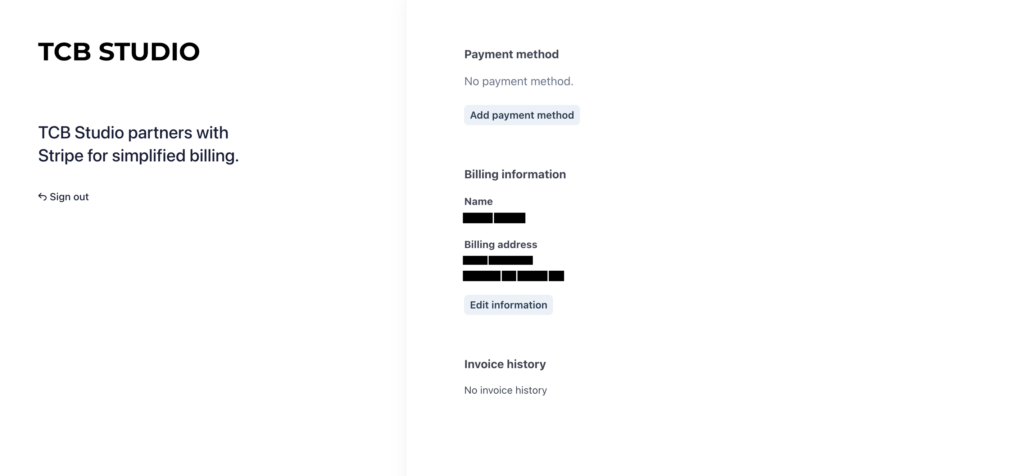
Once you’re inside the portal, you can manage your default payment method, edit billing information, and view your invoice history.