No products in the cart.
AI tools have changed how software gets built. One of the more useful examples of that is Codex by OpenAI.
I started using Codex while working on software experiments, automations, and technical website tasks. What stood out was not that it could generate code, but that it made the overall workflow of building things feel faster and more flexible.
This article explains what Codex is, what it does well, and how it has become such a powerful tool for developers.
What Is Codex by OpenAI?
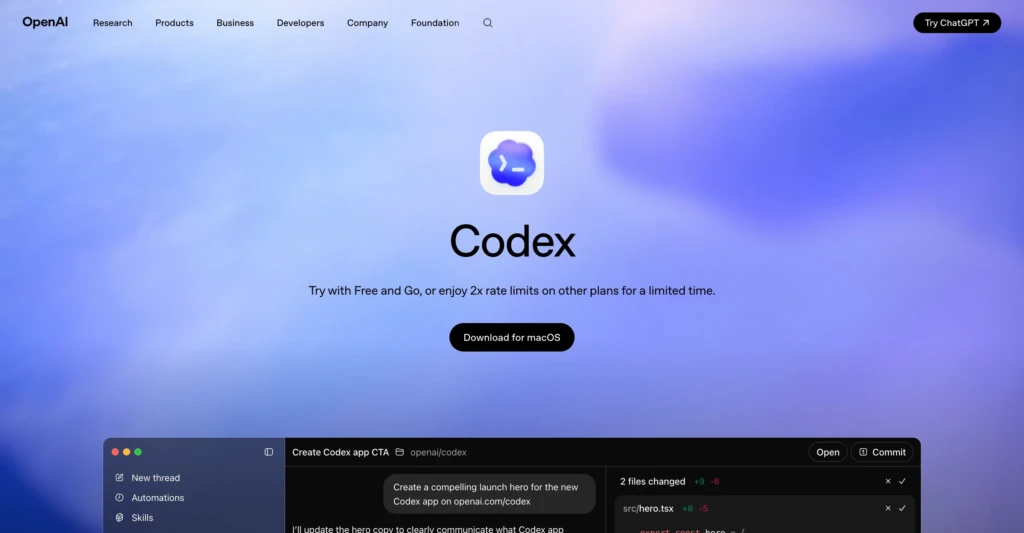
Codex is an AI model developed by OpenAI that can understand natural language and generate computer code.
In simple terms, Codex lets you describe what you want a piece of software to do, and the AI generates the code to build it.
It was trained on a large dataset that includes both natural language and publicly available programming code. This training allows Codex to understand how developers structure software and solve programming problems.
Here is an overview video of Codex from OpenAI’s YouTube channel:
The app can be used for many programming purposes, supporting nearly any popular programming language and framework.
For example, a developer might prompt Codex to:
- “Create a function that converts a CSV file into JSON.”
- “Build a simple REST API endpoint in Node.js.”
- “Write a Python script that renames image files in a folder.”
Codex can then generate working code based on that description. Many modern AI coding assistants are built on similar concepts.
How Codex Works
At a high level, Codex combines natural language understanding with programming knowledge. This allows it to perform tasks such as:
- Generating new code
- Completing partially written code
- Explaining existing code
- Translating code between programming languages
- Suggesting improvements or bug fixes
Because it understands both instructions and code structure, Codex behaves like a collaborative programming assistant rather than simply a code generator.
Codex vs ChatGPT
People might wonder what the differences are between Codex and ChatGPT, since both are OpenAI technologies that can generate code from natural language. However, they were originally designed for slightly different purposes.
The easiest way to think about the difference is this:
- ChatGPT is a general conversational AI.
- Codex is specialized for programming tasks.
The distinction becomes clearer when comparing their design goals:
| Feature | Codex | ChatGPT |
|---|---|---|
| Primary purpose | Writing and understanding code | General conversation and reasoning |
| Training focus | Programming repositories and code datasets | Broad text datasets |
| Best use cases | Software development, automation, scripting | Writing, research, explanations |
| Interaction style | Developer-oriented prompts | Conversational dialogue |
In practice, modern AI tools blur these lines. But the basic distinction still holds: ChatGPT is broad and conversational, while Codex is focused on programming.
Why Codex Matters for Developers
In practice, it allows developers to move faster because the AI can generate an initial solution.
Instead of spending hours searching documentation or writing boilerplate code, developers can work at a higher level of abstraction.
Here are a few ways Codex improves the development process.
Faster Prototyping
Developers can quickly test ideas by asking the model to generate working code.
For example, a developer might prompt Codex to:
- Create a basic API server
- Generate database queries
- Build a simple web interface
- Write automation scripts
Instead of starting from a blank file, Codex generates a starting point that can be refined.
This makes prototyping dramatically faster.
Learning and Code Explanation
Another major benefit is education.
Developers can paste existing code and ask the AI to explain it.
For example:
- Explaining unfamiliar codebases
- Understanding open-source projects
- Learning new programming languages
- Debugging complex functions
This makes Codex valuable not just to experienced engineers but also to people learning to program.
Parallel Development Workflows
Another major advantage of Codex is its support for parallel development workflows.
Traditional development often forces you to work on one task at a time. You start a change, wait for results, review the output, and then move on to the next step. That process can slow down experimentation and make it harder to keep momentum across multiple projects.
For example, a developer might have Codex working on several tasks in parallel:
- Generating changes for one part of a codebase.
- Reviewing another section of a project.
- Preparing a refactor for a different feature.
- Experimenting with a small automation script.
While the AI works through those tasks, the developer can switch to another project or start another request. This changes the rhythm of development. Instead of waiting for each step to finish before moving on, developers can keep multiple streams of work progressing simultaneously.
For people managing multiple projects or experiments, this kind of parallel workflow can significantly increase overall productivity.
How I Use Codex in Real Projects
Most explanations of Codex focus on the technical side of AI code generation. What makes the tool powerful in practice is how it changes the workflow of building things.
In my own projects, Codex has become one of the main ways I prototype and manage development work. I use it for things like internal tools, small automations, and experimental software ideas.
Instead of thinking of it as a chatbot that writes code, it works better to think of it as a development assistant that can manage multiple tasks at once.
For example, I might be working on several things at the same time:
- Improving a website feature
- Experimenting with a small automation script
- Adjusting a tool I built for internal use
- Testing a new software idea
With Codex, those can all run in separate threads or project contexts. While the AI is working through a codebase or generating changes for one project, I can switch to another.
Running multiple AI-driven tasks can become mentally exhausting if you try to juggle too many things at once. The tool can accelerate development, but you still need to manage your own attention and priorities. Used thoughtfully, though, it becomes an extremely efficient way to move projects forward.
Automations and Background Tasks
One feature that makes Codex particularly useful is the ability to run development-related automations. Here’s a video from OpenAI’s channel that covers this feature in detail:
So, instead of only writing code interactively, Codex can also handle tasks like:
- Reviewing sections of a codebase
- Suggesting refactors
- Generating commit messages
- Updating documentation
- Preparing structured code changes
For example, I sometimes ask Codex to review a section of a codebase while I work on another feature.
Working With Version Control
Another area where Codex helps significantly is version control.
Anyone who has worked with Git knows that managing commits, changes, and tracking updates can become tedious.
Codex can assist with:
- Writing commit messages
- Summarizing code changes
- Organizing modifications across files
- Preparing structured commits
In practice, this often means the AI automatically writes commit messages that summarize what changed. It may sound like a small detail, but over time, it reduces a surprising amount of friction.
Integrating With Other Development Tools
Codex can manage large parts of a project while also integrating well with traditional development tools.
For example, I often move between Codex and standard editors such as Visual Studio Code.
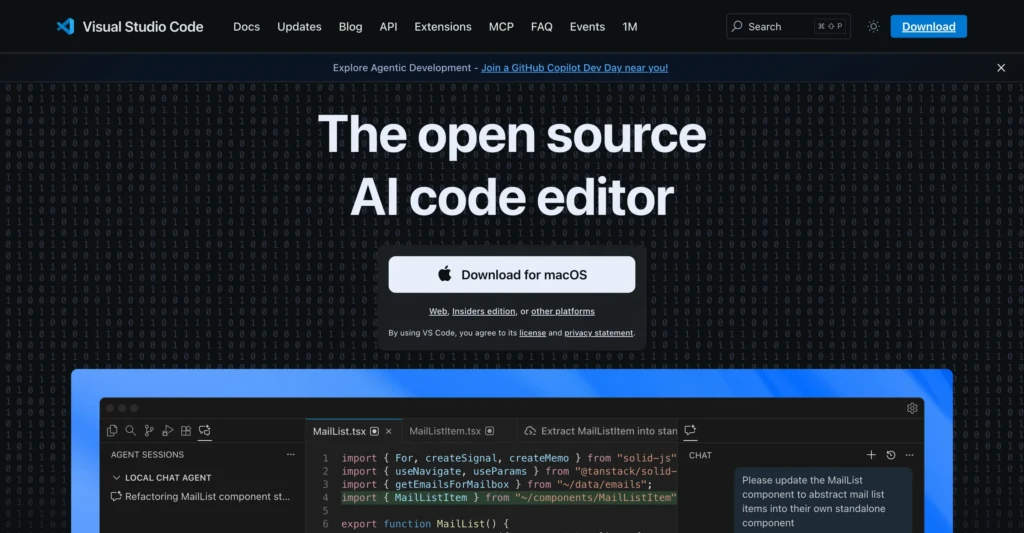
The workflow might look like this:
- Use Codex to generate or refactor code.
- Open the changes in VS Code.
- Review and adjust the implementation.
- Commit the final version.
Codex accelerates early-stage development, while the editor remains the place for precise control and debugging.
Why I Prefer Codex Over Other AI Coding Tools
There are many AI-powered code editors and development assistants available right now. Some are built directly into IDEs. Some are more chat-based. Some are better for autocomplete, while others are better for broad project work.
For whatever reason, Codex has become my preferred way to work on code-heavy projects.
Part of that is the interface and the workflow’s overall feel. Part is that it handles multiple threads and project contexts well. I can have one stream of work happening in one area, switch to another, and keep momentum going without feeling like I have to collapse everything into a single session.
It also does a good job of handling the surrounding work that comes with development.
That support layer matters more than people think. Good development is not just about writing code. It is also about managing changes, keeping work traceable, and reducing friction in the boring parts.
I also like that it does not trap me into one environment. If I want to review or finish something in a development environment, I can move over there. If I want to use the integrated terminal, I can. If I want the AI to help do the heavy lifting and then take over manually, that workflow works. That flexibility is one of the main reasons I keep coming back to it.
When Codex Is Useful for Small Businesses
For most small businesses, Codex won’t be used daily. Most business owners aren’t working in a codebase, and they don’t need to be.
Where it becomes useful is when someone on the business side needs to make technical changes that are too specific for a drag-and-drop builder, but too small or too annoying to justify a full custom development process every time.
That is where I think Codex is strongest.
For example, if you have a business website and need to make theme-level changes, adjust a layout, troubleshoot a technical issue, or add a custom feature that doesn’t exist out of the box, Codex can be a very practical tool. It lowers the barrier between “I know what I want to change” and “I have the code to start making that change.”
That does not mean it replaces technical judgment. It means it helps close the gap between an idea and a workable implementation.
So if you are a consultant, a technically curious founder, a solo operator, or someone maintaining your own website or digital systems, Codex can be very useful. If you are not touching anything technical at all, it is probably not the first AI tool you need.
Codex is valuable because it is a strong tool for people who are close enough to the technical side of their business to actually use it.
Applying This to Your Business
Codex is one of the clearest examples of how AI can make technical work more accessible without making it effortless.
For the right kind of user, it can speed up development, reduce friction, and make it easier to implement ideas that might otherwise stall out. That is especially true if you are building your own tools, maintaining your own website, experimenting with automations, or working at the intersection of business strategy and technical implementation.
I am less interested in treating Codex like an AI novelty and more interested in what it makes practical for project work. If a tool helps you move faster, test ideas sooner, and spend less time fighting the mechanics of development, that matters. Used well, it is a force multiplier for people who build.